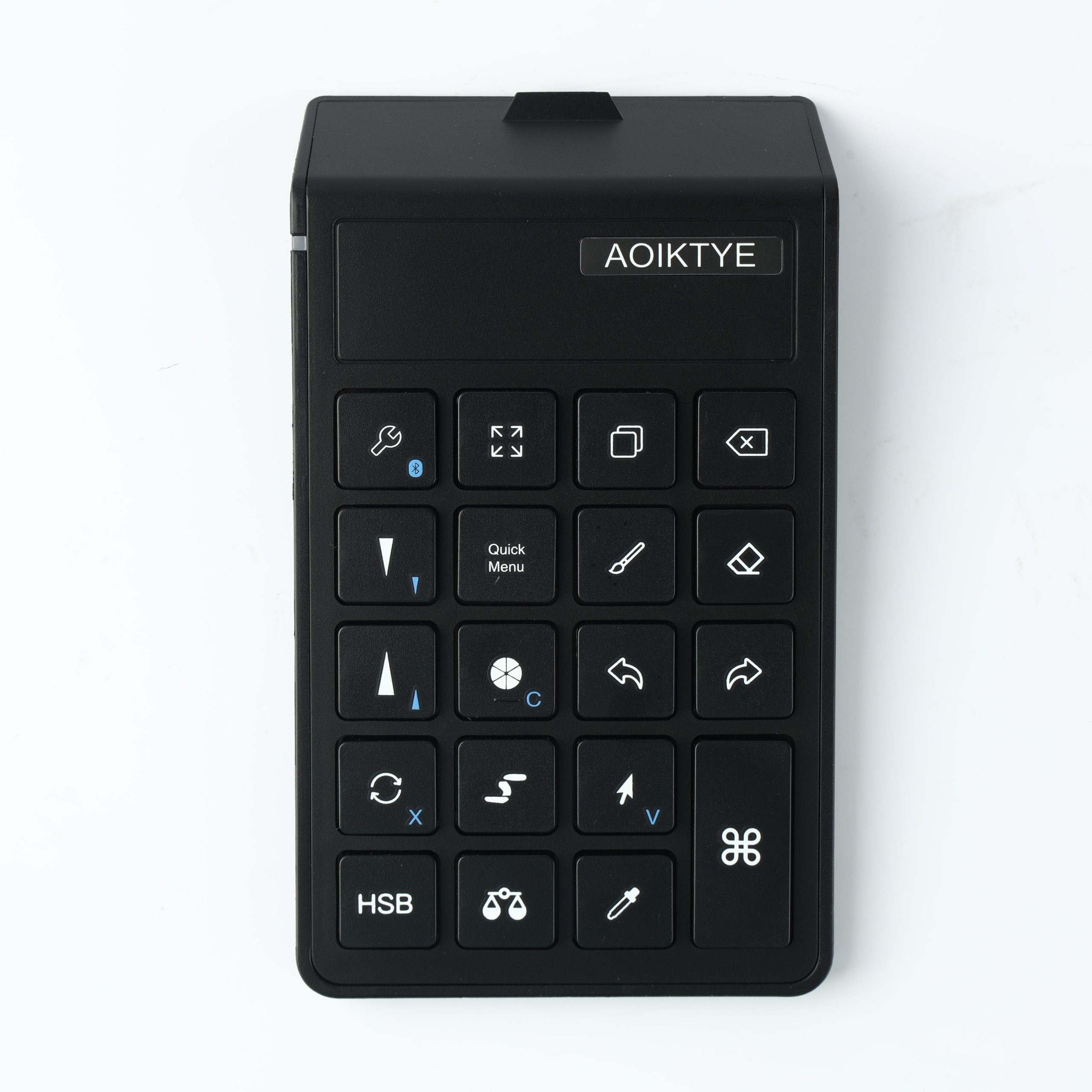
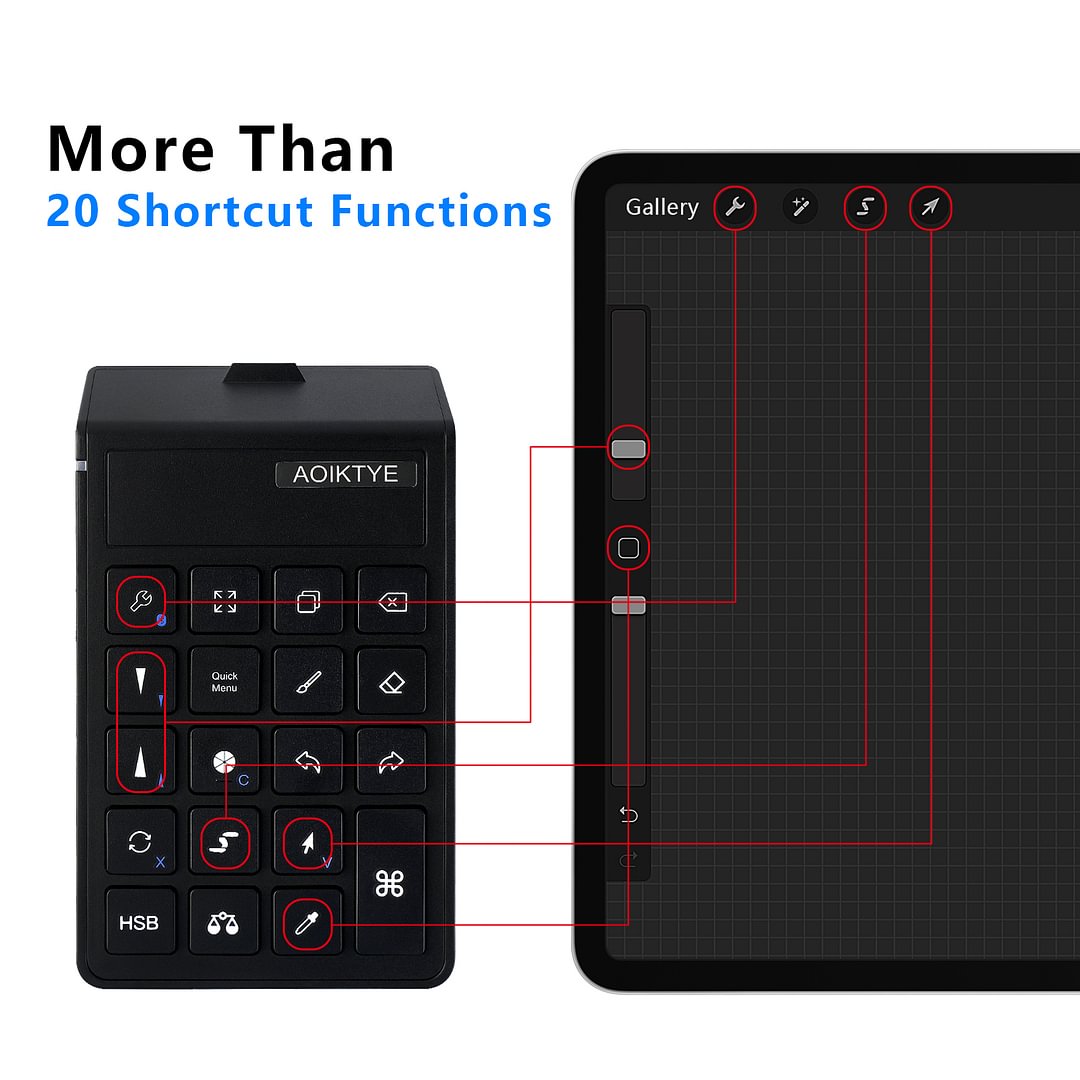
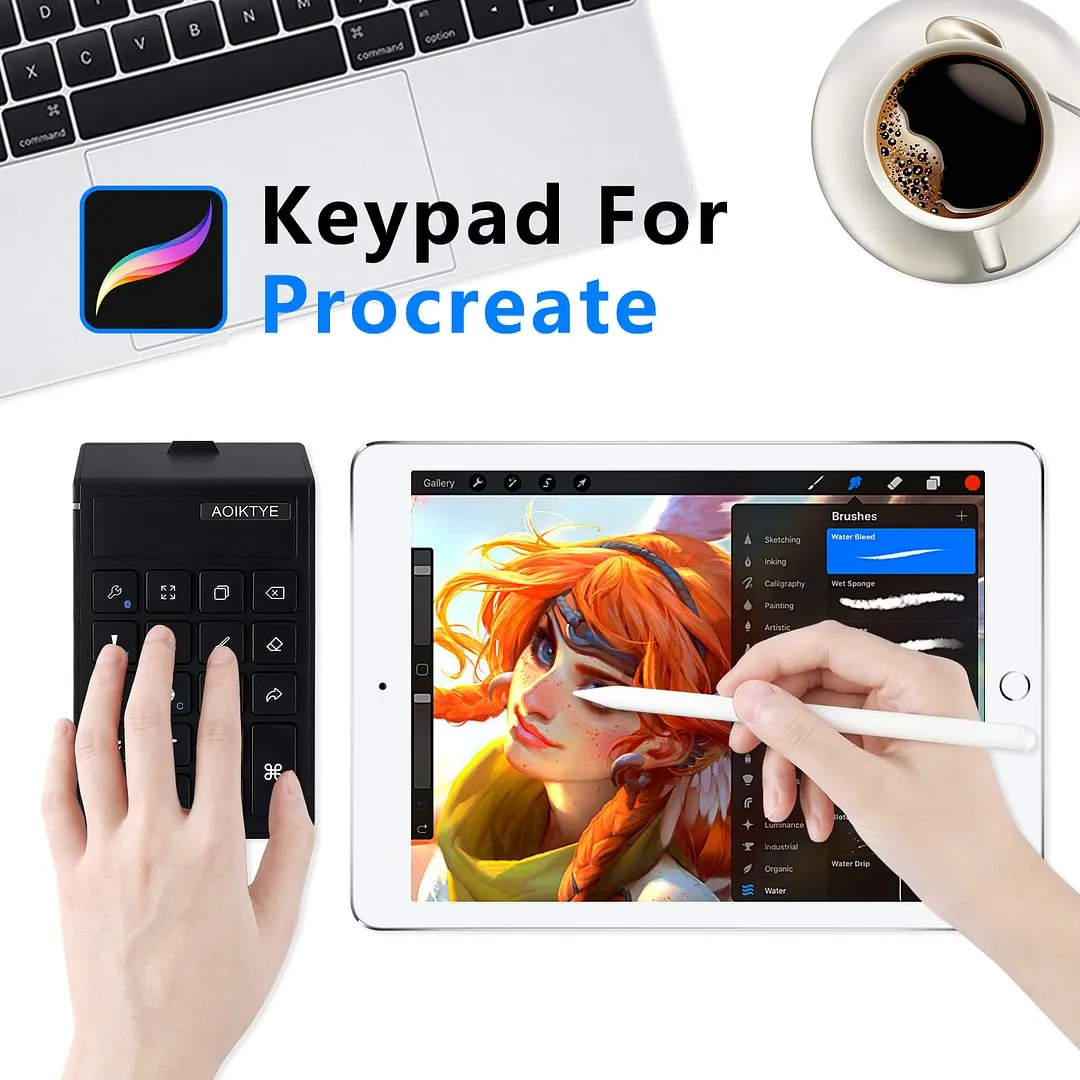
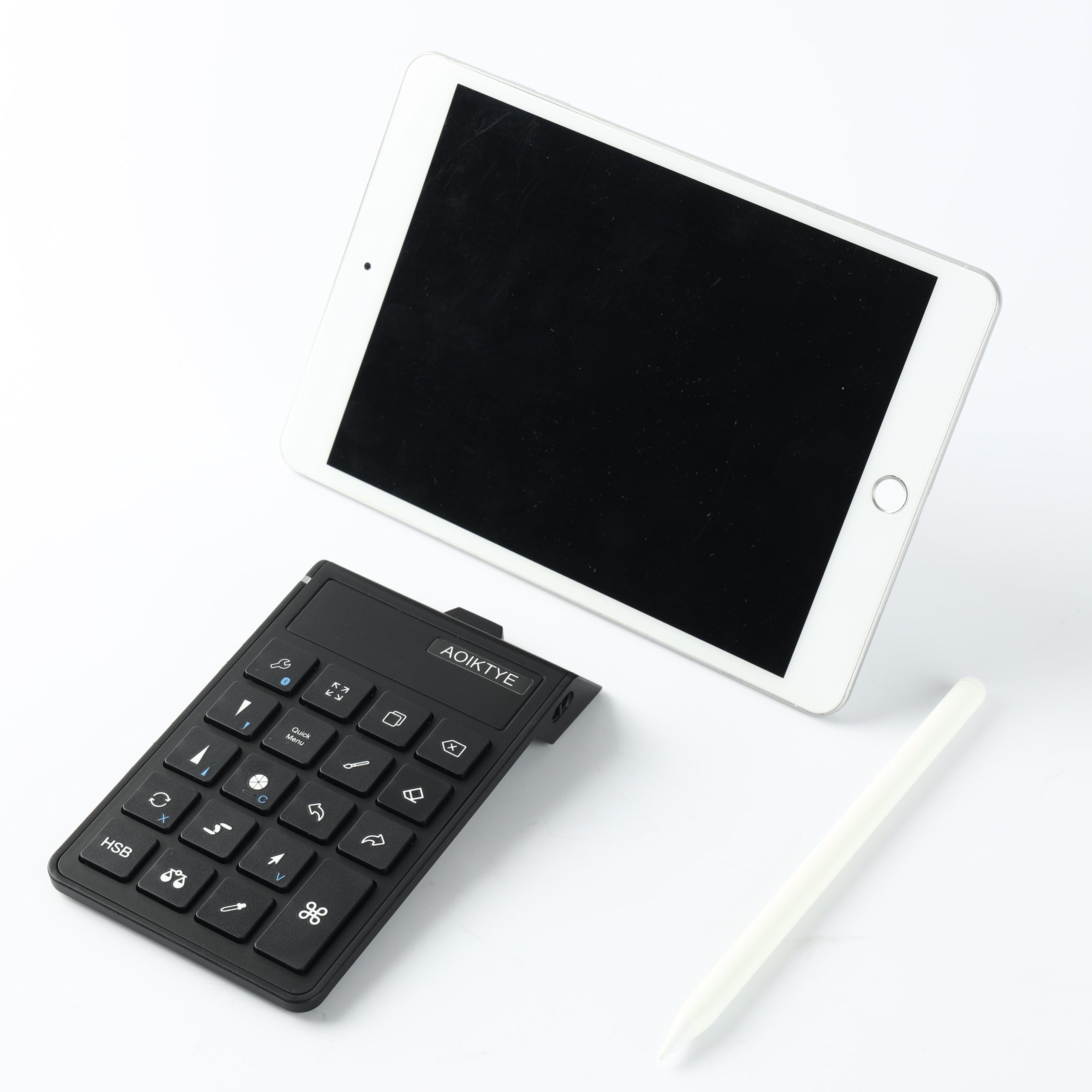
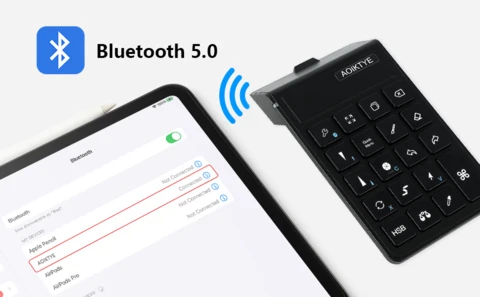
As the original creator of dedicated Procreate shortcut keyboards, AOIKTYE’s 2nd Generation wireless keyboard is engineered exclusively for digital art creation on iPad and compatible with mainstream painting software via system settings. This compact shortcut tool integrates professional painting functions and user-centric design, serving as a practical accessory for digital artists, illustrators and art enthusiasts.
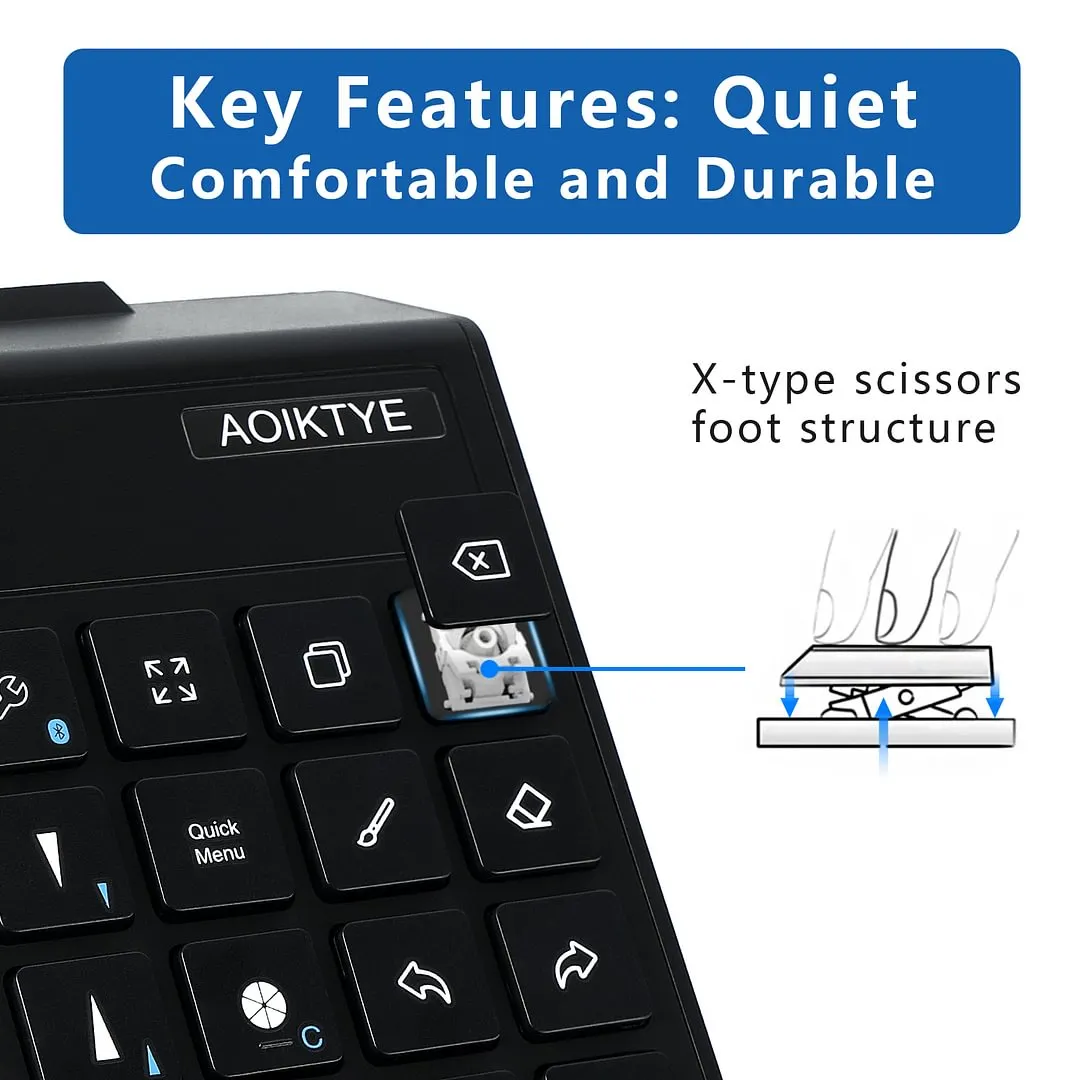
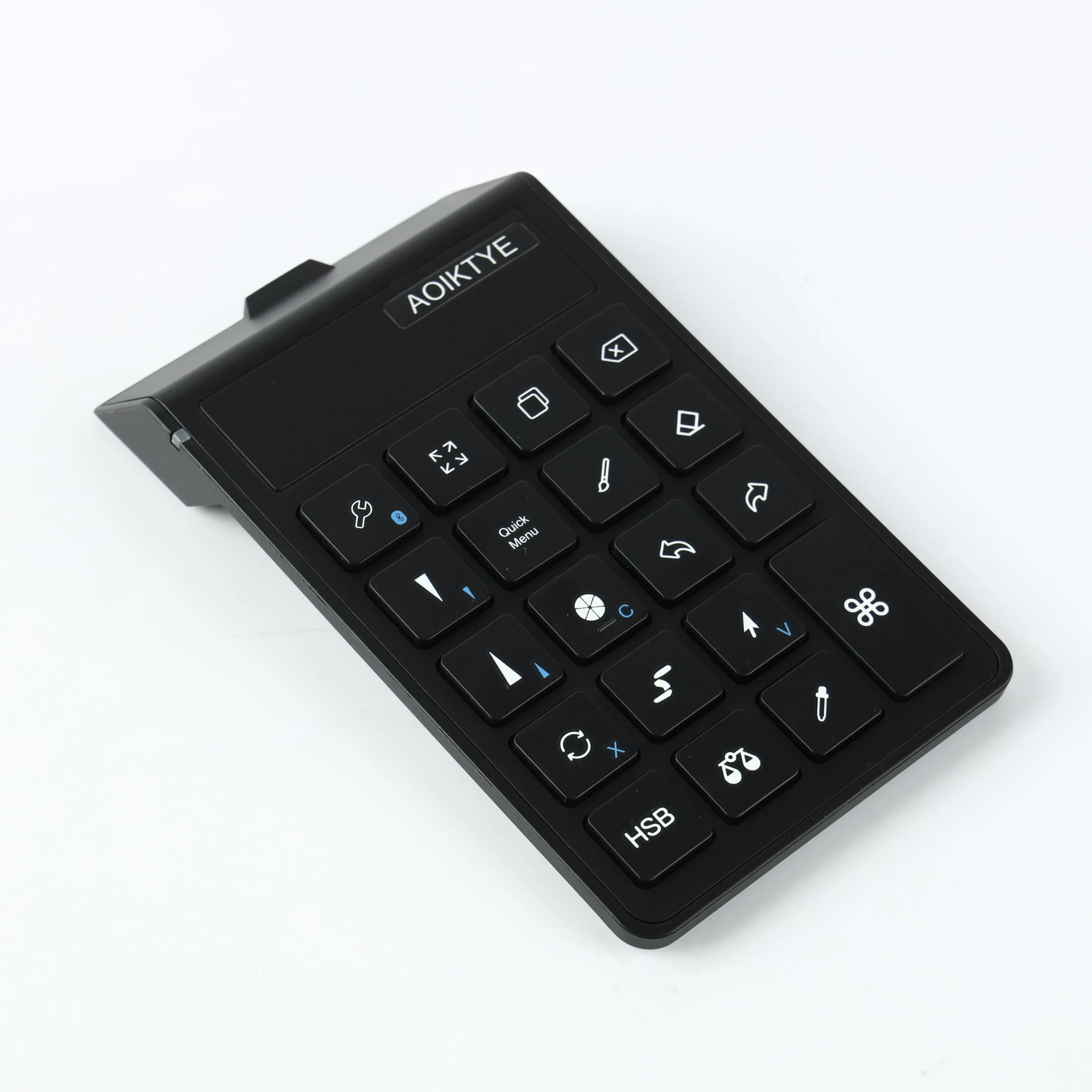
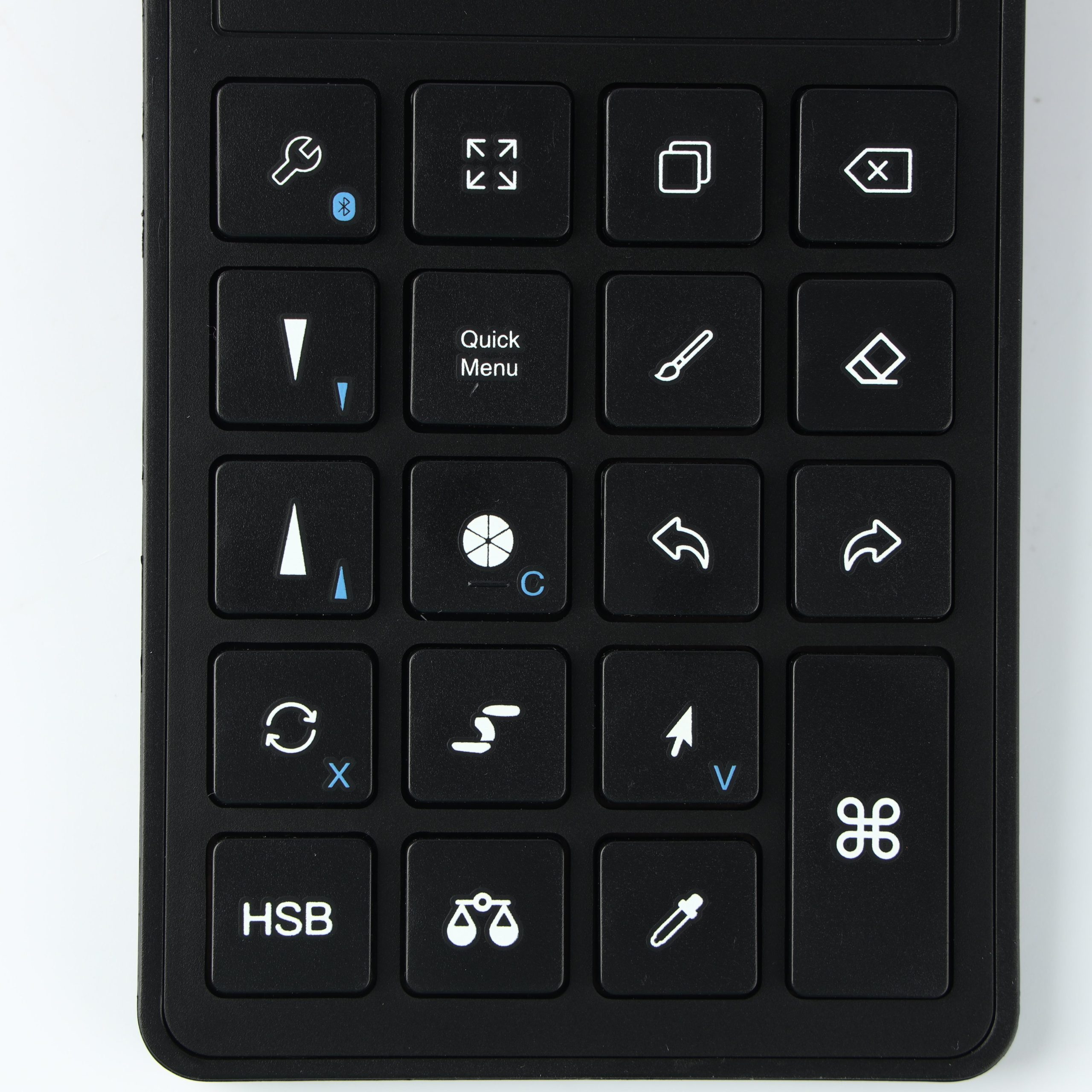
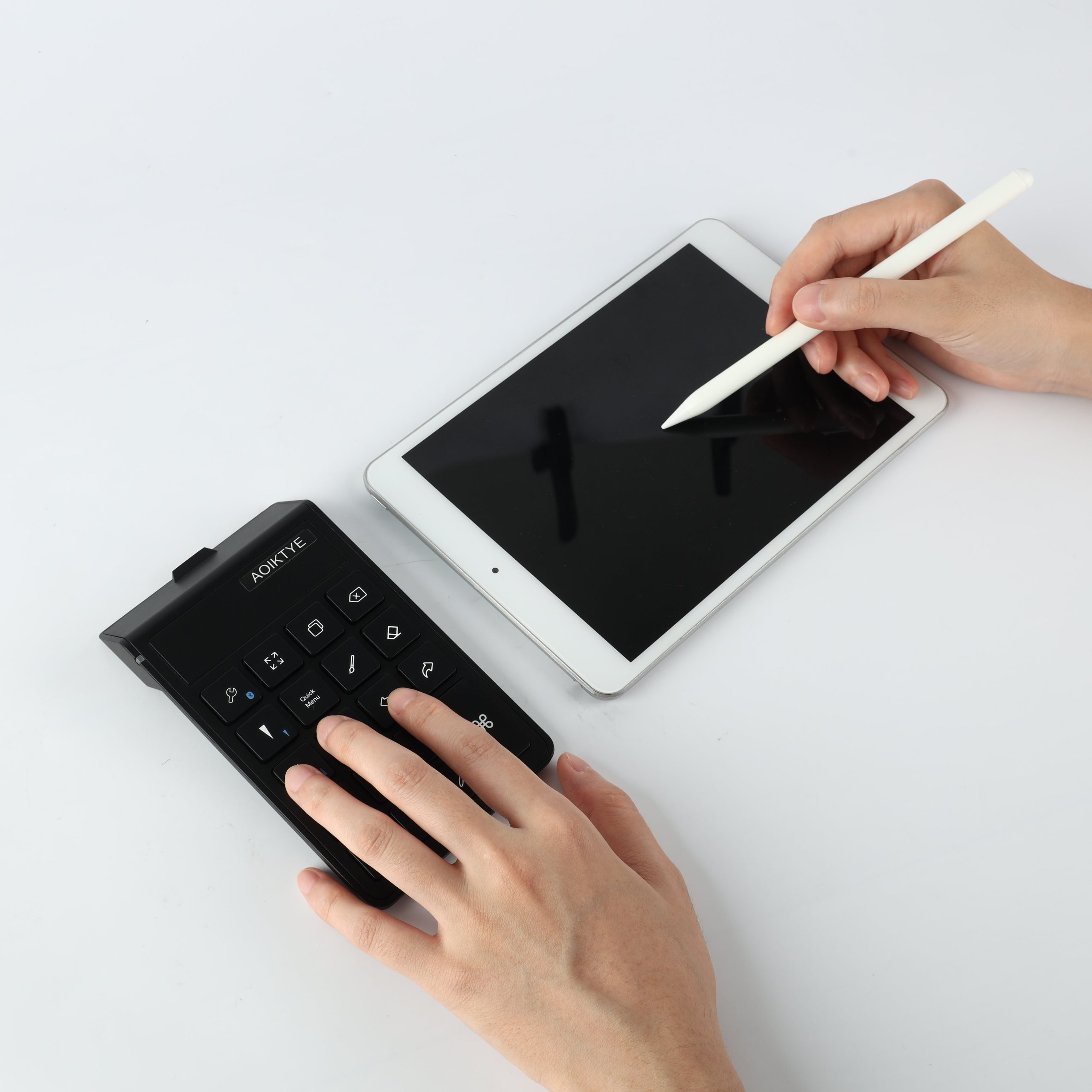
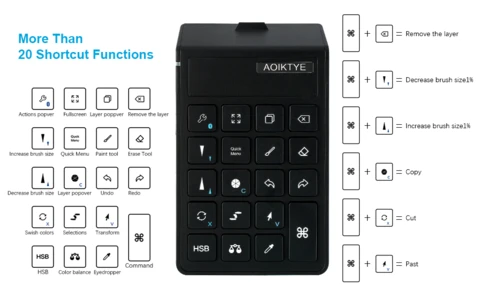
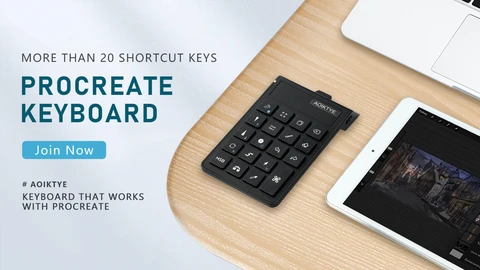
Equipped with over 20 customized Procreate shortcut keys, the keyboard covers core digital painting operations including one-touch color picking, HSB color adjustment, precise brush size control, layer deletion, undo, copy and paste. The left-hand shortcut operation matches with right-hand drawing, replacing repetitive on-screen tapping to optimize the creation process. It is adaptable to PS, SAI, CSP and other mainstream painting software through the respective software system settings, meeting the needs of multi-software creation scenarios.
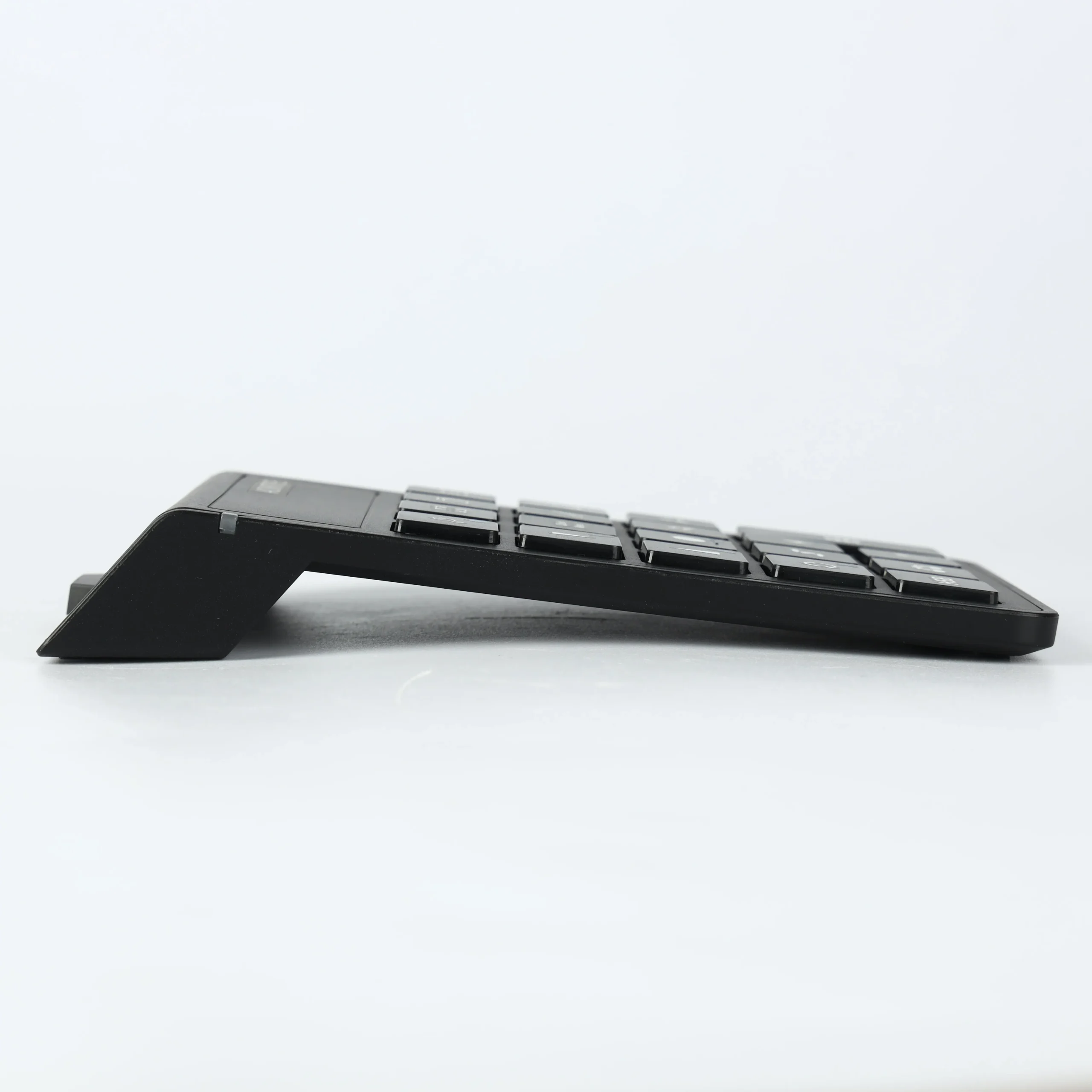
Upgraded from the first generation, this keyboard features four core optimizations for a more user-friendly painting experience. High-frequency shortcut keys are rearranged to easy-access positions, a dedicated layer deletion key is added for more comprehensive functions, the keyboard height is optimized for better ergonomics to reduce hand fatigue during long hours of use, and OTA system upgrade function is supported for subsequent function optimization.
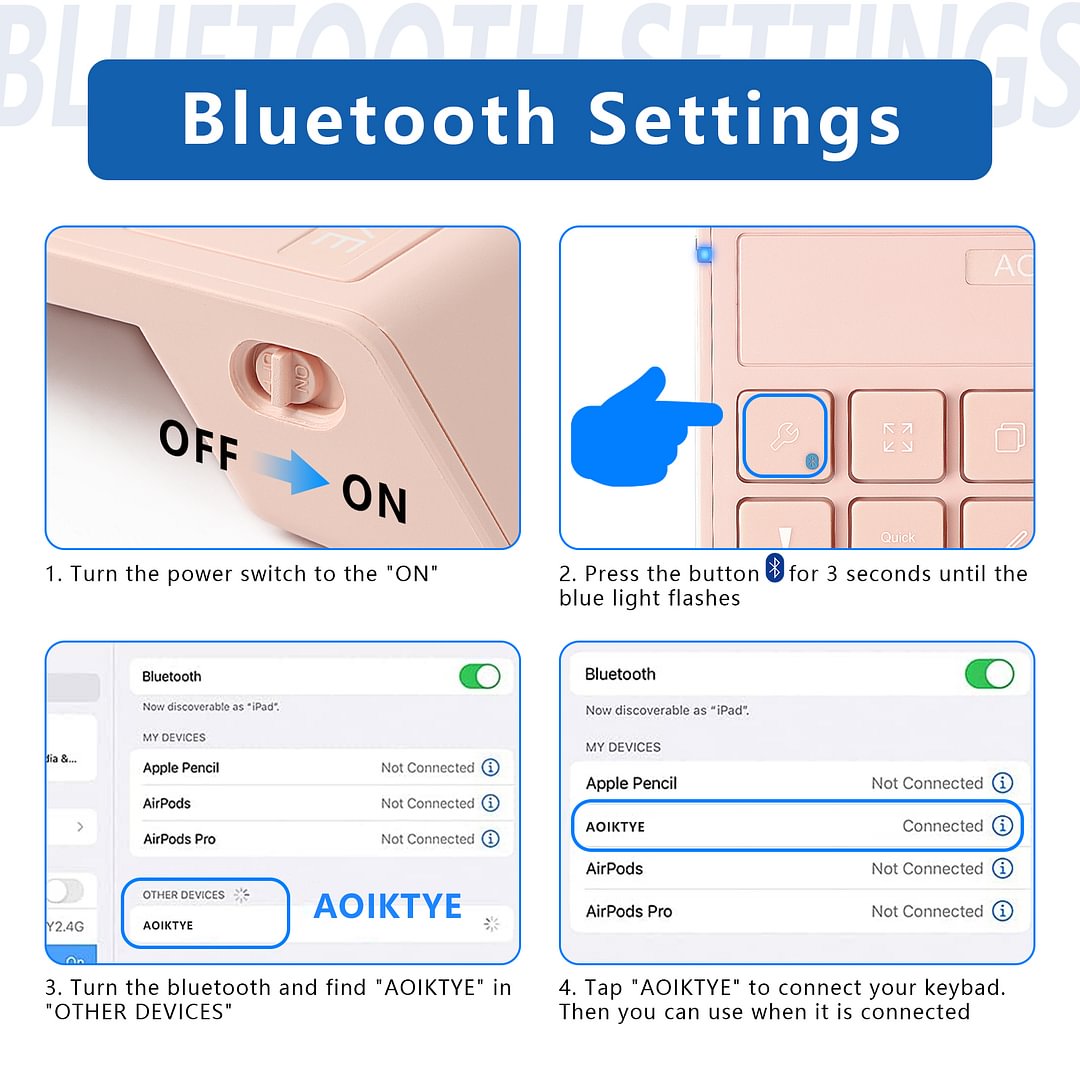
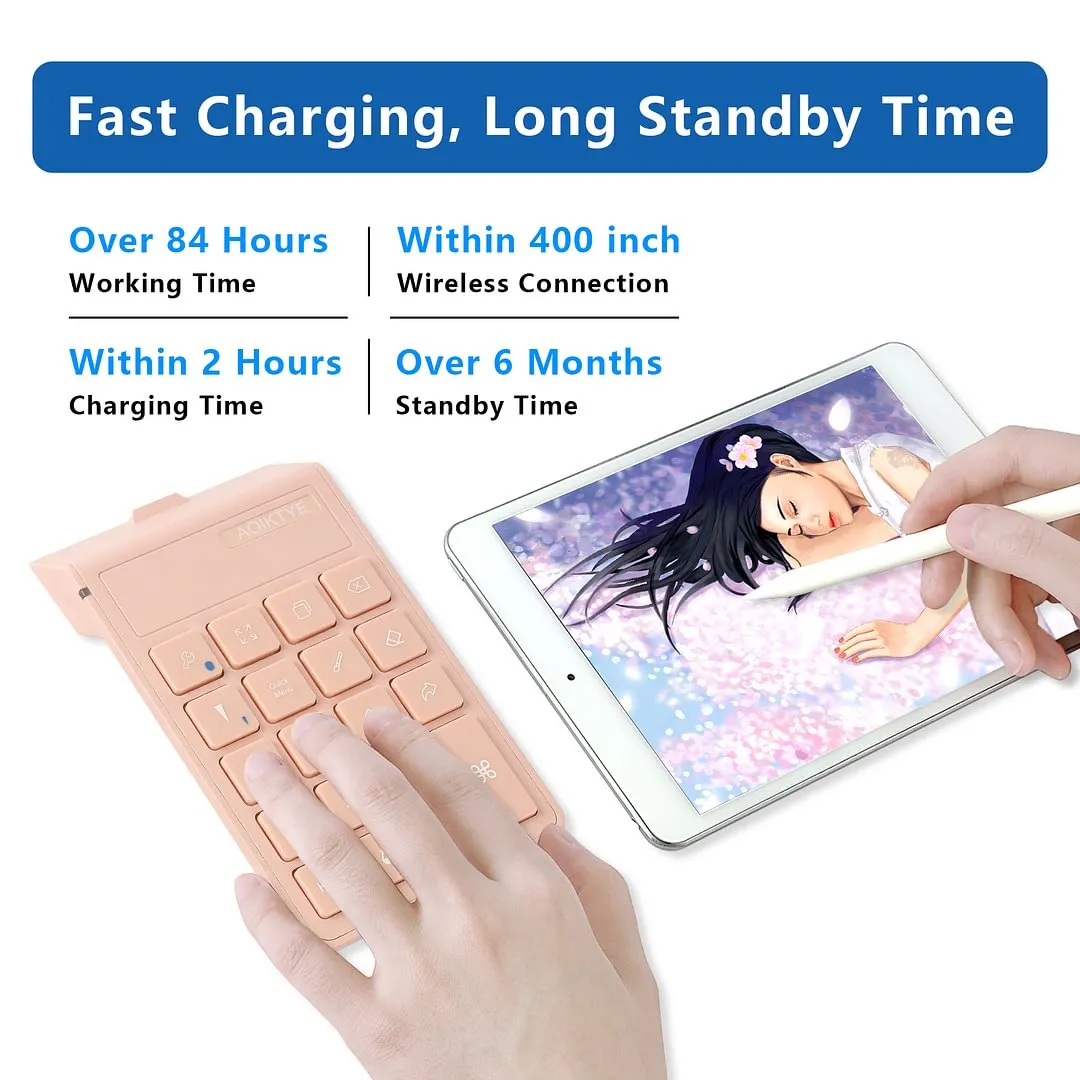
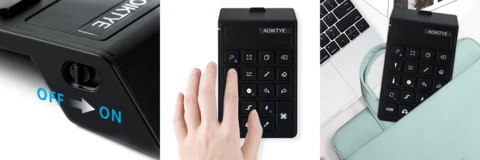
Built with a rechargeable lithium-ion battery and a Type-C charging port, the keyboard supports 2 hours of charging for over 84 hours of continuous use, with a standby time of up to 6 months. It adopts a stable wireless connection design, free from cable constraints, and the anti-slip pads at the bottom keep the keyboard fixed during use for smooth and precise key response. With a compact size of 5.76″L x 3.38″W x 0.98″H and a lightweight of 4.2 ounces, the keyboard is easy to carry and suitable for indoor creation and outdoor sketching.
With a sleek and classic appearance and practical functions, this Procreate shortcut keyboard is designed for digital painting scenarios including sketching, inking and coloring on iPad, graphics monitor and tablet. It is a professional creation accessory for digital art lovers and a thoughtful choice for gifting to artists and art students.
TIPS:
Please upgrade your iPad to IOS17 or above, the AOIKTYE keyboard will perfectly adapt to all the provided functions. If you have any questions, please contact customer service: support@aoiktye.com
1 review for AOIKTYE Wireless Shortcut Keyboard for Procreate