Students need an iPad setup that works for drawing, notes, class, travel and small desks. The best first purchases are practical, portable and easy to use.
Student setups need to do more than one job
A student may use the same iPad for Procreate, lectures, PDFs, video calls and entertainment. That means accessories should protect the device and make the screen comfortable in different places.
Best first accessories for student artists
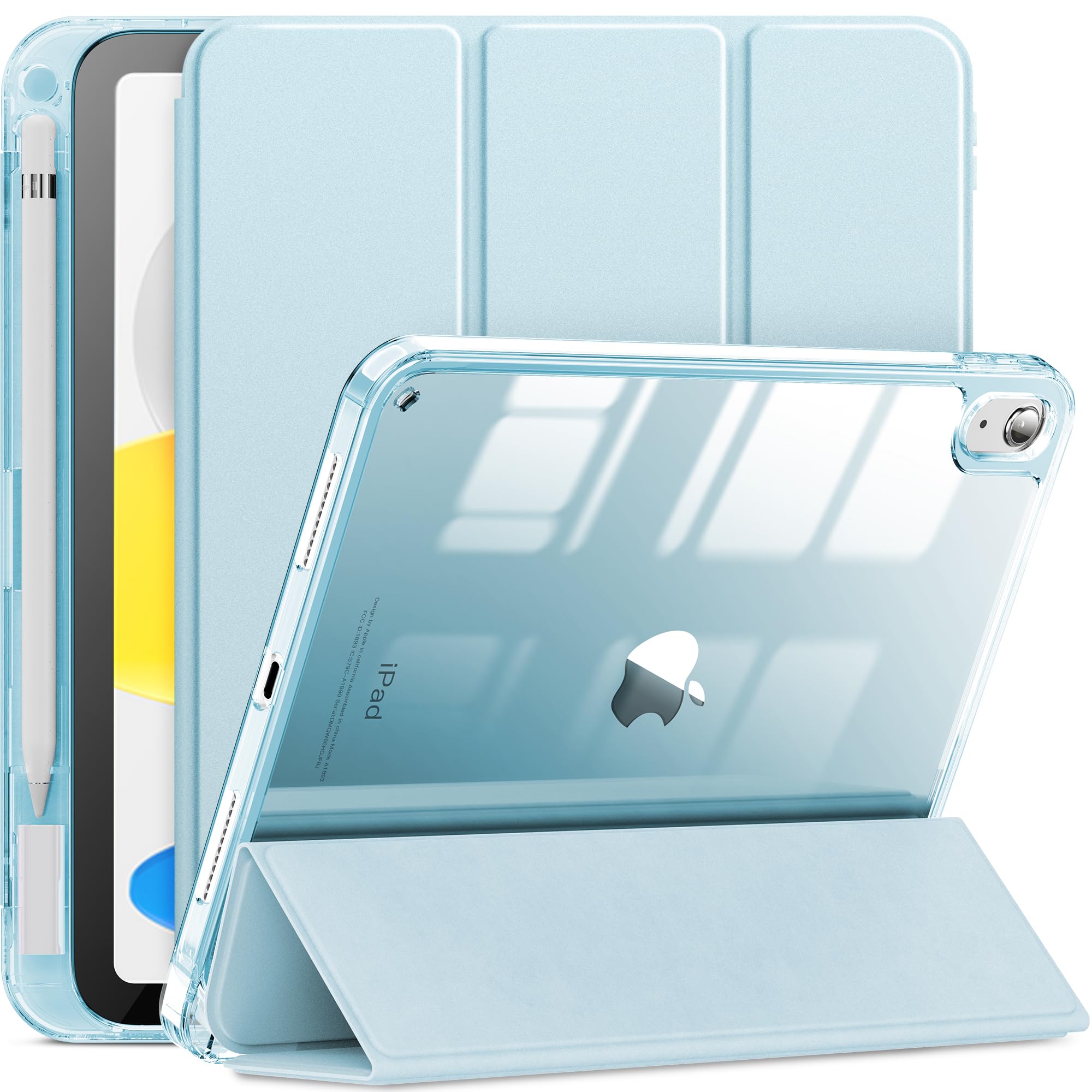
- Case with Pencil holder: Protects the iPad and keeps Apple Pencil from getting lost.
- Replacement tips: Useful for frequent note-taking and drawing.
- Compact stand: Helps with online classes, references and study sessions.
- Shortcut keyboard: A helpful upgrade once Procreate becomes part of daily work.
Recommended AOIKTYE setup
Start with essentials, then upgrade toward a more creative workflow.
- Detachable Clear iPad Case with Apple Pencil Holder – clean protection with Apple Pencil storage
- Apple Pencil Replacement Tips – replacement nibs for daily drawing and note-taking
- Magnetic Aluminum Phone and Tablet Stand – a compact stand for iPad, phone, tutorials and desk setup
- AOIKTYE Wireless Shortcut Keyboard for Procreate – left-hand shortcut control for drawing apps
Practical buying tips
- Choose lightweight accessories for backpacks.
- Check model compatibility carefully before buying a case.
- Use a stand for video classes and tutorial watching.
- Keep spare tips in your pencil case or pouch.
Quick FAQ
Should students buy a keyboard first?
Only if they already draw often or use shortcuts. A case and Pencil storage usually come first.
What setup is best for dorm rooms?
A compact stand, shortcut keyboard and clear case keep the desk flexible without taking much space.
Final thoughts
A student iPad drawing setup should be simple enough to carry and useful enough to use every day.