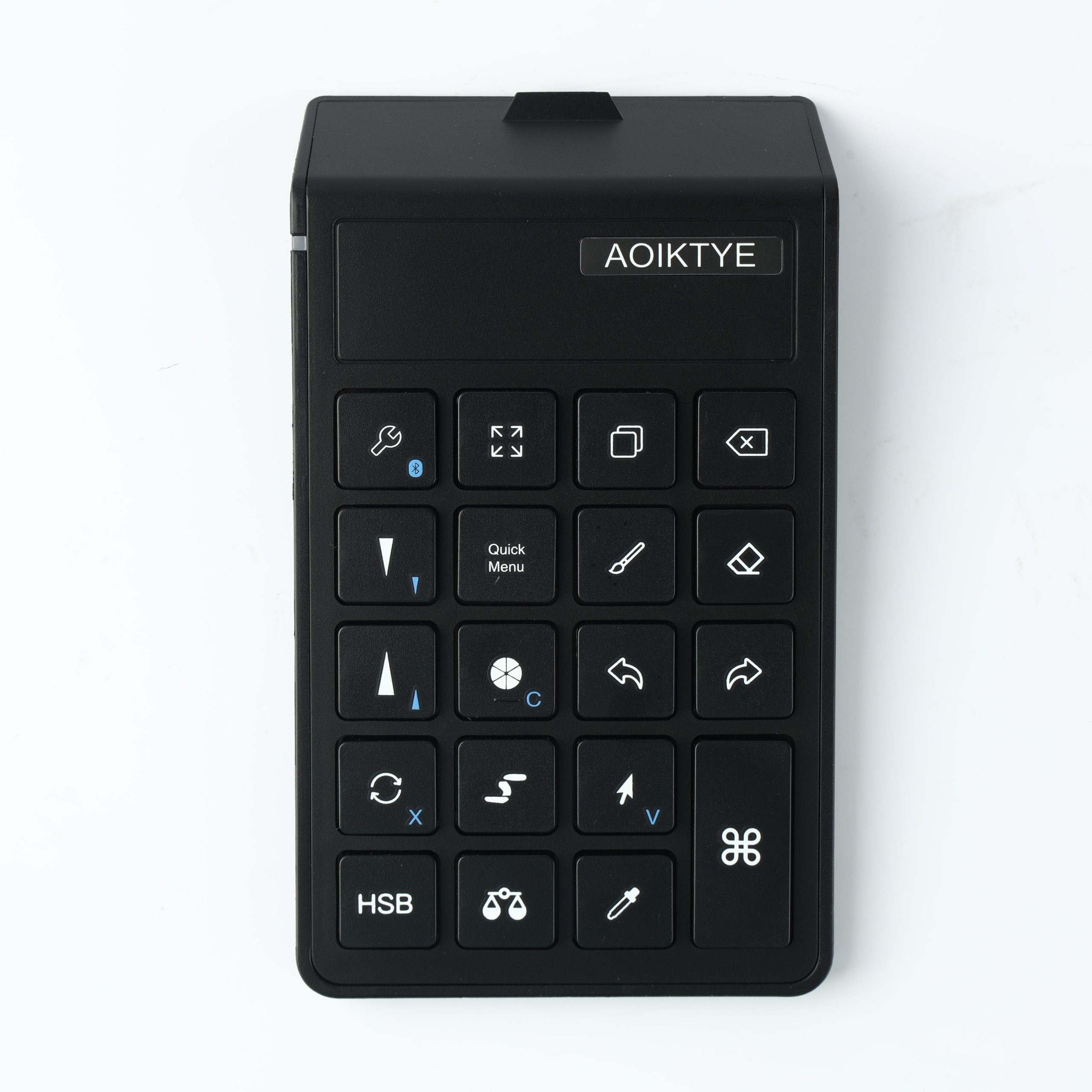
Use this checklist to build an iPad creator setup for drawing, studying, journaling, tutorials and everyday desk work.
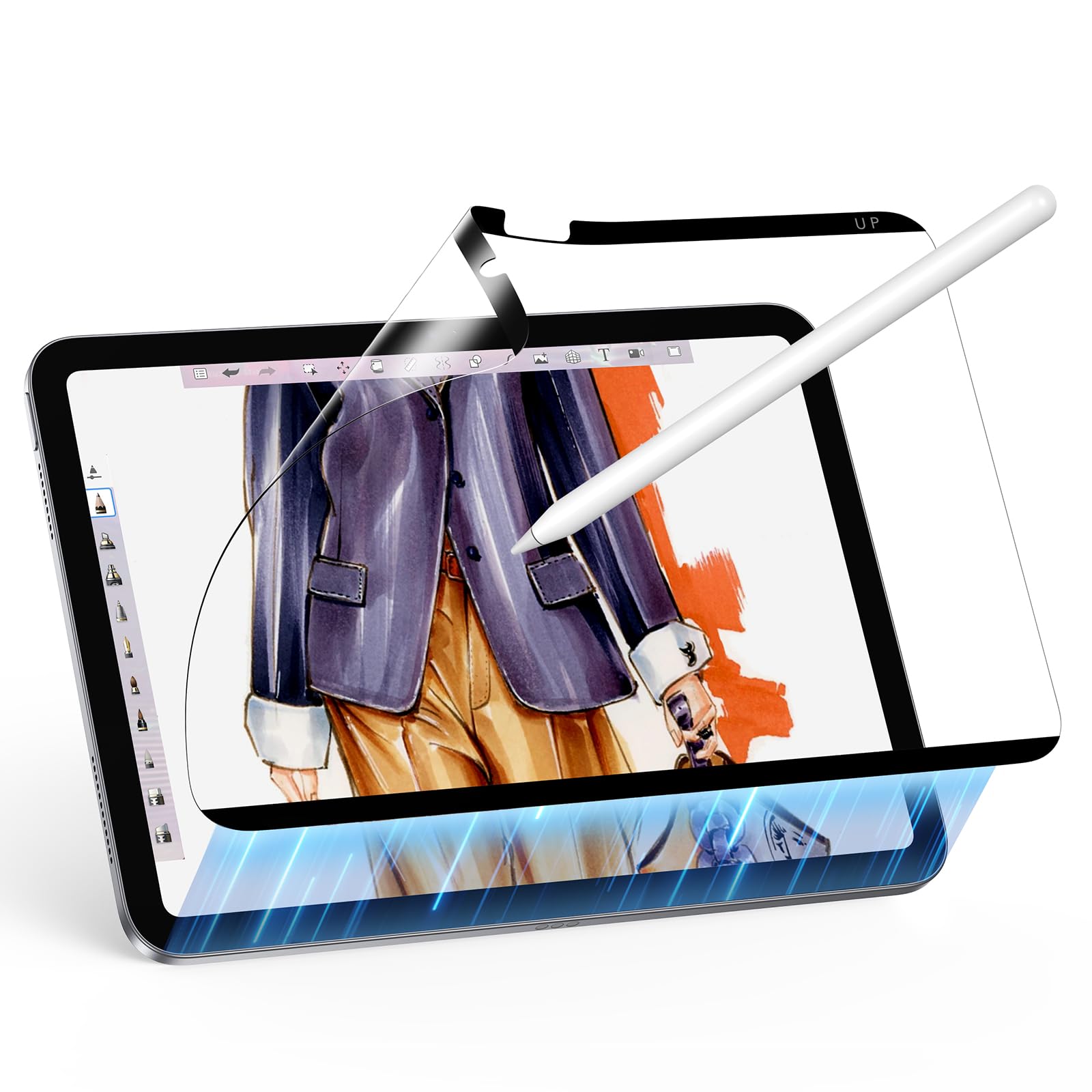
How to Make Your iPad Feel More Like a Sketchbook
An iPad will never be exactly the same as paper, but the right accessories can make sketching feel more natural and less slippery.
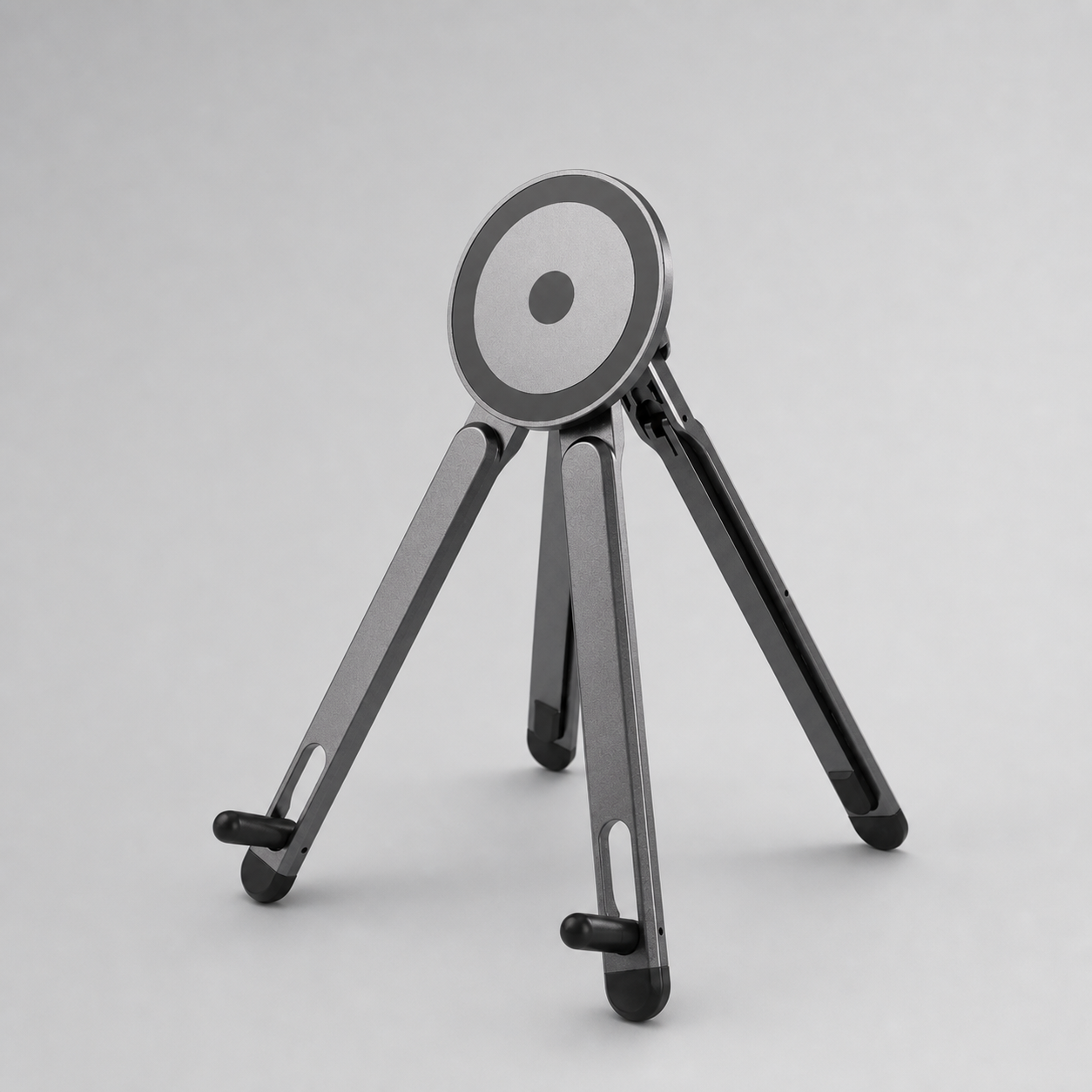
Desk Setup for Watching Art Tutorials on iPad
Watching art tutorials while drawing can be awkward if the iPad, phone and tools compete for space. A better setup separates your canvas from your reference screen.
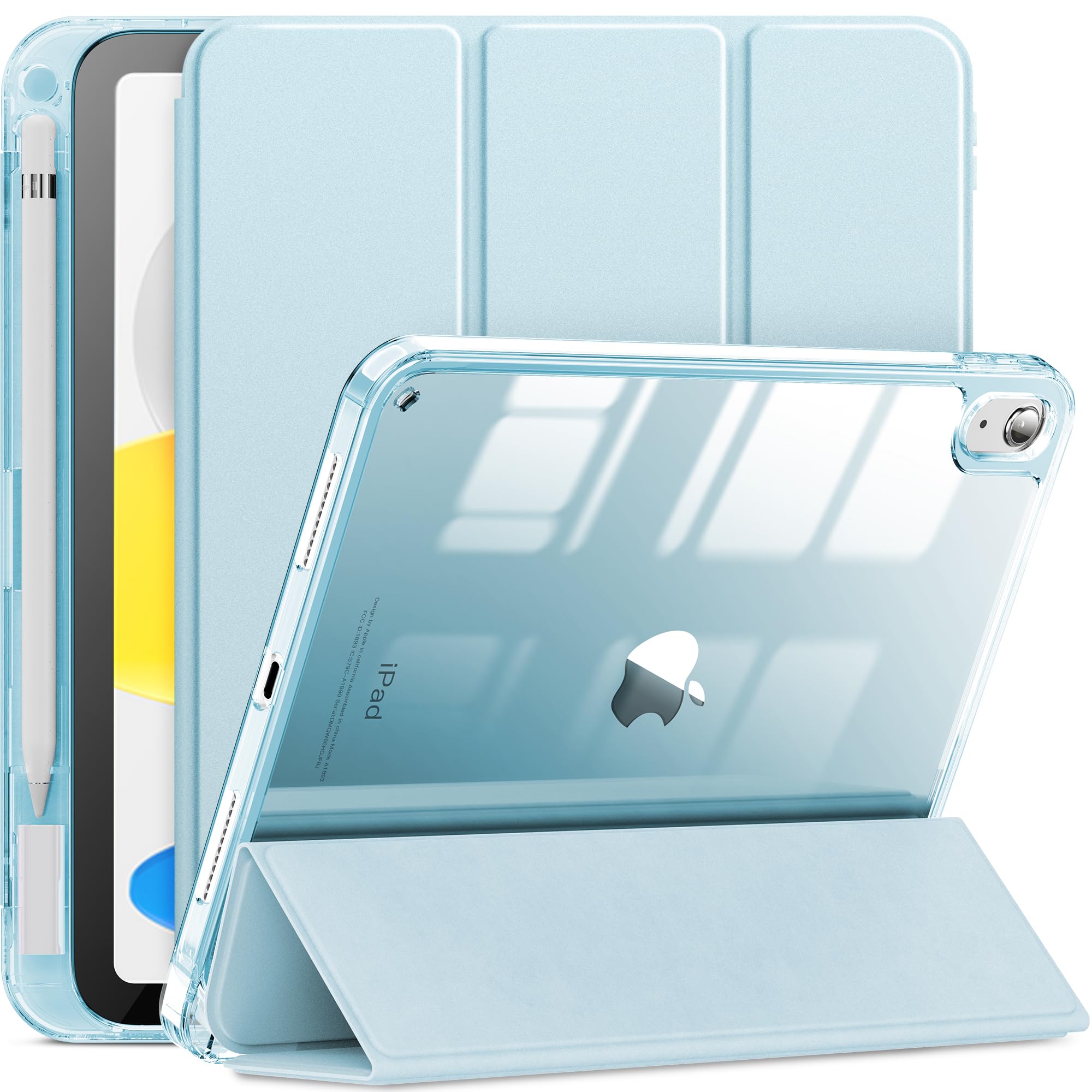
Magnetic iPad Case vs Folio Case: Which Is Better for Drawing?
Magnetic cases and folio cases can both protect an iPad, but artists should compare them by drawing angle, weight and Apple Pencil access.
iPad Accessories for Digital Journaling and Notes
Digital journaling and note-taking need a slightly different iPad setup than illustration, but the best accessories still focus on comfort, storage and control.
Procreate Workflow: Why Left-Hand Controls Matter
Many Procreate artists draw with one hand and control shortcuts with the other. This left-hand workflow can make drawing feel more like a desktop illustration setup.
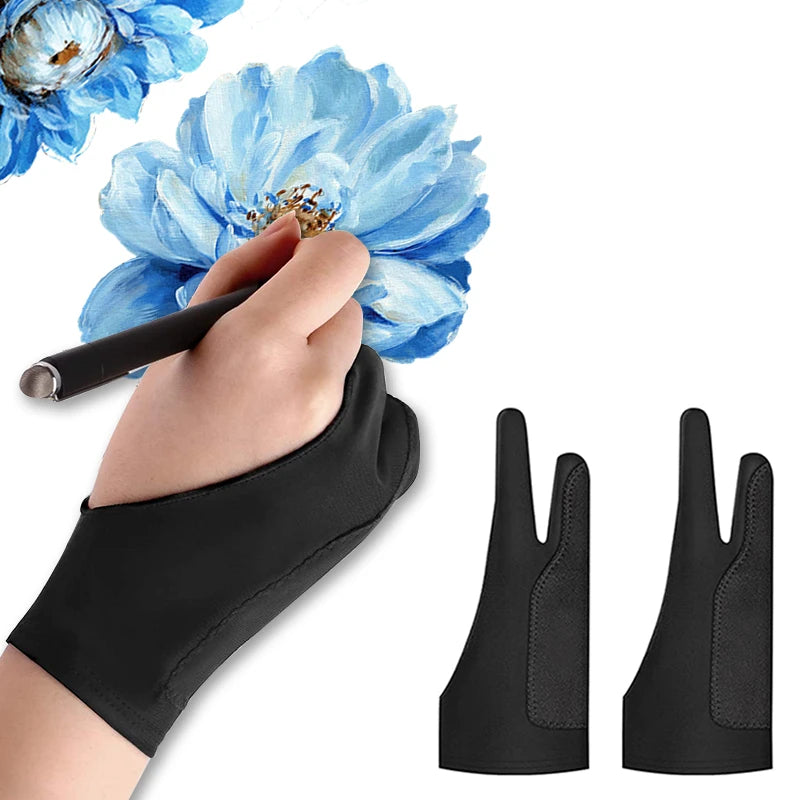
How to Reduce Hand Fatigue When Drawing on iPad
Hand fatigue can make iPad drawing less enjoyable. The fix is usually a combination of better angle, smoother hand movement and fewer repeated gestures.
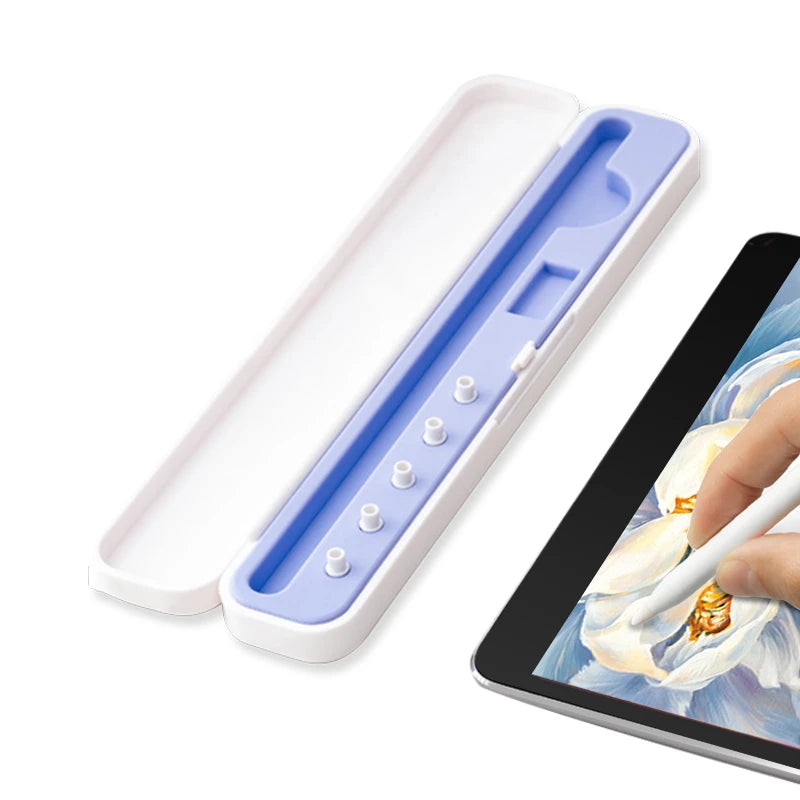
Portable iPad Art Kit for Travel, Class and Cafes
A portable iPad art kit should be light, protective and ready to use in small spaces like classrooms, cafes and travel desks.
How to Choose an iPad Case with Apple Pencil Holder
An iPad case with an Apple Pencil holder is one of the most useful accessories for artists, students and note-takers.
iPad Drawing Setup for Students: What to Buy First
Students need an iPad setup that works for drawing, notes, class, travel and small desks. The best first purchases are practical, portable and easy to use.