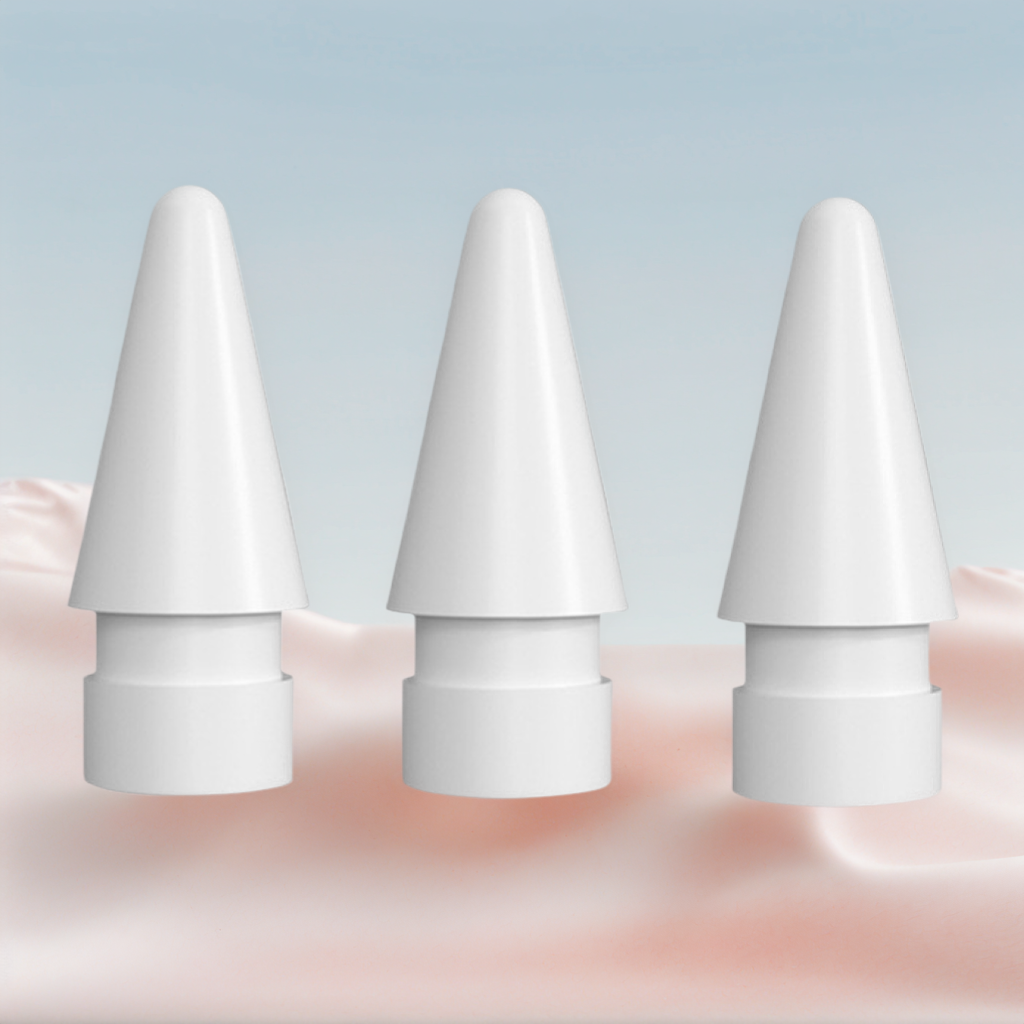
Apple Pencil tips are small, but they affect how your lines feel. If your strokes feel slippery, scratchy or inconsistent, the tip may be part of the problem.
Why Apple Pencil tips wear down
Every drawing session creates friction between the Pencil tip and the screen. Paper-feel screen protectors add more texture, which many artists like, but that surface can also wear tips faster than smooth glass.
Signs it may be time for new tips
- Uneven contact: Lines feel inconsistent even when pressure is steady.
- Visible flattening: The tip no longer looks rounded.
- Scratchy movement: The Pencil feels rough or noisy on the screen.
- Reduced control: Small details become harder to draw accurately.
Recommended AOIKTYE setup
Replacement tips work best as part of a complete drawing comfort setup.
- Apple Pencil Replacement Tips – replacement nibs for daily drawing and note-taking
- Paper-Feel Magnetic Screen Protector – a paper-like surface for better Apple Pencil control
- Palm Rejection Artist Gloves – a simple way to reduce friction while drawing
- Detachable Clear iPad Case with Apple Pencil Holder – clean protection with Apple Pencil storage
Practical buying tips
- Keep spare tips in your desk or travel pouch.
- Replace tips before the inner hard material touches the screen.
- If you use a textured protector, check tip wear more often.
- Try different tip materials only after confirming they are safe for your screen setup.
Quick FAQ
Do paper-feel protectors wear Pencil tips faster?
They can, because the textured surface creates more friction than smooth glass.
Can beginners use replacement tips?
Yes. Keeping spare tips is a simple habit for anyone who draws or writes often.
Final thoughts
Fresh Pencil tips help your strokes feel predictable. For artists, that small detail can make sketching and coloring feel much more controlled.