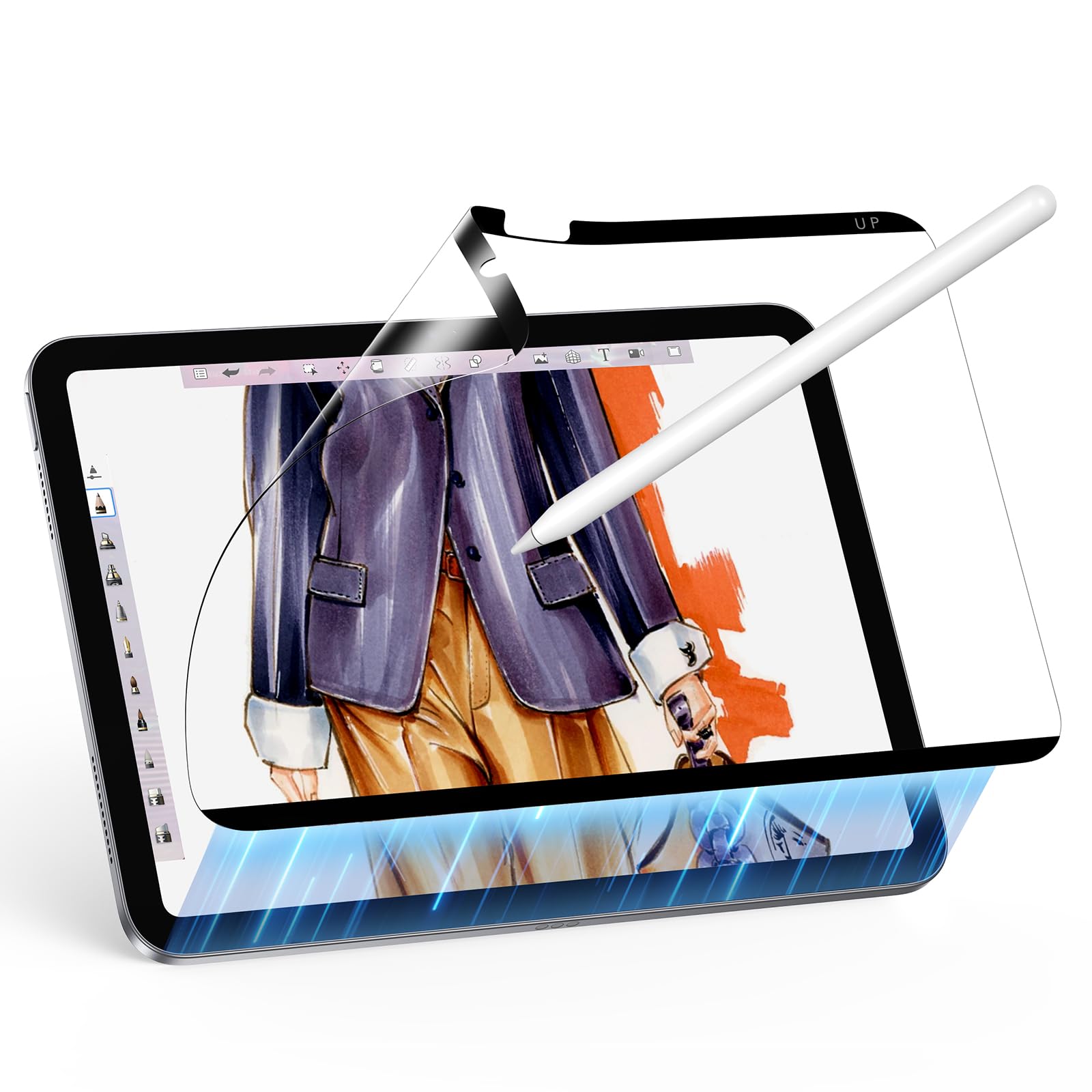
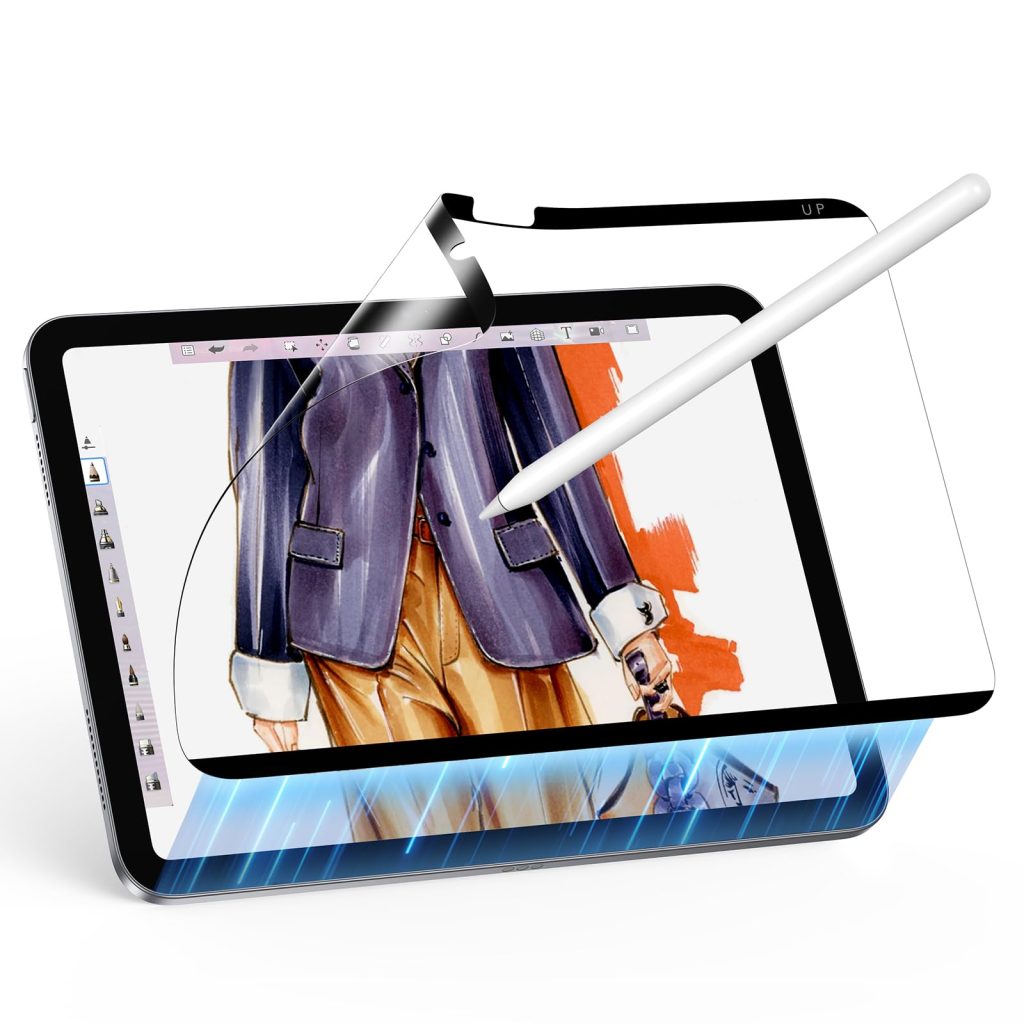
A paper-feel screen protector changes the way Apple Pencil moves across glass. For many artists, that texture makes the iPad feel closer to a sketchbook.
Why artists dislike drawing on bare glass
Bare iPad glass is smooth, which can make strokes feel slippery. A textured screen protector adds friction, helping some artists slow down their hand and control line weight more naturally.
What a paper-feel surface can improve
- Line control: More friction can make small strokes easier to control.
- Writing feel: Note-taking can feel less slippery.
- Glare reduction: Some protectors reduce reflections during desk work.
- Confidence: Beginners may feel more comfortable sketching on a textured surface.
Recommended AOIKTYE setup
A paper-feel protector pairs naturally with Pencil tips and a stable drawing angle.
- Paper-Feel Magnetic Screen Protector – a paper-like surface for better Apple Pencil control
- Apple Pencil Replacement Tips – replacement nibs for daily drawing and note-taking
- Magnetic Aluminum Phone and Tablet Stand – a compact stand for iPad, phone, tutorials and desk setup
- AOIKTYE Wireless Shortcut Keyboard for Procreate – left-hand shortcut control for drawing apps
Practical buying tips
- Expect Pencil tips to wear a little faster on textured surfaces.
- Clean dust before applying any protector.
- Choose magnetic removable styles if you switch between drawing and media viewing.
- Pair the protector with a good case so the screen stays protected in a bag.
Quick FAQ
Will a paper-feel protector make the screen less sharp?
Some textured protectors can slightly soften the look of the screen. Many artists accept this trade-off for better drawing control.
Is it necessary for Procreate?
No, but it can make drawing feel more natural for people who dislike glass.
Final thoughts
Paper-feel protectors are not magic, but they solve a real comfort problem. If bare glass feels too slippery, texture may be the missing part of your iPad setup.