Watching art tutorials while drawing can be awkward if the iPad, phone and tools compete for space. A better setup separates your canvas from your reference screen.
Tutorials need a two-screen mindset
Many artists watch a lesson, reference image or speedpaint while drawing. If the tutorial covers the canvas or forces you to switch apps constantly, practice becomes slower.
A better tutorial desk layout
- iPad as canvas: Keep the main iPad at a comfortable drawing angle.
- Phone as reference: Use a small stand for video, music or reference images.
- Shortcut keyboard nearby: Keep controls close to avoid reaching across the screen.
- Clean cable path: Avoid cable clutter near the drawing hand.
Recommended AOIKTYE setup
This setup is simple and works in small spaces.
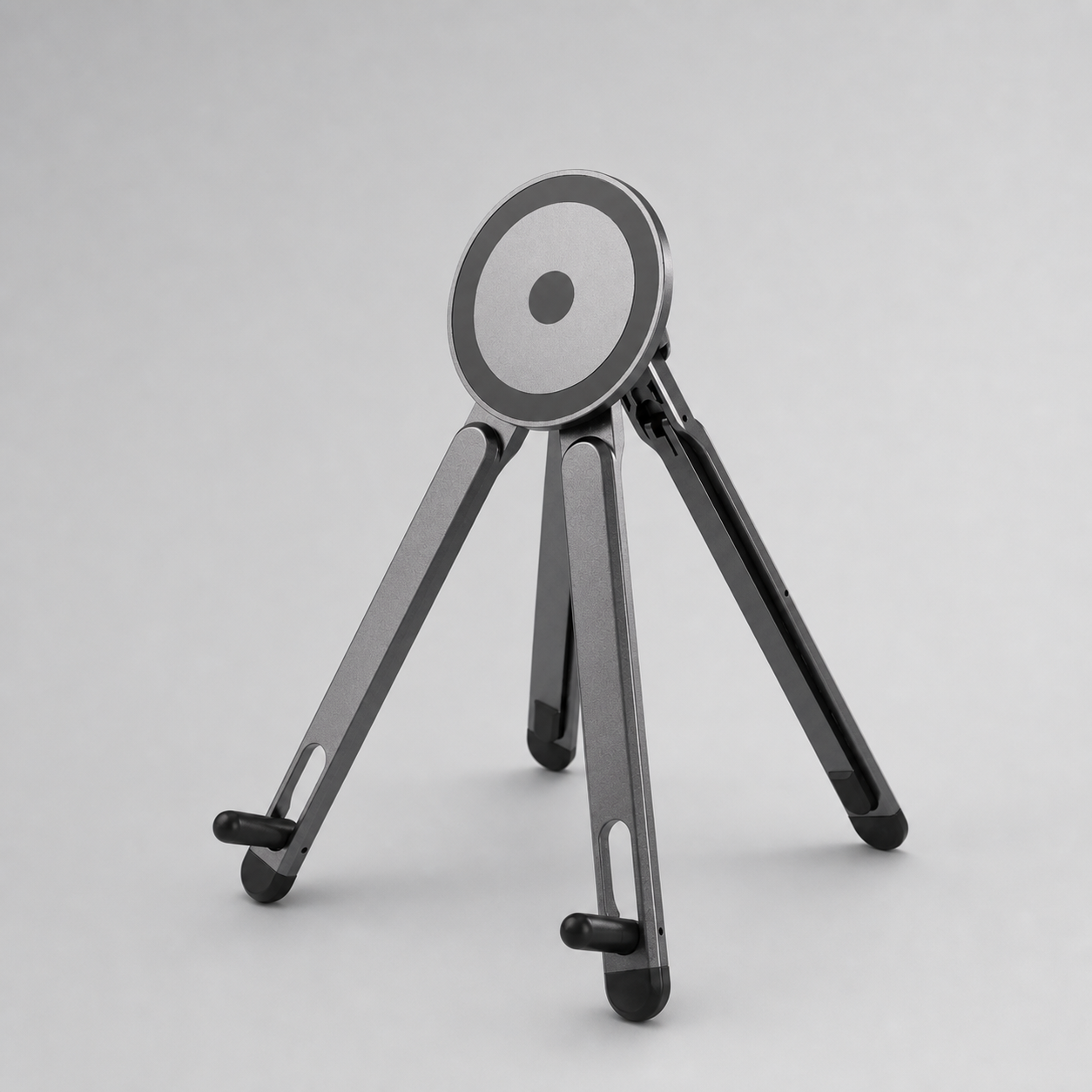
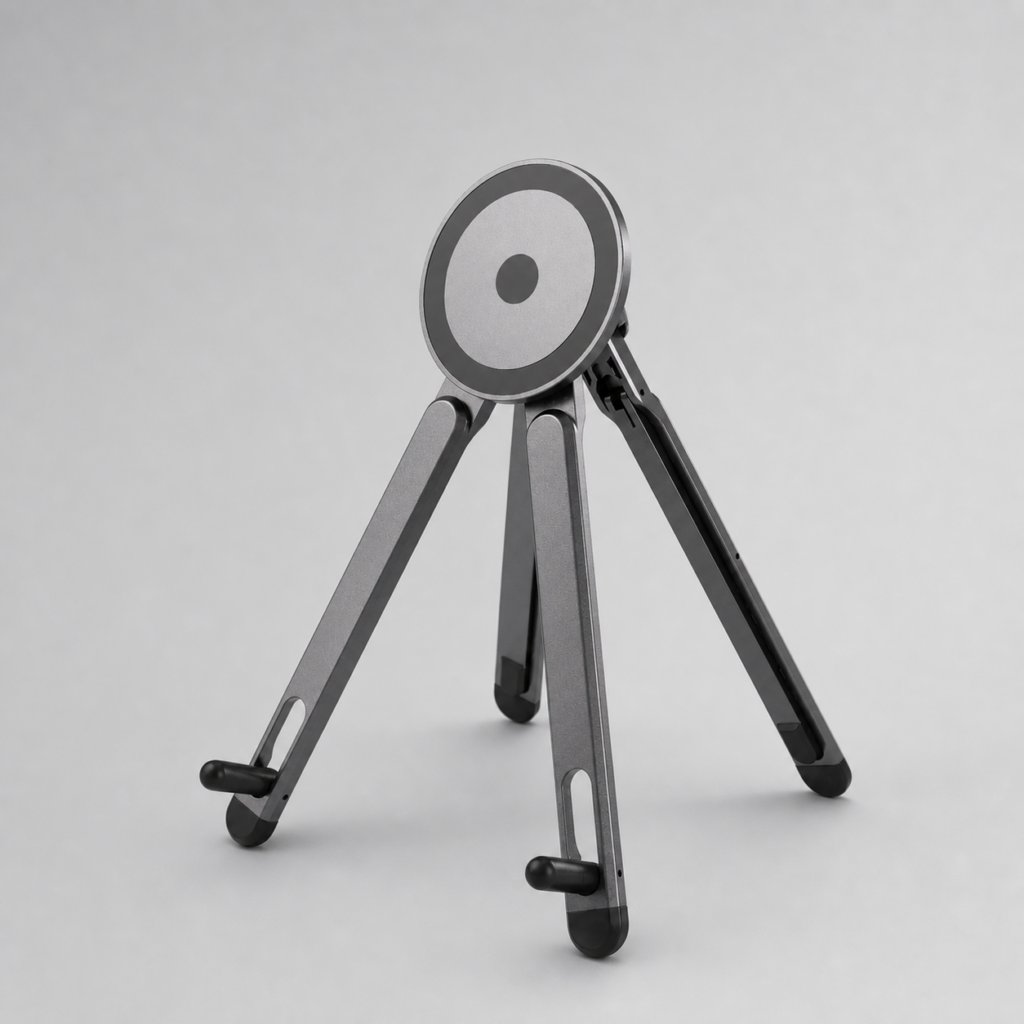
- Magnetic Aluminum Phone and Tablet Stand – a compact stand for iPad, phone, tutorials and desk setup
- AOIKTYE Wireless Shortcut Keyboard for Procreate – left-hand shortcut control for drawing apps
- Multi-Angle Magnetic iPad Drawing Case with Pencil Slot – multi-angle support for drawing and viewing
- AOIKTYE iPad Creator Accessories – shop the full creator setup
Practical buying tips
- Use the phone for the tutorial and the iPad for drawing when possible.
- Keep the tutorial screen slightly higher than the drawing surface.
- Pause and replay without moving your drawing hand too much.
- Use a stand that does not wobble when touched.
Quick FAQ
Can I use one iPad for both tutorial and drawing?
Yes, but using a phone or second device for the tutorial often feels cleaner.
Is a stand necessary?
Not necessary, but it makes watching and drawing at the same time more comfortable.
Final thoughts
A tutorial-friendly desk setup helps you focus on practice instead of constantly switching windows.