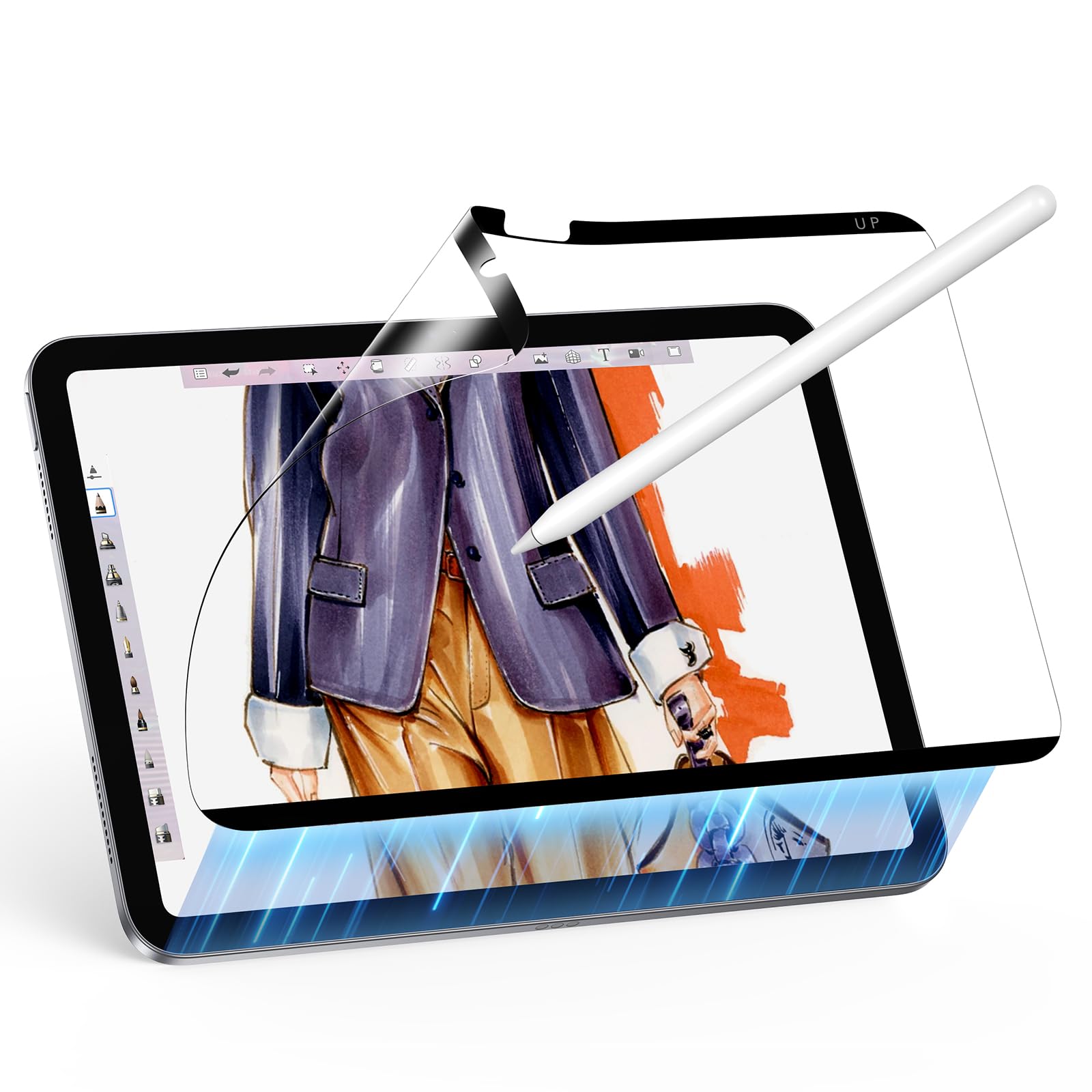
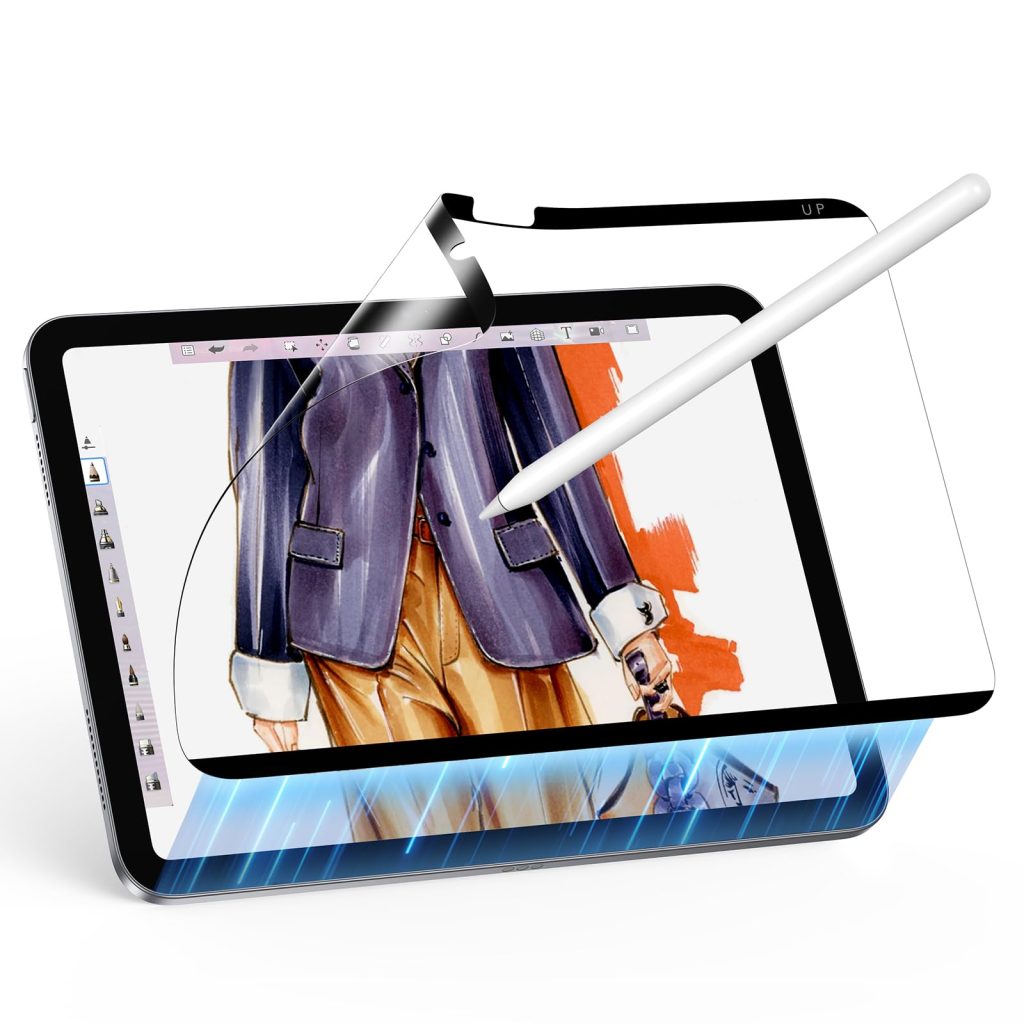
An iPad will never be exactly the same as paper, but the right accessories can make sketching feel more natural and less slippery.
The glass problem
Artists who come from pencils, markers or sketchbooks often notice that iPad glass feels too smooth. The hand moves fast, the Pencil slides and the screen angle may not feel familiar.
Ways to make iPad sketching feel more natural
- Add texture: A paper-feel protector adds friction to the screen.
- Use fresh tips: A worn Pencil tip can make strokes feel uneven.
- Lower the angle: A low drawing angle can feel closer to a sketchbook posture.
- Reduce palm friction: An artist glove can help the hand move smoothly.
Recommended AOIKTYE setup
A sketchbook-style iPad setup focuses on feel before speed.
- Paper-Feel Magnetic Screen Protector – a paper-like surface for better Apple Pencil control
- Apple Pencil Replacement Tips – replacement nibs for daily drawing and note-taking
- Palm Rejection Artist Gloves – a simple way to reduce friction while drawing
- Multi-Angle Magnetic iPad Drawing Case with Pencil Slot – multi-angle support for drawing and viewing
Practical buying tips
- Try texture before changing too many tools at once.
- Keep your screen clean so the Pencil moves predictably.
- Use a case angle that feels close to your notebook posture.
- Do warm-up sketches to adjust to the surface.
Quick FAQ
Will iPad ever feel exactly like paper?
No, but texture, angle and tip condition can make it feel much closer.
Is paper-feel better for every artist?
Not always. Some artists prefer smooth glass for color work and media viewing.
Final thoughts
The goal is not to copy paper perfectly. The goal is to make the iPad feel comfortable enough that sketching becomes natural.