Digital journaling and note-taking need a slightly different iPad setup than illustration, but the best accessories still focus on comfort, storage and control.
Journaling setups need daily convenience
If your iPad is used for planners, study notes and journals, it needs to be quick to open, comfortable to write on and easy to carry. A missing Apple Pencil or slippery screen can make the habit harder to maintain.
Useful accessories for note-takers
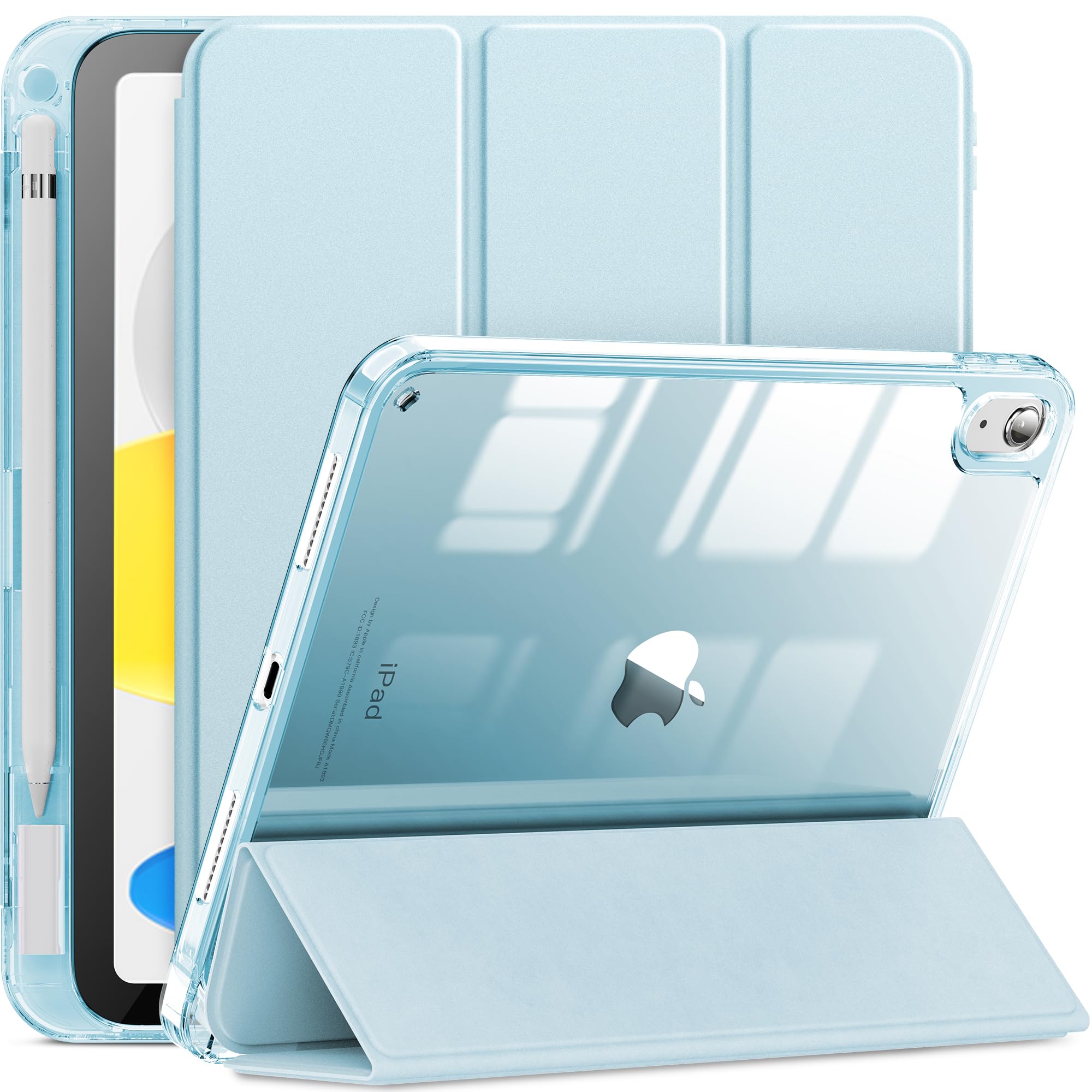
- Pencil holder case: Keeps the Apple Pencil attached to the routine.
- Paper-feel surface: Makes writing feel more controlled.
- Replacement tips: Important for heavy writing sessions.
- Stand: Helpful for reading, planning and video calls.
Recommended AOIKTYE setup
A light daily kit works best for notes and journaling.
- Detachable Clear iPad Case with Apple Pencil Holder – clean protection with Apple Pencil storage
- Paper-Feel Magnetic Screen Protector – a paper-like surface for better Apple Pencil control
- Apple Pencil Replacement Tips – replacement nibs for daily drawing and note-taking
- Magnetic Aluminum Phone and Tablet Stand – a compact stand for iPad, phone, tutorials and desk setup
Practical buying tips
- Choose a case that is easy to open quickly.
- Use a textured surface if writing on glass feels slippery.
- Keep extra tips near your desk or planner pouch.
- Use a stand when reading PDFs or reviewing notes.
Quick FAQ
Do journal users need a shortcut keyboard?
Usually not at first. A keyboard becomes useful if they also draw or edit content.
What is the most important accessory for notes?
A case with Apple Pencil storage is often the most practical first choice.
Final thoughts
For journaling, the best setup is the one that removes friction from a daily habit.