Use this checklist to build an iPad creator setup for drawing, studying, journaling, tutorials and everyday desk work.
A checklist prevents random accessory buying
It is easy to buy accessories because they look interesting. A checklist keeps the setup focused on what you actually do: draw, write, protect, watch, carry and create.
The checklist
- Protection: Choose a case that fits your iPad model and carry style.
- Pencil storage: Make sure the Apple Pencil has a safe place.
- Drawing surface: Decide whether smooth glass or paper-feel texture suits you.
- Screen angle: Use a stand or case that supports drawing and viewing.
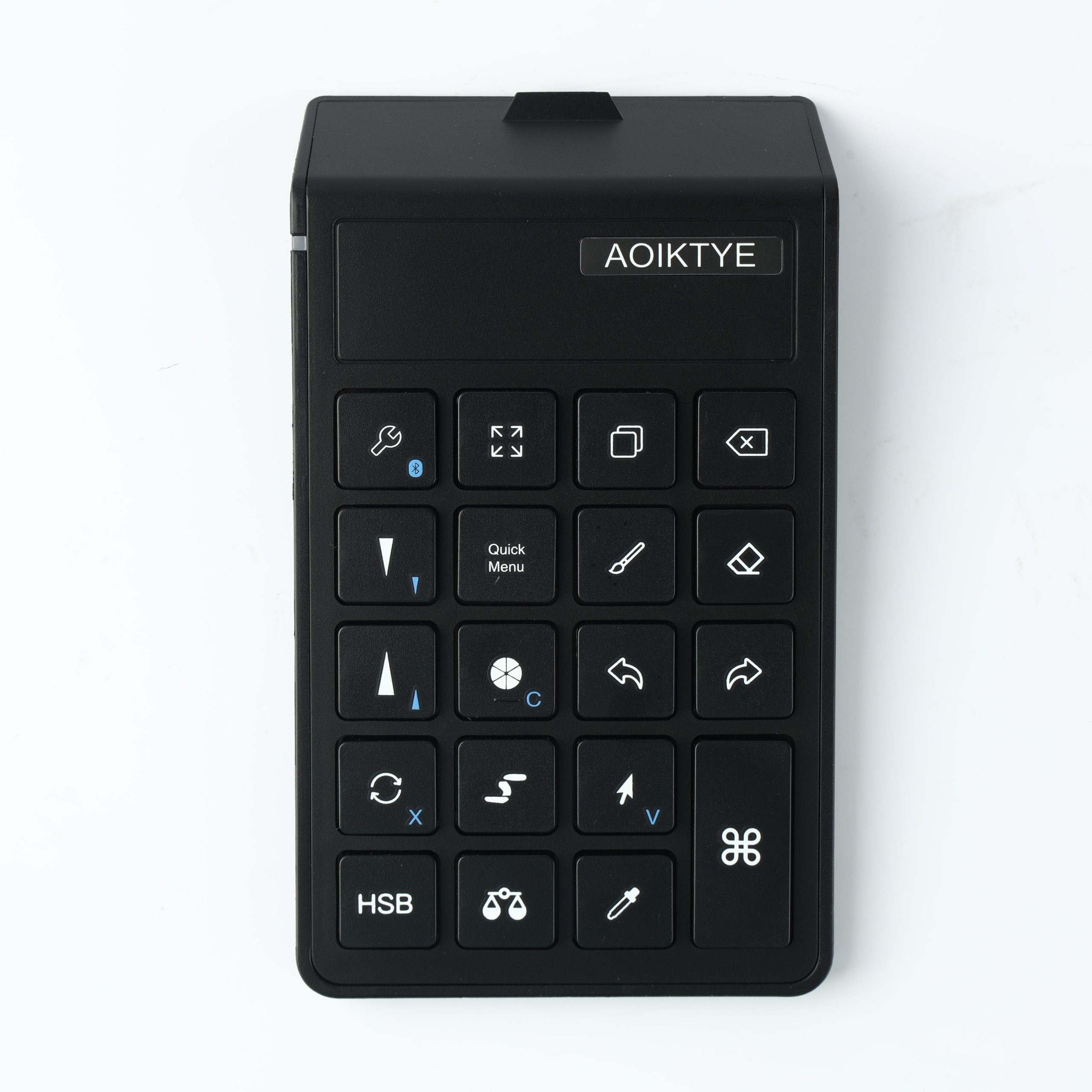
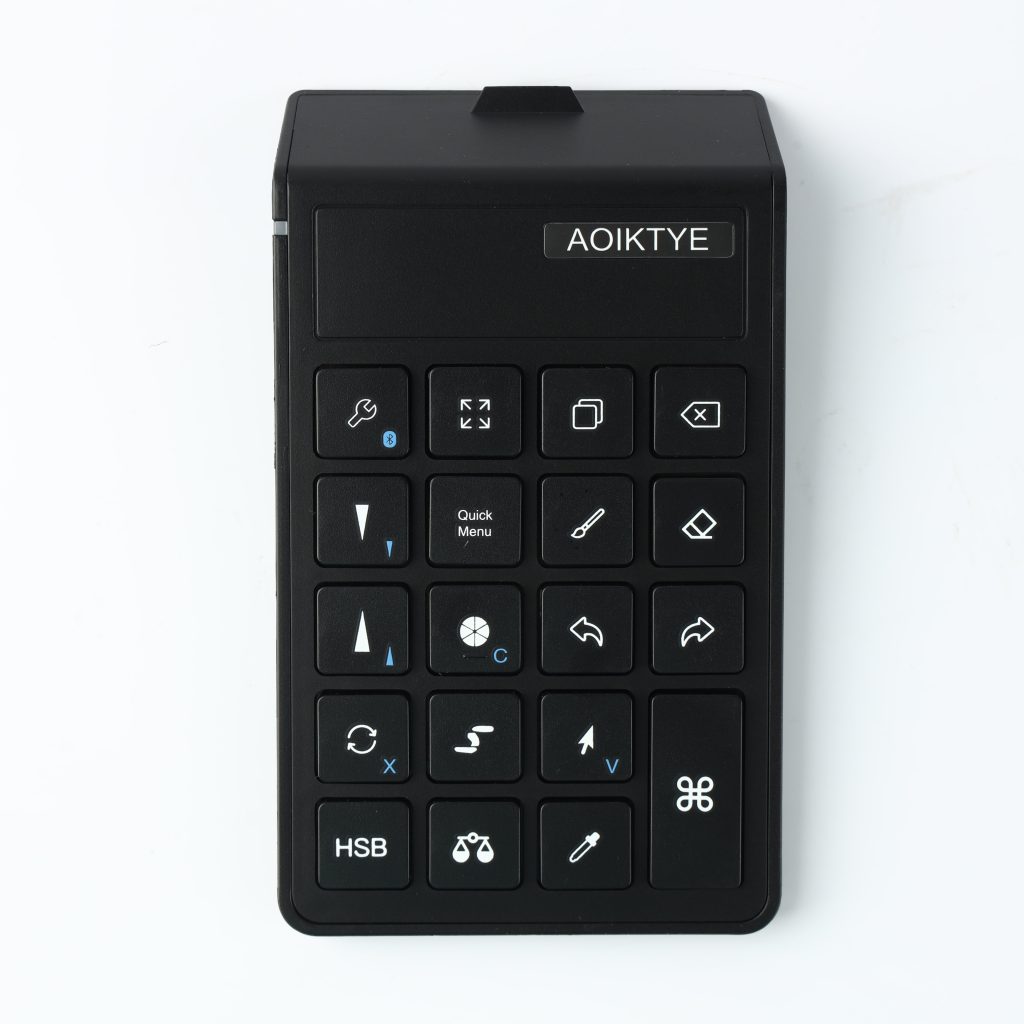
- Shortcut control: Add a keyboard if repeated Procreate actions slow you down.
Recommended AOIKTYE setup
AOIKTYE products are built around this creator setup idea.
- AOIKTYE Wireless Shortcut Keyboard for Procreate – left-hand shortcut control for drawing apps
- Magnetic Aluminum Phone and Tablet Stand – a compact stand for iPad, phone, tutorials and desk setup
- Detachable Clear iPad Case with Apple Pencil Holder – clean protection with Apple Pencil storage
- Paper-Feel Magnetic Screen Protector – a paper-like surface for better Apple Pencil control
Practical buying tips
- Start with the accessory that solves your biggest daily annoyance.
- Do not buy a case without confirming the iPad model.
- Keep accessories visually simple if you create desk content.
- Upgrade one part of the workflow at a time.
Quick FAQ
What is the first item on the checklist?
For most people, a protective case with Pencil storage is first.
What is the best upgrade for Procreate users?
A shortcut keyboard or stable stand can make the biggest workflow difference.
Final thoughts
A good creator setup is not about owning everything. It is about removing the small problems that stop you from starting and finishing creative work.
WOW,Very wonderful
I like this
So,I like it
Honestly, it’s really good
Great post,Thanks for sharing
Here you are
Bài viết rất hữu ích, cảm ơn đã chia sẻ! Letco là công ty tư vấn du học Hàn Quốc uy tín, hỗ trợ trọn gói từ hồ sơ, visa đến học bổng. Tham khảo thêm tại letco.vn nhé.