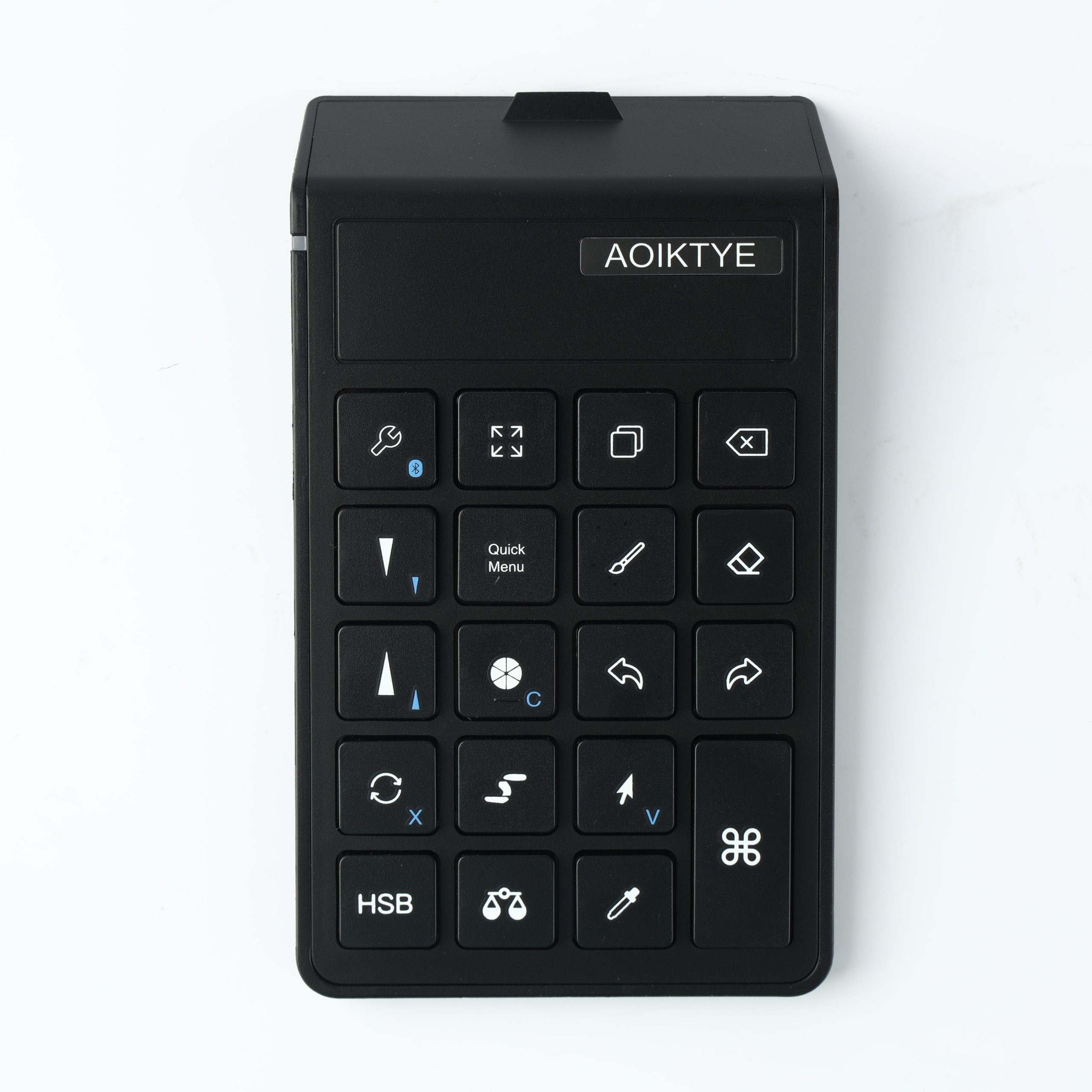
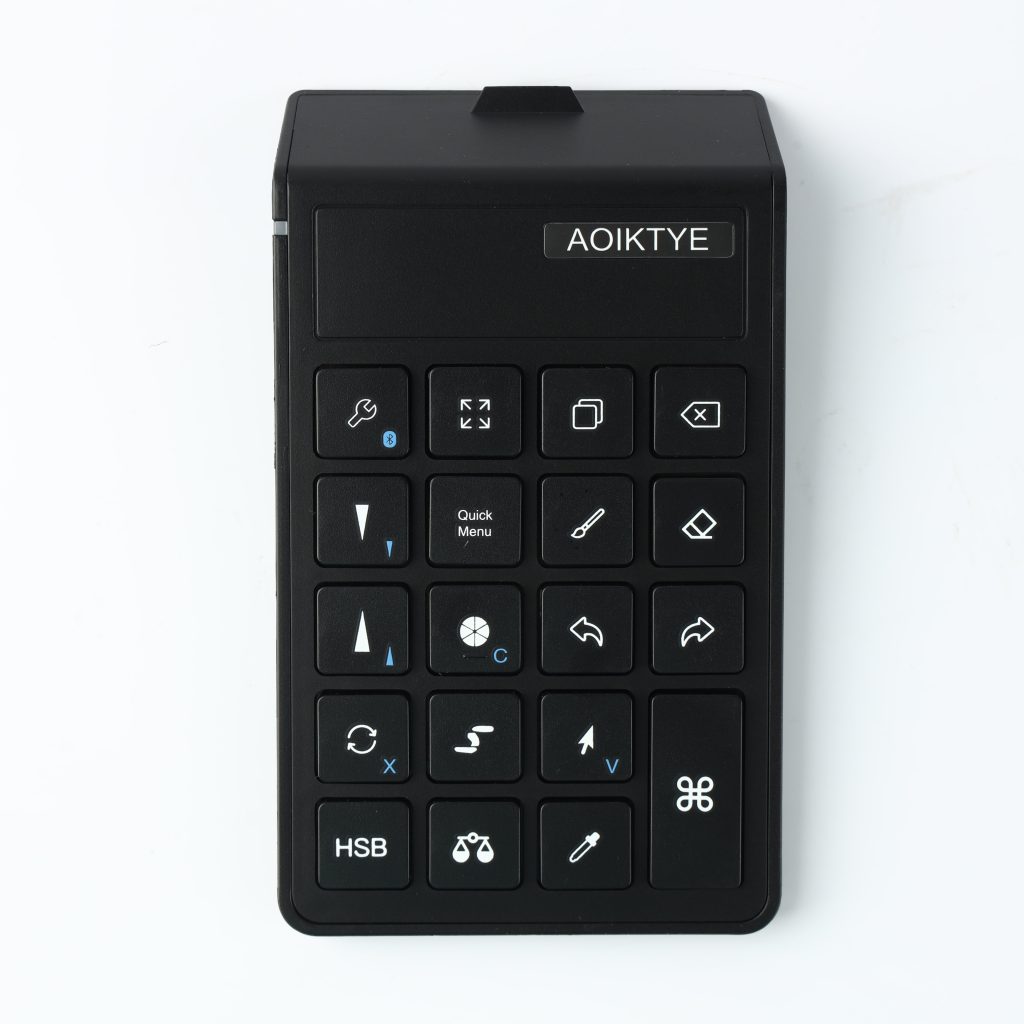
A Procreate shortcut keyboard is not only for professional illustrators. It is useful for anyone who repeats the same drawing actions again and again.
The hidden cost of tapping the screen all day
Procreate gestures are powerful, and Procreate also supports connected keyboard shortcuts. But if your drawing hand constantly leaves the canvas to undo, resize brushes or open panels, your flow gets interrupted. A shortcut keyboard moves those controls to your other hand.
Common actions that benefit from shortcuts
- Undo and redo: Fast correction matters when sketching, coloring and testing ideas.
- Brush size changes: Artists often change brush size dozens of times in a single session.
- Color and eyedropper access: Quick color sampling keeps painting smoother.
- Canvas and layer controls: Zooming, fullscreen and layer actions can be easier with physical keys.
Recommended AOIKTYE setup
Pairing a shortcut keyboard with a stable iPad angle creates a more desktop-like drawing workflow.
- AOIKTYE Wireless Shortcut Keyboard for Procreate – left-hand shortcut control for drawing apps
- Magnetic Aluminum Phone and Tablet Stand – a compact stand for iPad, phone, tutorials and desk setup
- Paper-Feel Magnetic Screen Protector – a paper-like surface for better Apple Pencil control
- Palm Rejection Artist Gloves – a simple way to reduce friction while drawing
Practical buying tips
- Put the keyboard on the side of your non-dominant hand.
- Start by learning only five shortcuts you use every day.
- Keep your iPad angle stable so your hands do not shift constantly.
- Use shortcut labels until the layout becomes muscle memory.
Quick FAQ
Does Procreate support keyboard shortcuts?
Yes. Procreate supports keyboard shortcuts with a compatible connected keyboard.
Is a shortcut keyboard useful for beginners?
Yes, if beginners start with simple commands such as undo, redo, brush size and color picker.
Final thoughts
Shortcut keyboards are about keeping your drawing hand in the artwork. For Procreate users, that can make the whole process feel calmer and faster.