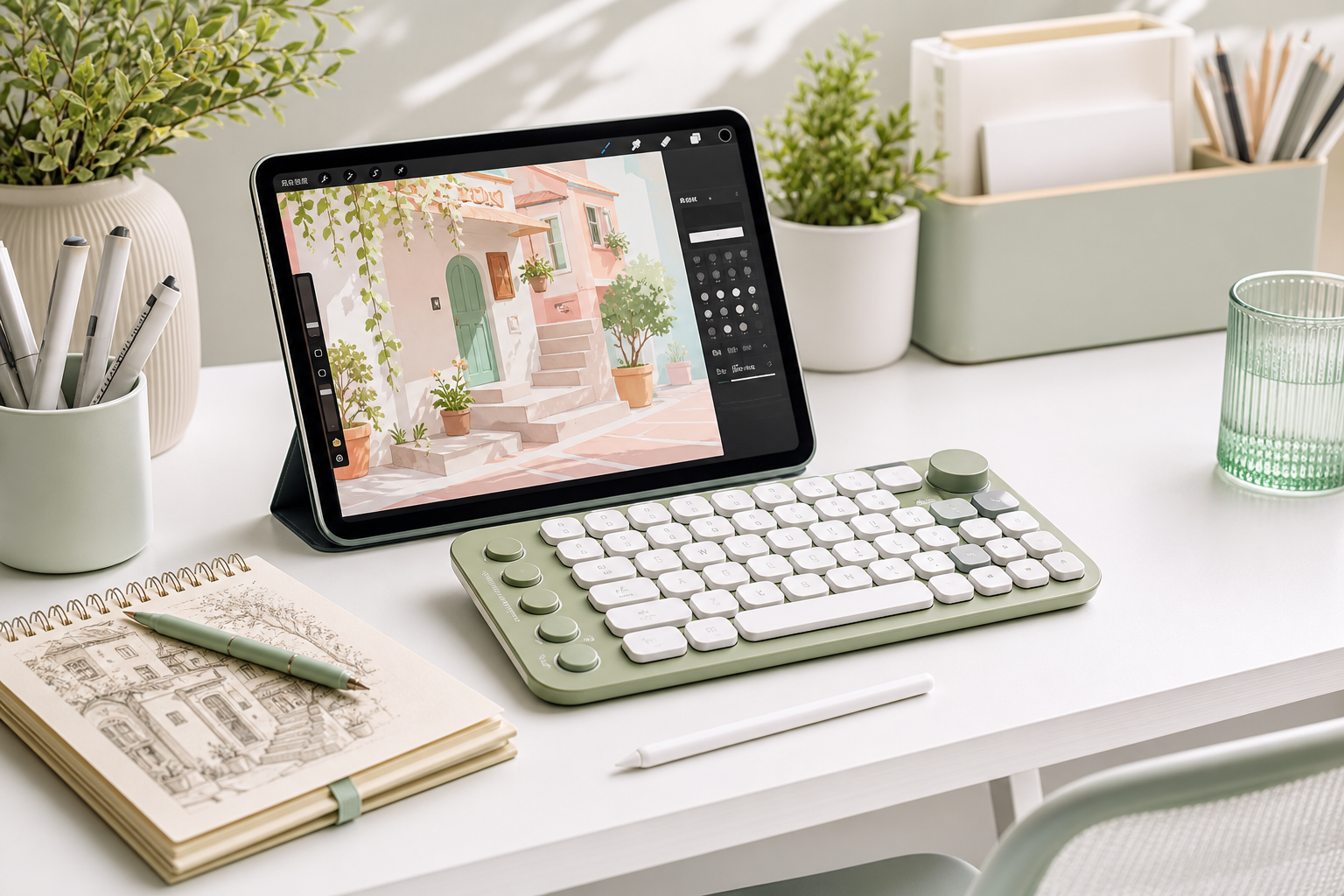
A Procreate shortcut keyboard is not required for every artist, but it can make drawing faster and more comfortable if you use Procreate often.
What a Shortcut Keyboard Helps With
- Undo and redo
- Switching between brush and eraser
- Changing brush size quickly
- Zooming and rotating the canvas
- Managing layers faster
- Coloring with fewer screen taps
Who Should Use One?
If you draw casually once in a while, you may not need a shortcut keyboard. If you draw every day, make client work, or create content, shortcuts can save time and reduce hand movement.
Beginner Workflow Example
Try assigning your most-used actions first: undo, redo, brush, eraser, color picker, and layer menu. Keep the setup simple until the shortcuts become natural.
Beginner tip: a shortcut keyboard works best when it removes repeated taps, not when it makes your setup complicated.