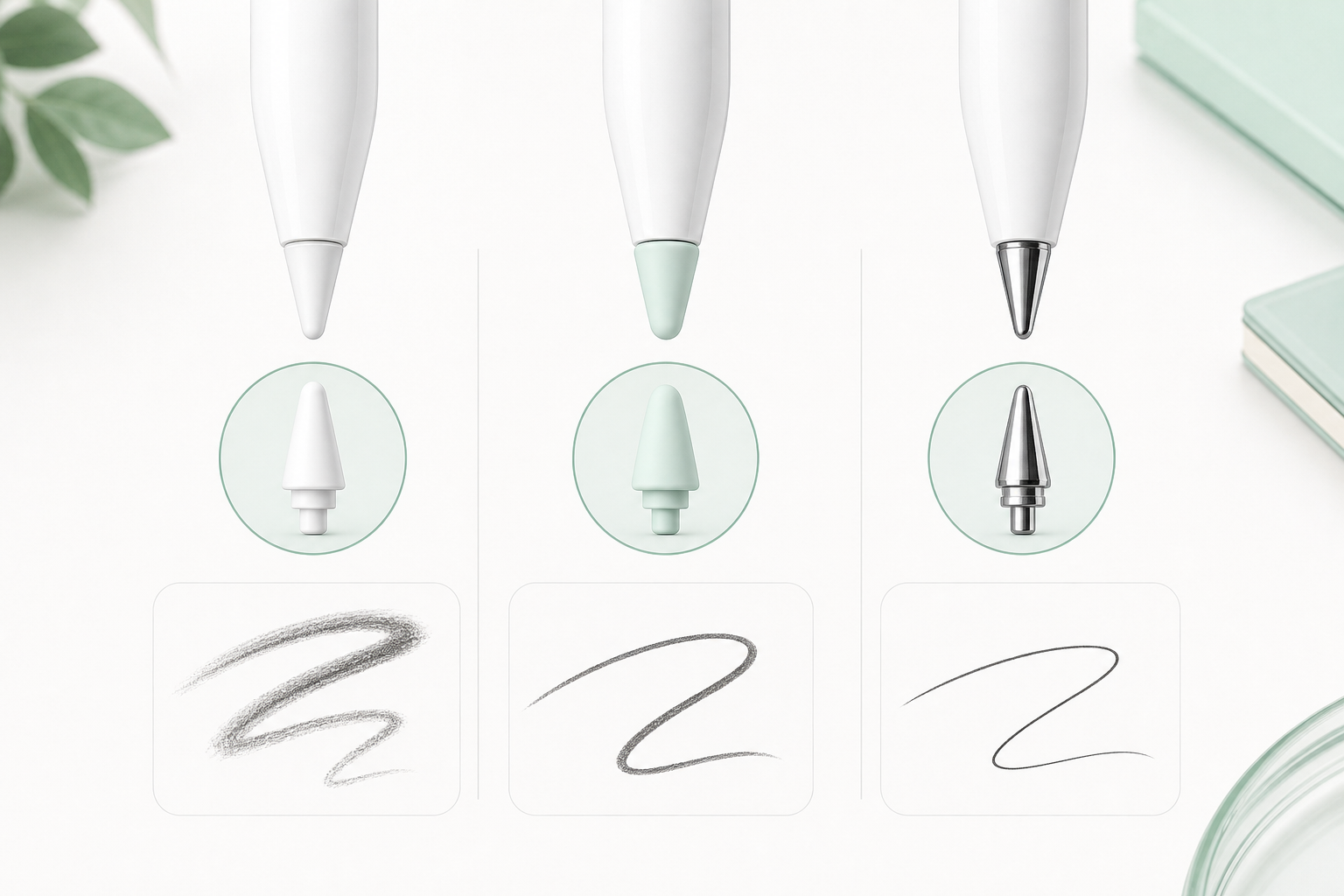
Apple Pencil tips can change how drawing feels in Procreate. The best choice depends on whether you care more about smoothness, control, quiet drawing, or precise line work.
Original Apple Pencil Tip
The original tip feels smooth and balanced. It is a good default option for sketching, coloring, and everyday drawing.
Soft Silicone Tip
A soft tip can feel quieter and more controlled, especially if your iPad screen feels too slippery. It is comfortable for long sketching sessions.
Metal Tip
A metal-style tip can feel more precise for line art, lettering, and detailed strokes. It is often preferred by artists who want a sharper pencil-like response.
Which Tip Should Beginners Choose?
If you are new to Procreate, start with a comfortable tip that helps you draw slower, cleaner strokes. If your lines feel slippery, try a different tip or a paper-feel screen protector.