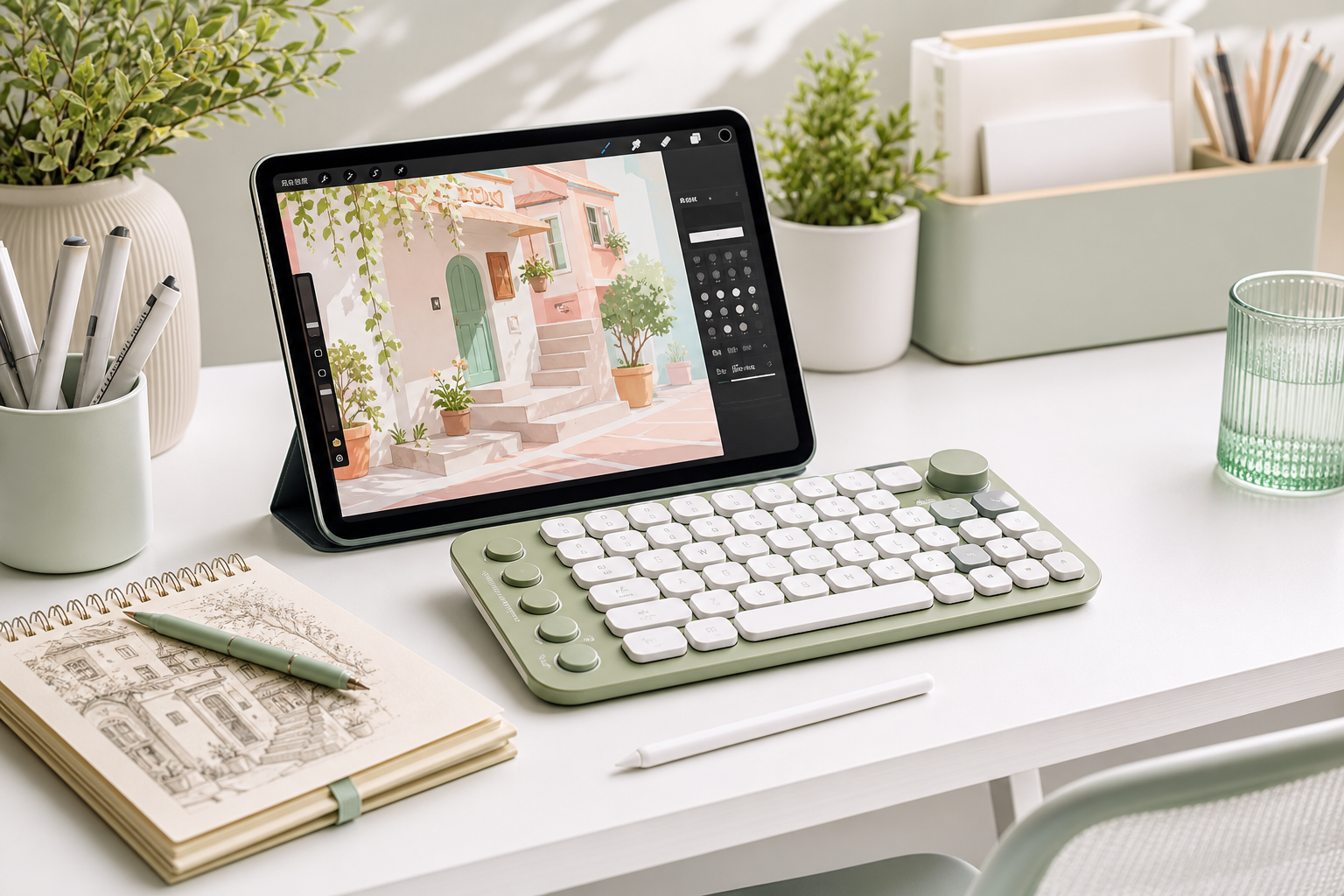
A good iPad drawing setup should reduce friction. You do not need a complicated desk. You need a comfortable angle, reliable tools, and fewer repeated taps.
1. Use a Comfortable iPad Angle
A stand helps keep your wrist relaxed and makes longer drawing sessions easier.
2. Keep Your Apple Pencil Ready
Keep extra tips or a charging stand nearby so drawing sessions do not stop unexpectedly.
3. Add Shortcuts When You Draw Often
A compact shortcut keyboard can speed up undo, redo, brush switching, and canvas control.