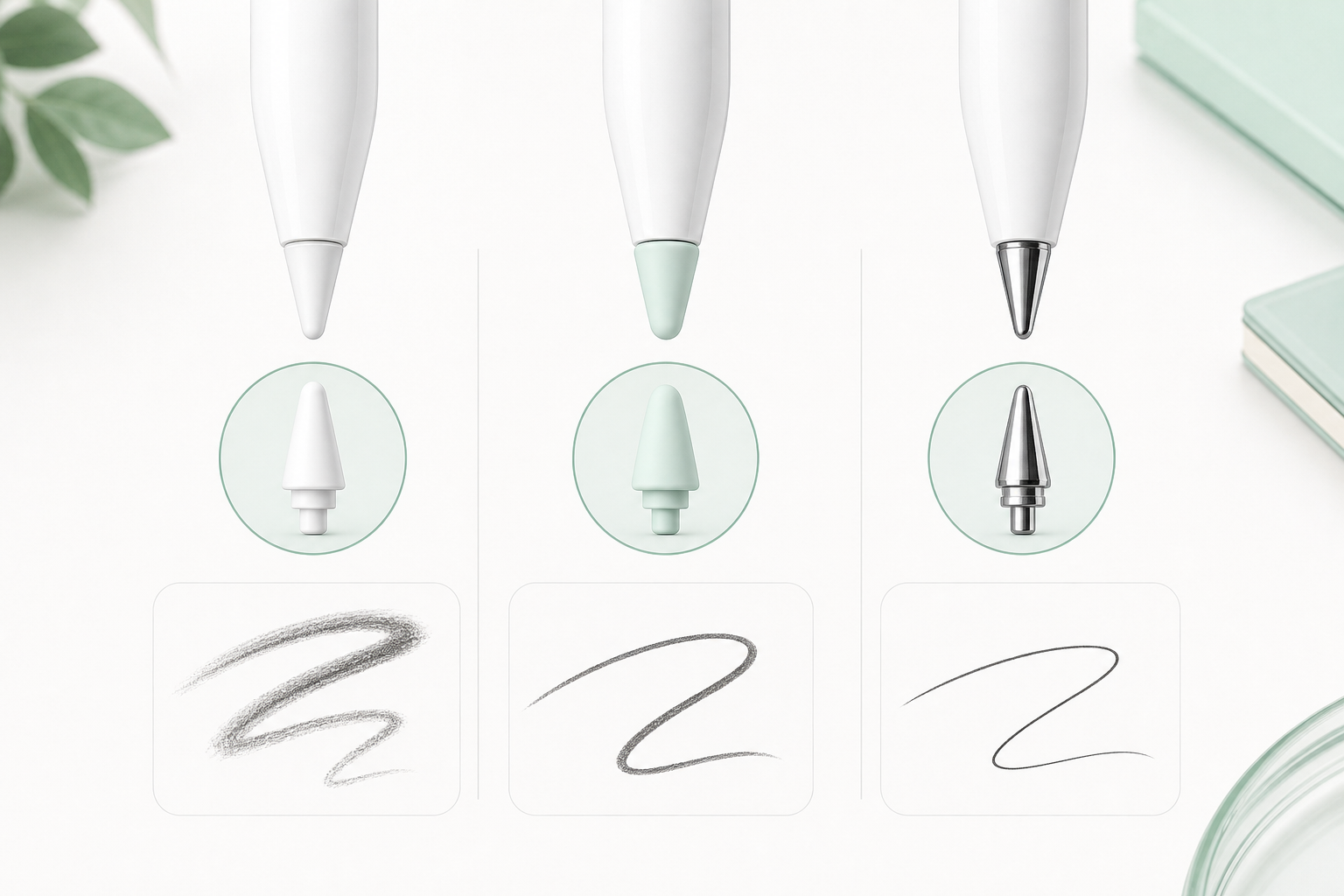
Apple Pencil tips affect how your strokes feel on the iPad screen. The best option depends on your drawing style.
For Sketching
Choose a tip that gives you enough friction to control loose lines. A slightly softer feel can make sketching more comfortable.
For Clean Line Art
A more precise tip can help with controlled outlines, lettering, and detailed strokes.
For Coloring
Comfort matters more than sharp precision. Pick a tip that feels smooth during longer coloring sessions.