A good iPad drawing setup is not about buying every accessory you see. It is about choosing the few tools that make Procreate feel faster, more comfortable and easier to use every day.
Why Procreate artists need a focused accessory setup
Procreate already supports powerful gestures and keyboard shortcuts, but many artists still lose time switching tools, adjusting brush size, zooming, undoing and managing layers. The right accessories help your hands stay in a natural drawing position while your workspace stays organized.
What to include in an artist-friendly iPad setup
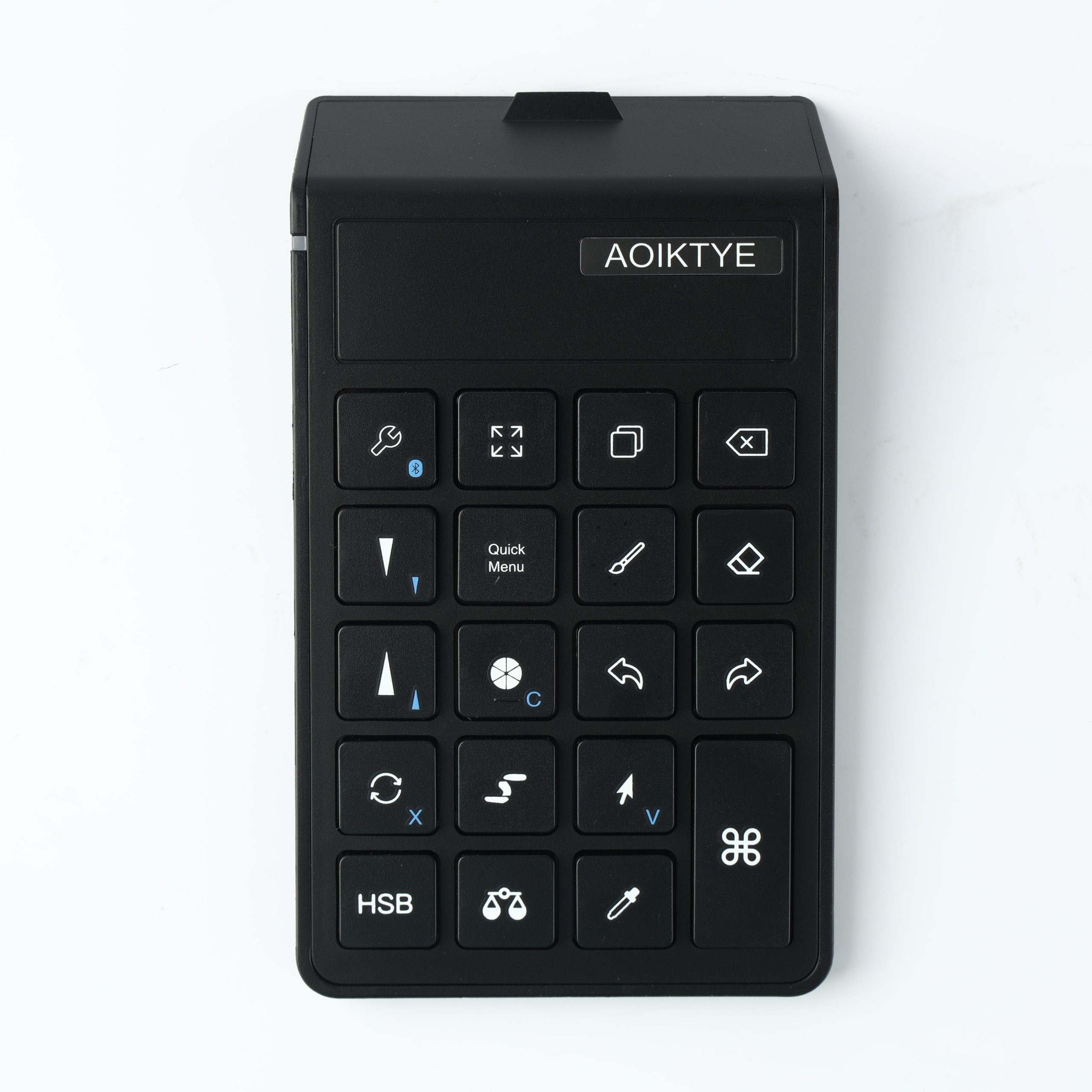
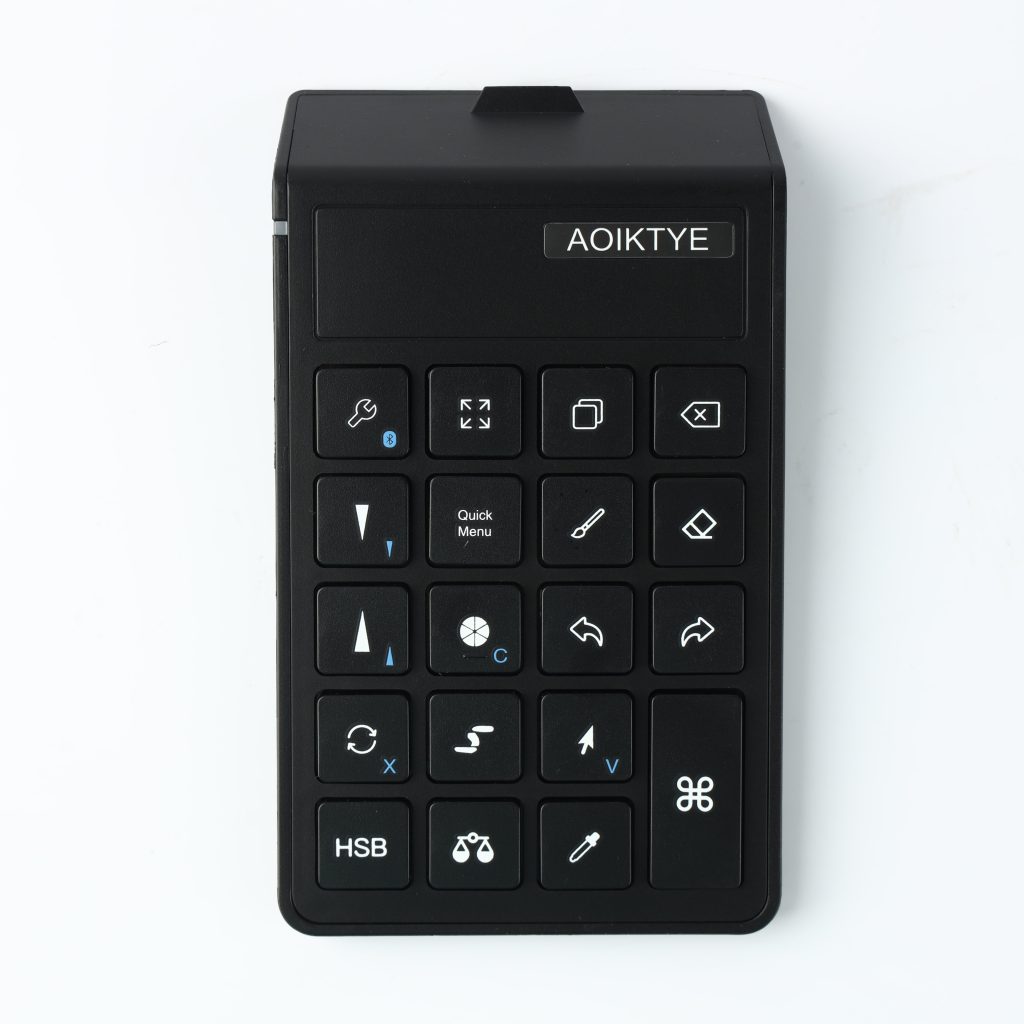
- Shortcut control: A small keyboard or shortcut pad keeps common commands under your non-dominant hand.
- Stable viewing angle: A stand or multi-angle case helps you draw, watch tutorials and compare references more comfortably.
- Apple Pencil comfort: Replacement tips, grips and paper-feel surfaces can improve control and reduce glassy slipping.
- Protection with pencil storage: A case with a pencil holder is more useful for artists than a basic tablet cover.
Recommended AOIKTYE setup
For most beginners and daily creators, this compact setup covers the biggest pain points without turning your desk into a gadget pile.
- AOIKTYE Wireless Shortcut Keyboard for Procreate – left-hand shortcut control for drawing apps
- Magnetic Aluminum Phone and Tablet Stand – a compact stand for iPad, phone, tutorials and desk setup
- Detachable Clear iPad Case with Apple Pencil Holder – clean protection with Apple Pencil storage
- Apple Pencil Replacement Tips – replacement nibs for daily drawing and note-taking
Practical buying tips
- Check your exact iPad model before buying a case.
- Choose accessories that make drawing easier, not just prettier.
- If you draw for long sessions, prioritize angle, hand comfort and shortcut access.
- Keep your setup portable if you draw in class, cafes or shared workspaces.
Quick FAQ
Do I need a keyboard for Procreate?
You do not need one, but a keyboard can make common actions like undo, brush control and tool switching faster.
What should I buy first?
Start with Apple Pencil comfort, a protective case and one workflow tool such as a shortcut keyboard or stand.
Final thoughts
The best iPad accessories are the ones you actually use every day. Start with comfort, protection and speed, then build your setup around your drawing habits.