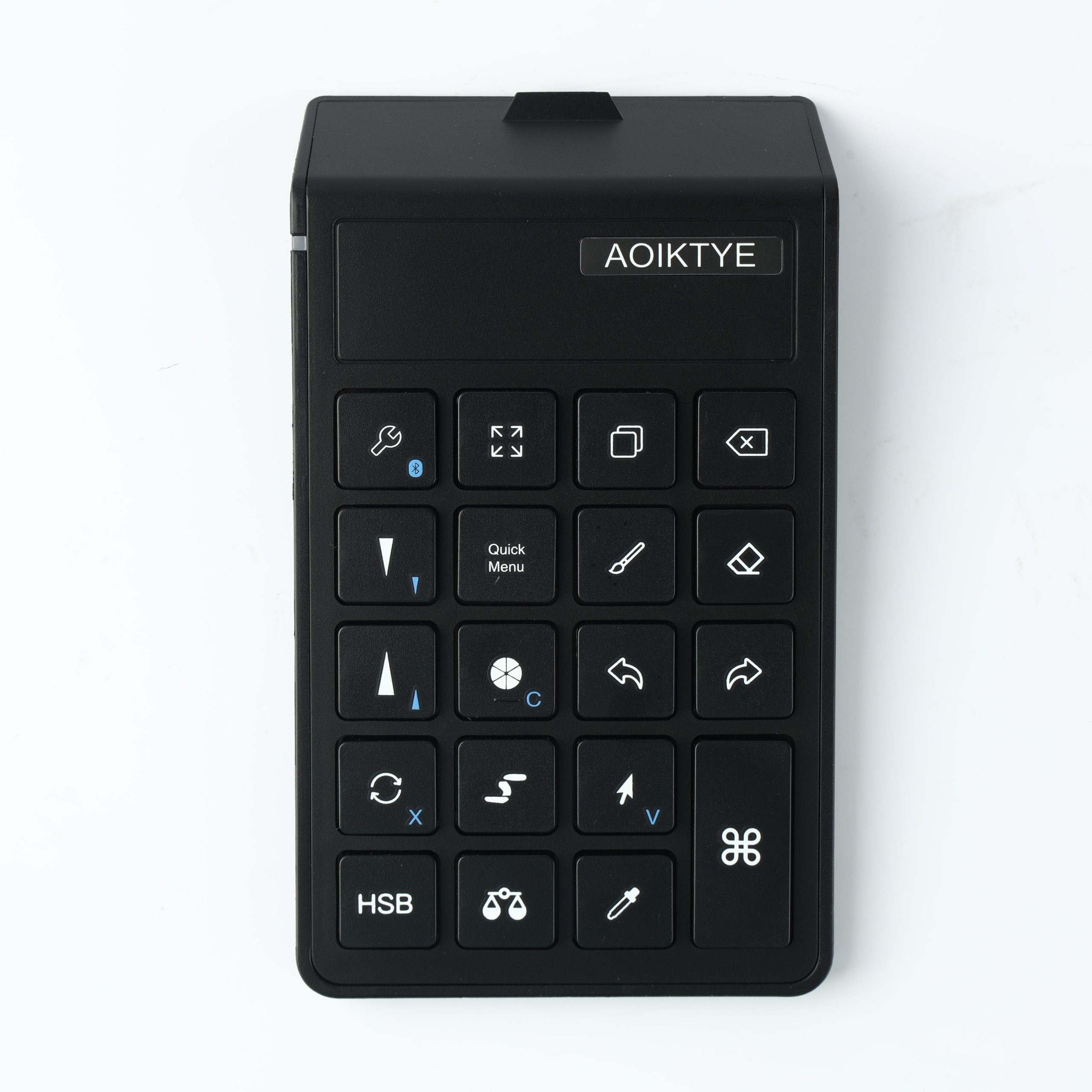
The biggest difference is not one single shortcut. It is the way small repeated actions stop interrupting your drawing flow.
Before
- Tap the screen to undo
- Open menus to adjust tools
- Pause often to switch between brush and eraser
- Lose rhythm while cleaning line art
After
- Use one hand for shortcuts
- Keep the Apple Pencil moving
- Change tools faster
- Spend more time drawing and less time navigating
This is why shortcut keyboards are useful for Procreate artists who draw frequently.