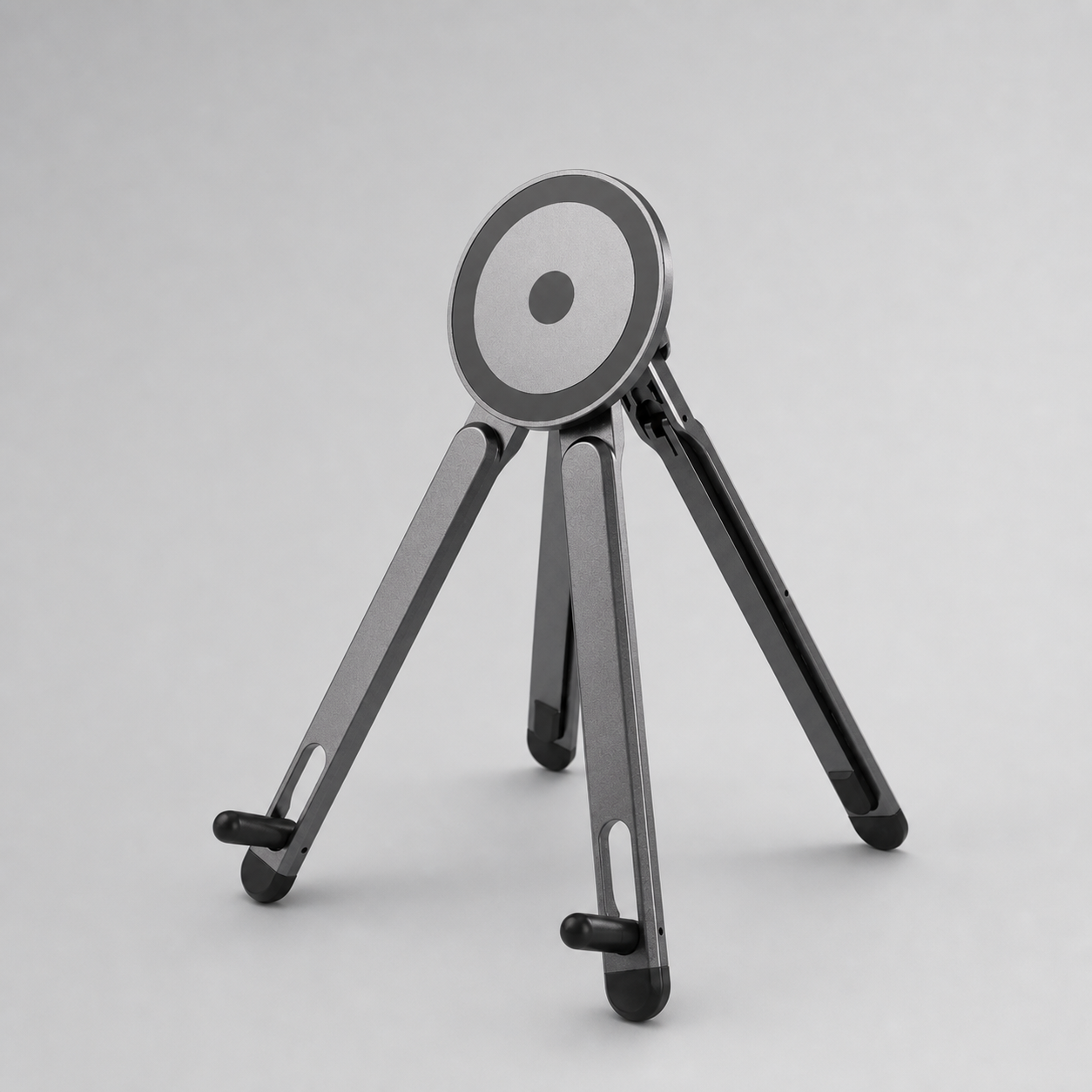
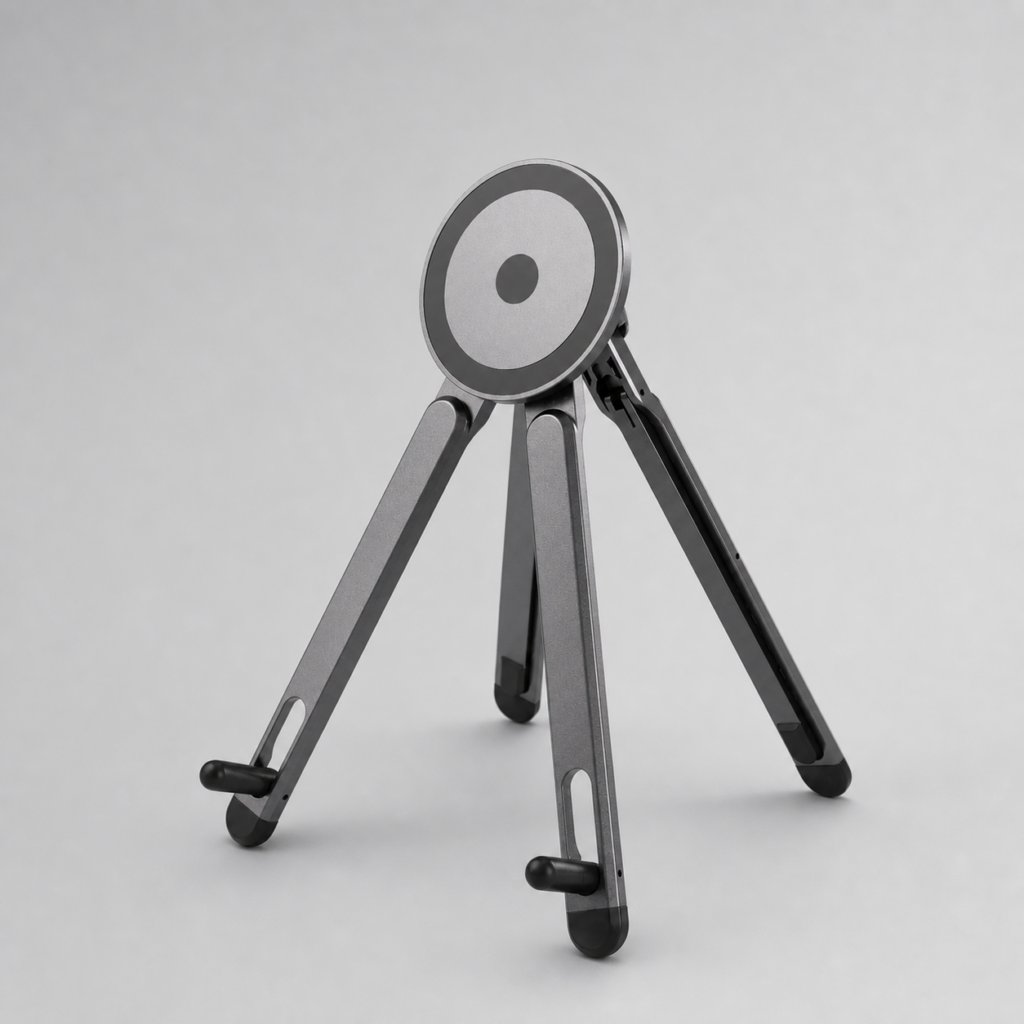
The right iPad stand angle depends on what you are doing: sketching, coloring, typing, watching tutorials or using a second screen.
Why angle changes comfort
A flat iPad can make your neck and wrist work harder. A raised screen can be better for watching tutorials, but too steep for drawing. The best setup lets you change angles without rebuilding your desk.
Useful angles for common iPad tasks
- Low angle: Good for sketching and handwriting because the wrist stays close to the surface.
- Medium angle: Useful for coloring, photo editing and reference viewing.
- High angle: Better for video calls, watching tutorials and using the iPad as a second screen.
- Phone side angle: A phone stand beside the iPad can hold references or music controls.
Recommended AOIKTYE setup
A stand and a multi-angle case work together if you move between desk and travel setups.
- Magnetic Aluminum Phone and Tablet Stand – a compact stand for iPad, phone, tutorials and desk setup
- Multi-Angle Magnetic iPad Drawing Case with Pencil Slot – multi-angle support for drawing and viewing
- AOIKTYE Wireless Shortcut Keyboard for Procreate – left-hand shortcut control for drawing apps
- AOIKTYE iPad Creator Accessories – shop the full creator setup
Practical buying tips
- Avoid angles that force your wrist to bend sharply.
- Use a lower angle for long drawing sessions.
- Use a higher angle when watching tutorials or joining calls.
- If the stand moves when you draw, switch to a more stable base or case.
Quick FAQ
Can I draw on a vertical stand?
Most artists prefer a lower angle for drawing because it gives the hand more control.
Is a phone stand useful for artists?
Yes. It can hold references, tutorial videos, chat or music controls without covering the iPad canvas.
Final thoughts
A good stand gives your iPad more than one job. It can become a sketch surface, tutorial screen, reference display and work monitor throughout the day.