A cute iPad setup can still be practical. The best setups combine visual style with tools that make drawing, studying and planning easier.
Why visual setup matters
Artists often share their desks on TikTok, Pinterest and Instagram. A clean, cute setup can inspire more practice and make content creation easier, but the accessories still need to solve real workflow problems.
Ideas that look good and work well
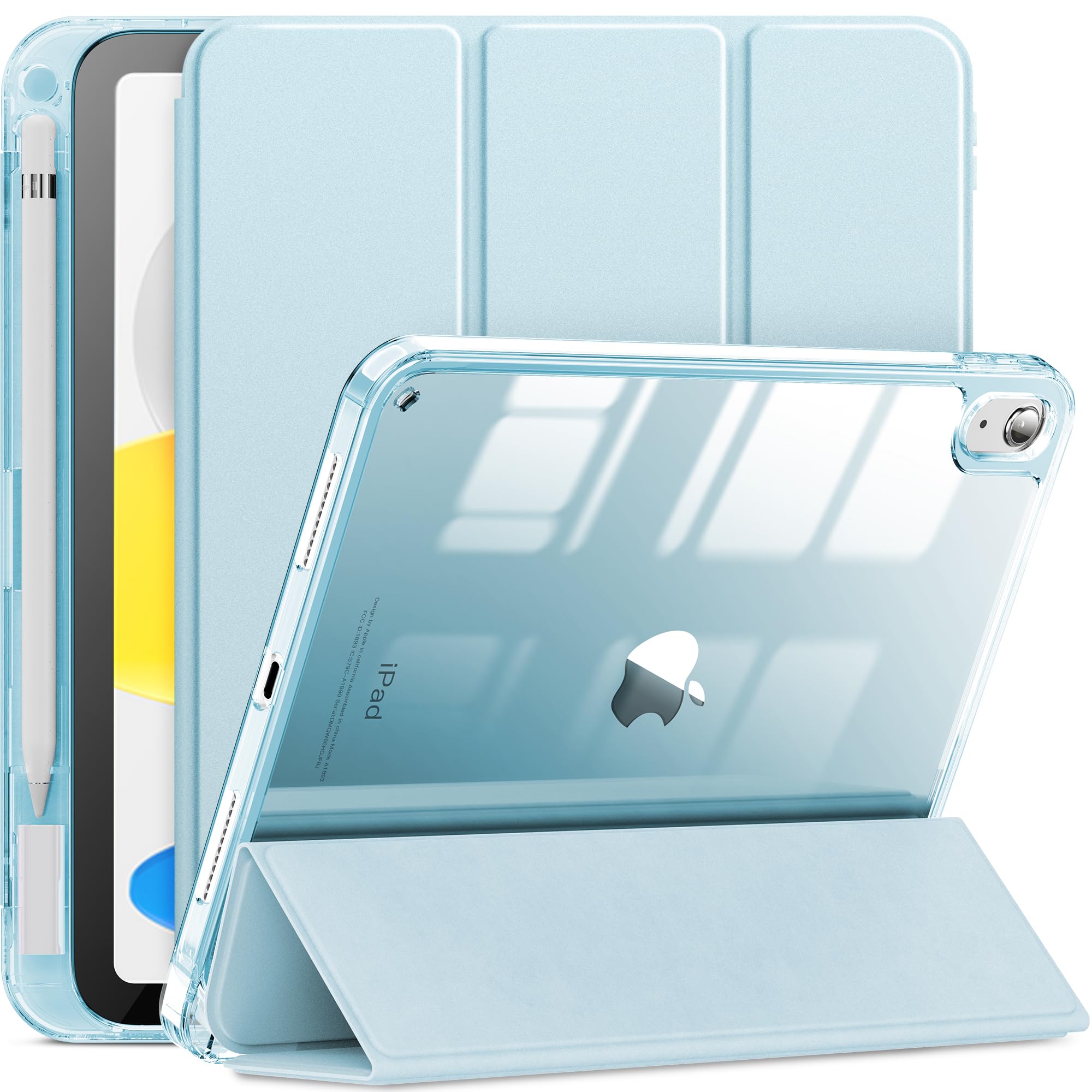
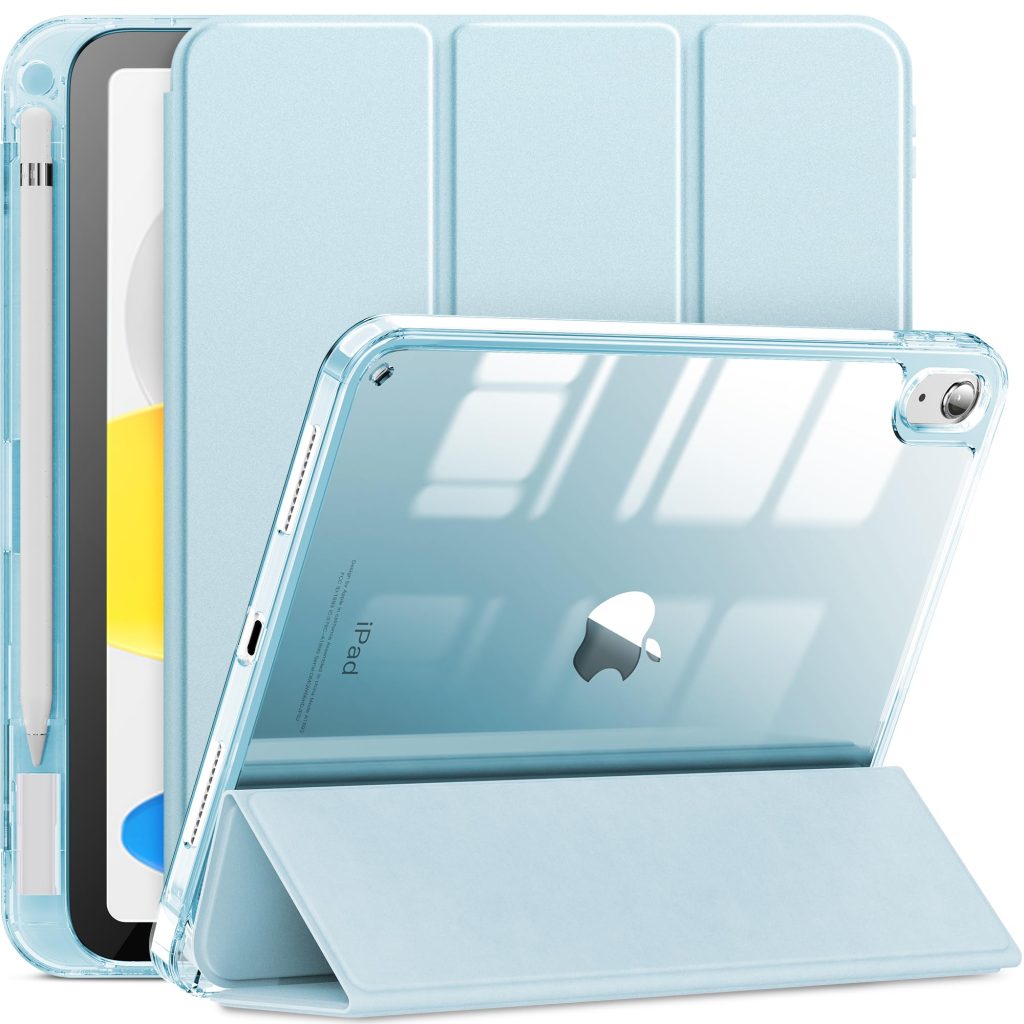
- Clear case with stickers: Transparent cases let you personalize the iPad while keeping protection.
- Soft color palette: Choose two or three colors across case, keyboard and desk accessories.
- Visible Pencil storage: A pencil holder looks tidy and prevents lost tools.
- Stand and shortcut keyboard: These add function while making the setup look intentional.
Recommended AOIKTYE setup
For a cute but useful setup, combine one visual piece with two workflow pieces.
- Detachable Clear iPad Case with Apple Pencil Holder – clean protection with Apple Pencil storage
- AOIKTYE Wireless Shortcut Keyboard for Procreate – left-hand shortcut control for drawing apps
- Magnetic Aluminum Phone and Tablet Stand – a compact stand for iPad, phone, tutorials and desk setup
- Apple Pencil Replacement Tips – replacement nibs for daily drawing and note-taking
Practical buying tips
- Keep the background simple if you take photos of your desk.
- Use one main accessory color instead of mixing too many colors.
- Make the Pencil and charger easy to find.
- Choose items that fit how you actually draw.
Quick FAQ
Are cute iPad cases practical?
They can be, if they also include protection, model fit and Apple Pencil storage.
What makes a setup good for Pinterest?
Clean lighting, a visible iPad, a simple desk surface and useful accessories people can imagine using.
Final thoughts
A cute iPad setup should make you want to create, but it should also make creating easier. Style works best when it supports the workflow.