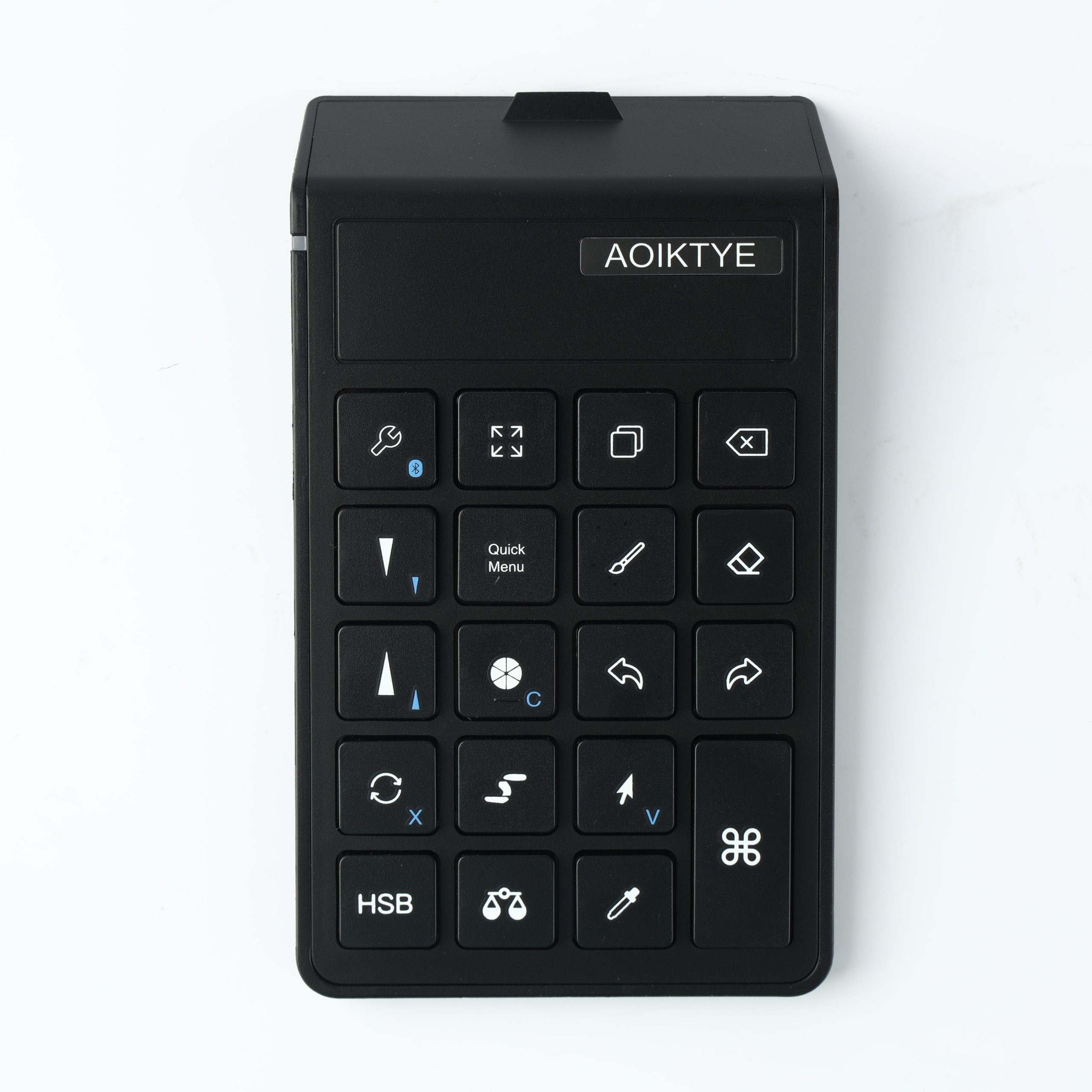
A good iPad drawing setup is not about having more accessories. It is about placing the right tools where they reduce repeated movements.
Place the Keyboard on Your Non-Drawing Side
If you draw with your right hand, place the keyboard on the left. If you draw with your left hand, place it on the right.
Keep the iPad at a Comfortable Angle
A raised angle helps reduce wrist strain and keeps the screen easier to see during longer drawing sessions.
Start With Five Keys
Do not map every shortcut on day one. Start with undo, redo, brush, eraser, and brush size.