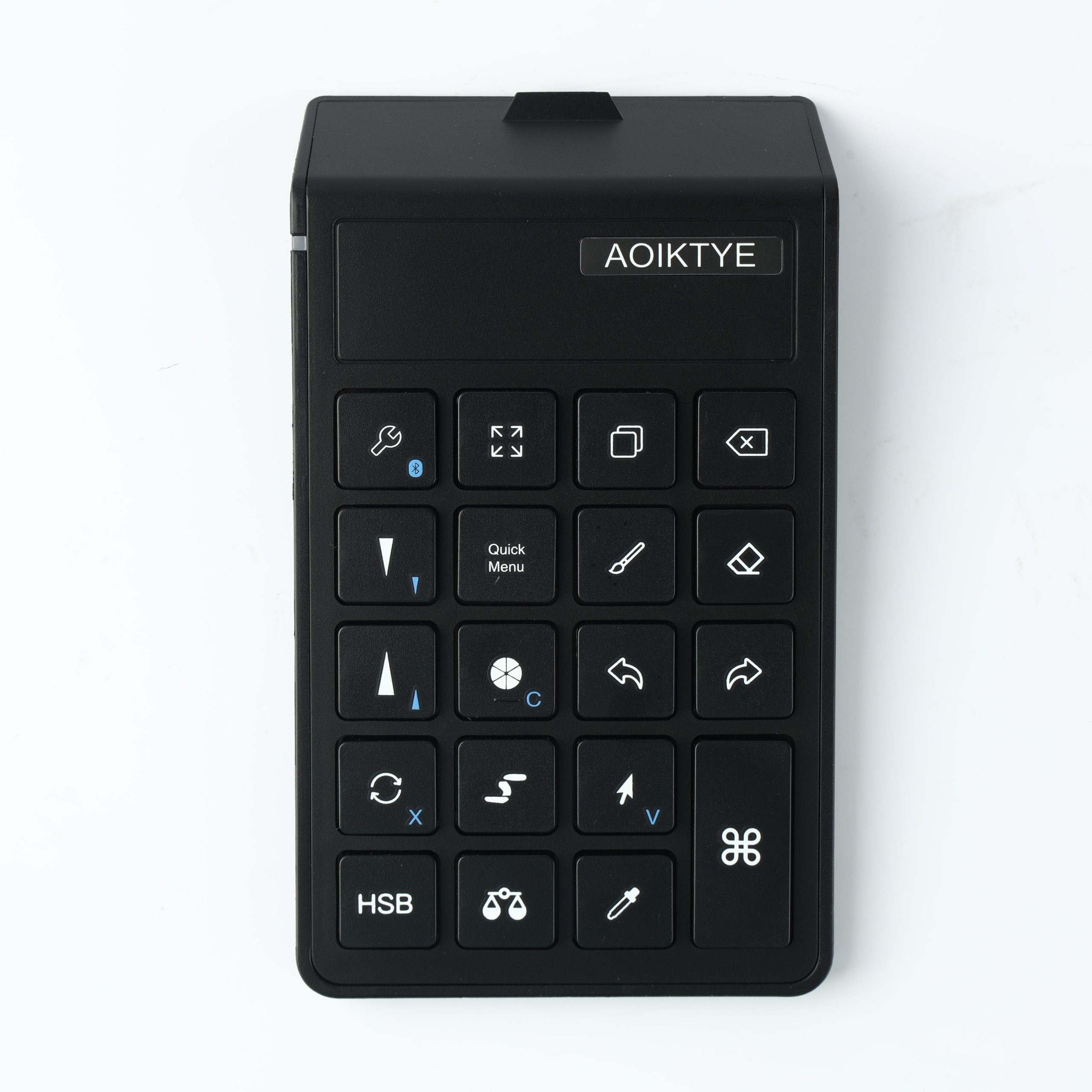
Not every shortcut matters. For drawing, the most useful shortcuts are the ones you use dozens of times in one session.
1. Undo / Redo
Undo and redo are the first shortcuts to set up. They keep your drawing rhythm fast when testing lines or colors.
2. Brush Size
Changing brush size quickly helps when moving between sketching, line art, and detail work.
3. Brush / Eraser Switch
This is useful for cleaning line art and refining silhouettes without breaking focus.
4. Color Picker
Color picking is helpful when painting fruit, skin, shadows, and soft gradients.