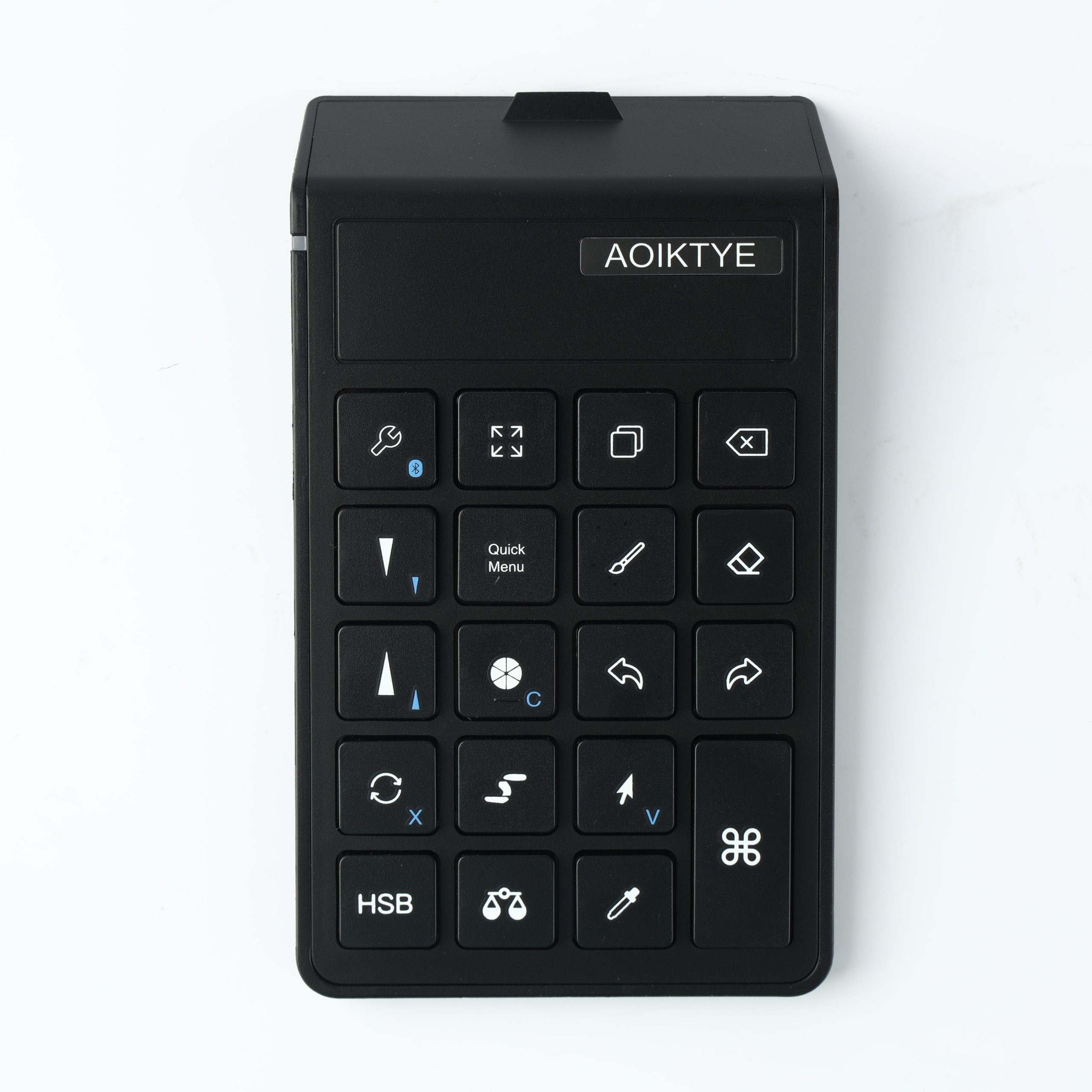
A Procreate shortcut keyboard is useful when you repeat the same actions all the time: undo, redo, brush size, eraser, color picker, and canvas control.
Why Beginners Notice the Difference
New iPad artists often tap the screen constantly while drawing. A small keyboard moves those actions to your other hand, so your drawing hand can stay focused on the Apple Pencil.
Best Shortcuts to Start With
- Undo and redo
- Brush and eraser switch
- Brush size up and down
- Color picker
- Canvas zoom or rotate
Who Should Use One?
If you draw in Procreate every week, a shortcut keyboard can make the workflow feel faster and cleaner. If you draw every day, it becomes more useful.