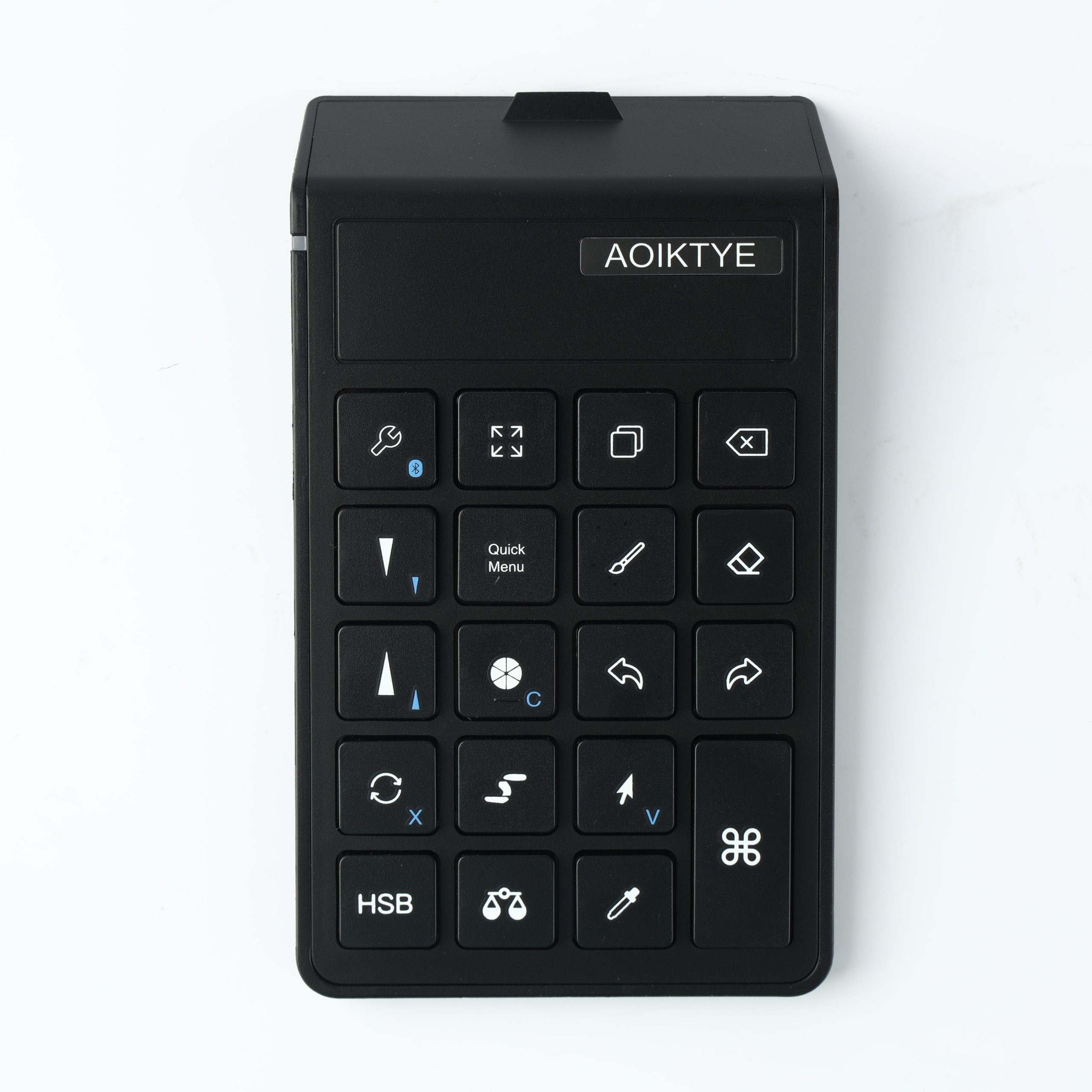
See how a shortcut keyboard changes the Procreate workflow for sketching, cleaning line art, and coloring.
Is a Shortcut Keyboard Worth It for Procreate?
A practical answer for iPad artists deciding whether a Procreate shortcut keyboard is worth buying.
iPad Drawing Setup With a Shortcut Keyboard
Build a cleaner iPad drawing setup with a shortcut keyboard, Apple Pencil, stand, and simple desk layout.
Procreate Keyboard Shortcuts That Save Time While Drawing
The Procreate shortcut actions that matter most for faster sketching, line art, coloring, and editing.
Procreate Shortcut Keyboard for Beginners: What It Actually Helps With
A beginner-friendly guide to using a Procreate shortcut keyboard for undo, redo, brush size, eraser switching, and faster drawing.
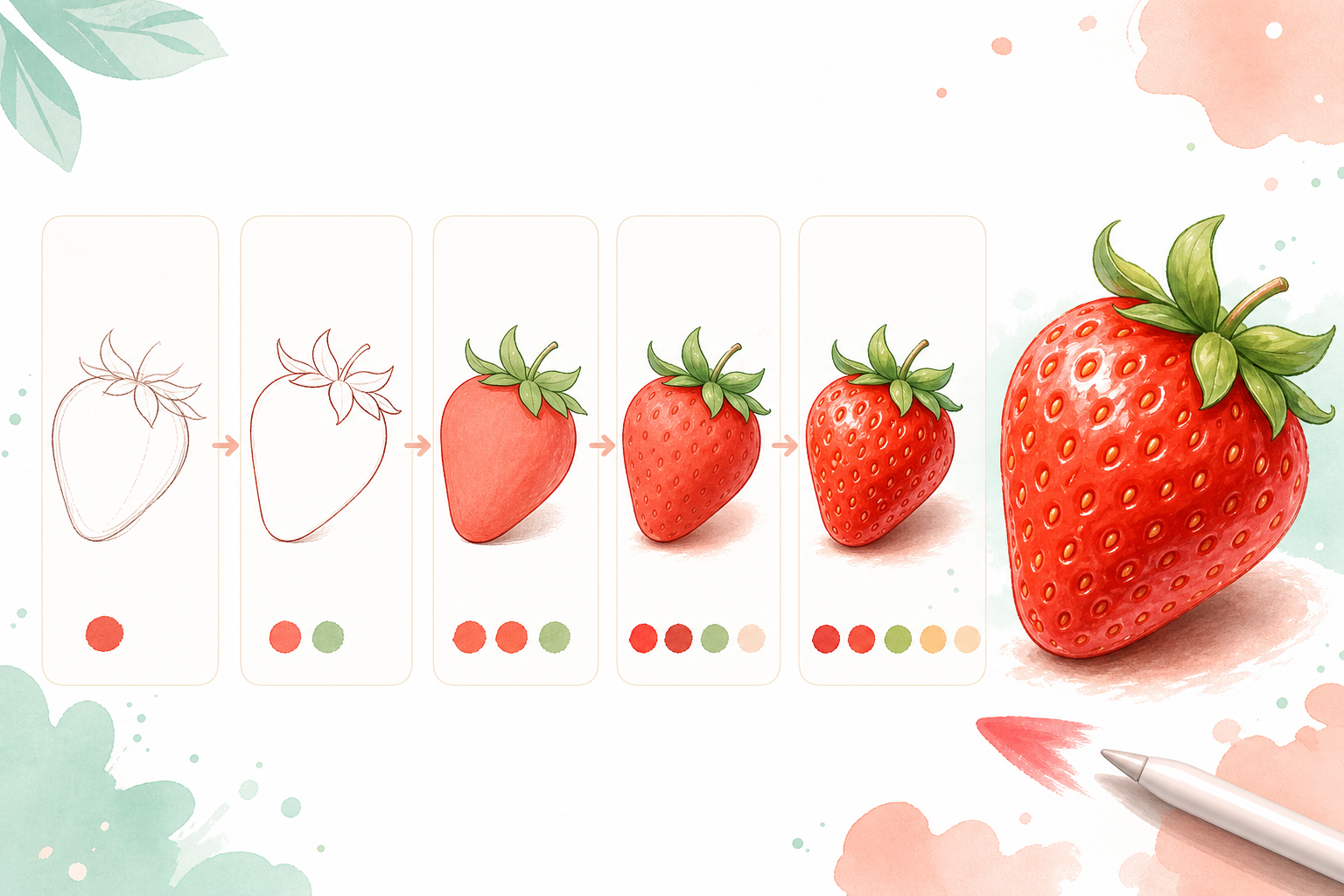
5 Easy Procreate Drawing Ideas for Beginners
Simple Procreate drawing ideas for beginners who want quick iPad practice projects.
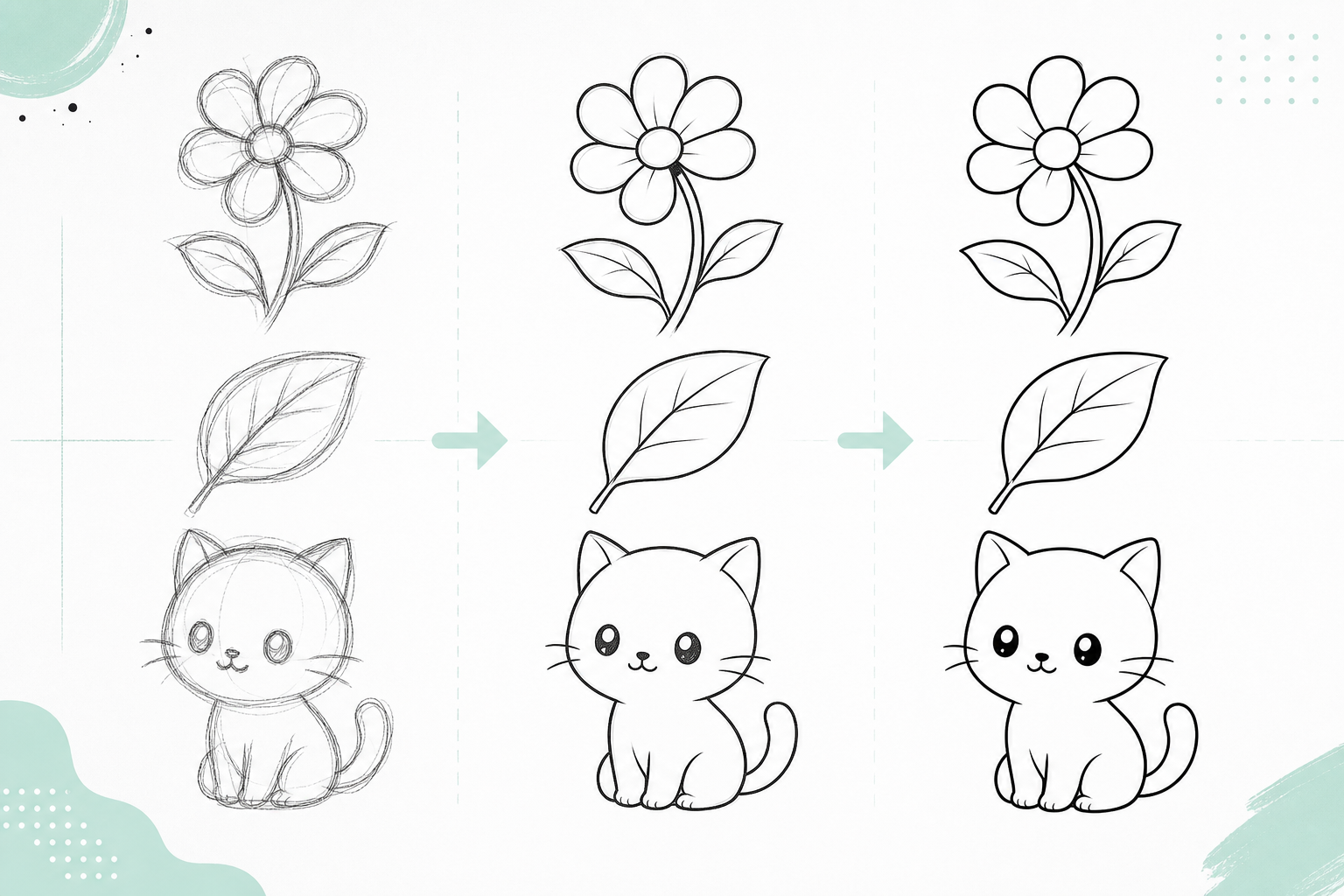
How to Practice Clean Line Art for 10 Minutes a Day
A short daily Procreate line art routine for improving smoother strokes and cleaner outlines.
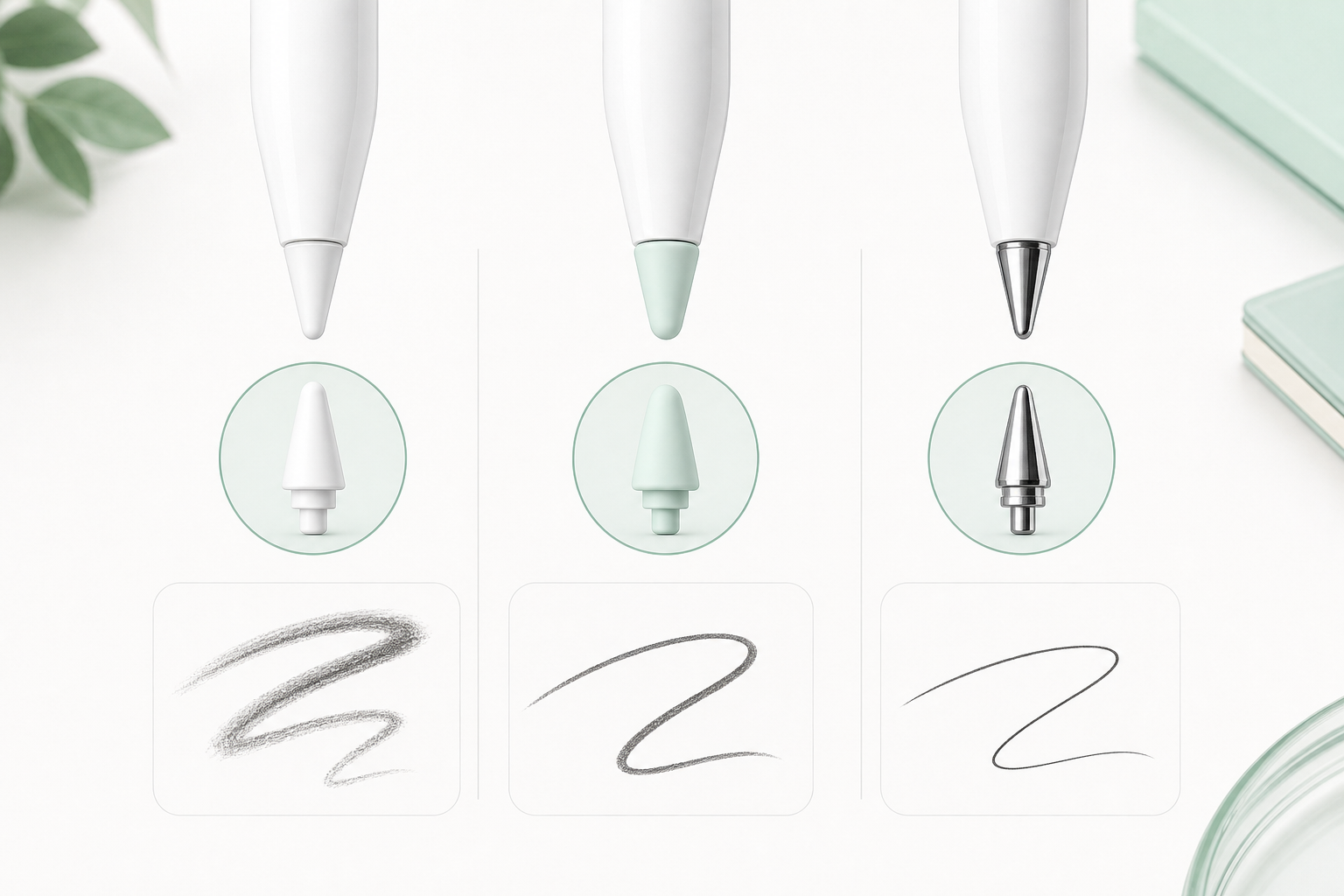
Apple Pencil Tips for Sketching, Line Art, and Coloring
Choose the right Apple Pencil tip feel for sketching, clean line art, coloring, and detailed drawing.
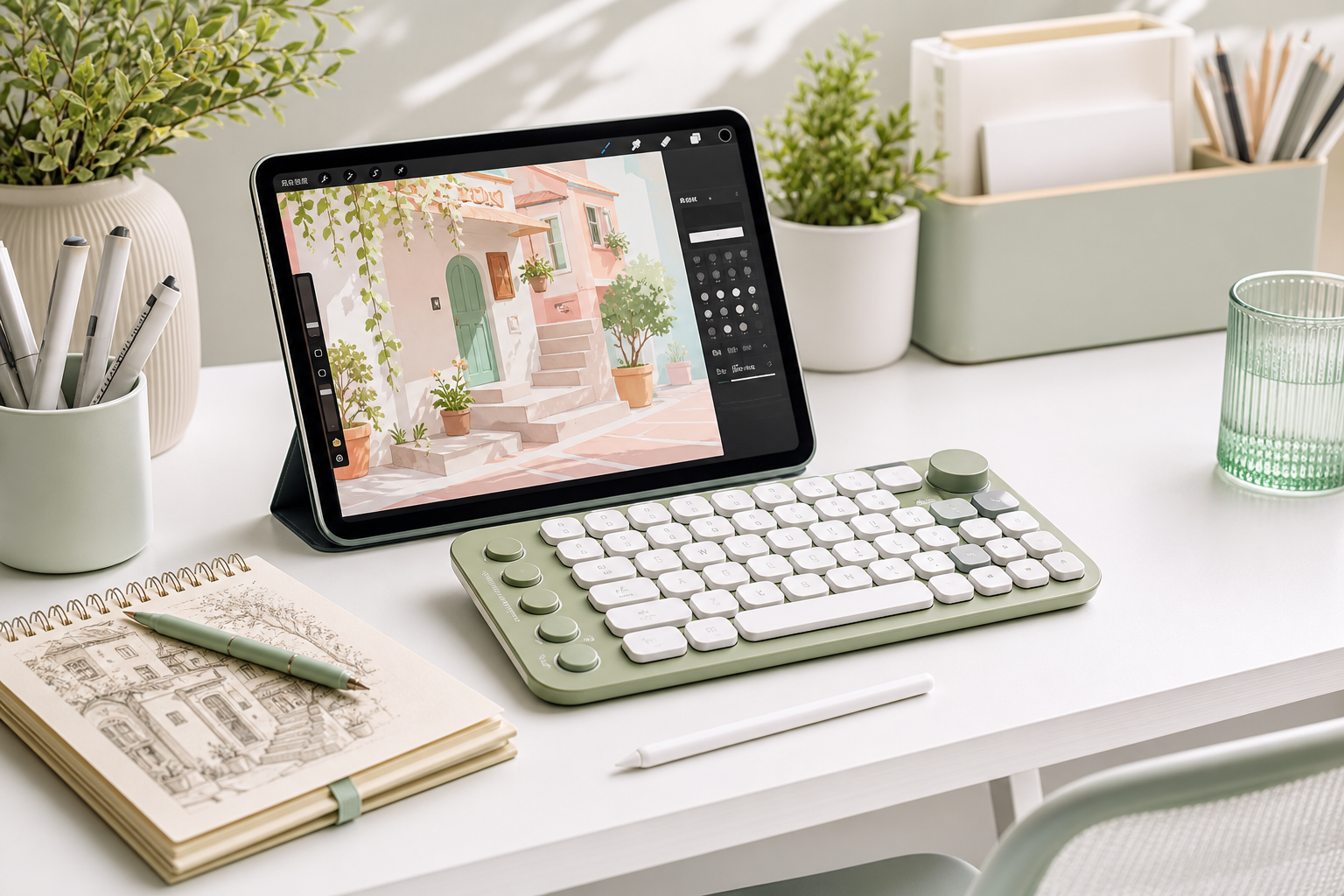
Simple iPad Drawing Setup for Procreate Beginners
A practical beginner iPad drawing setup with Apple Pencil, stand, keyboard shortcuts, and a cleaner workspace.
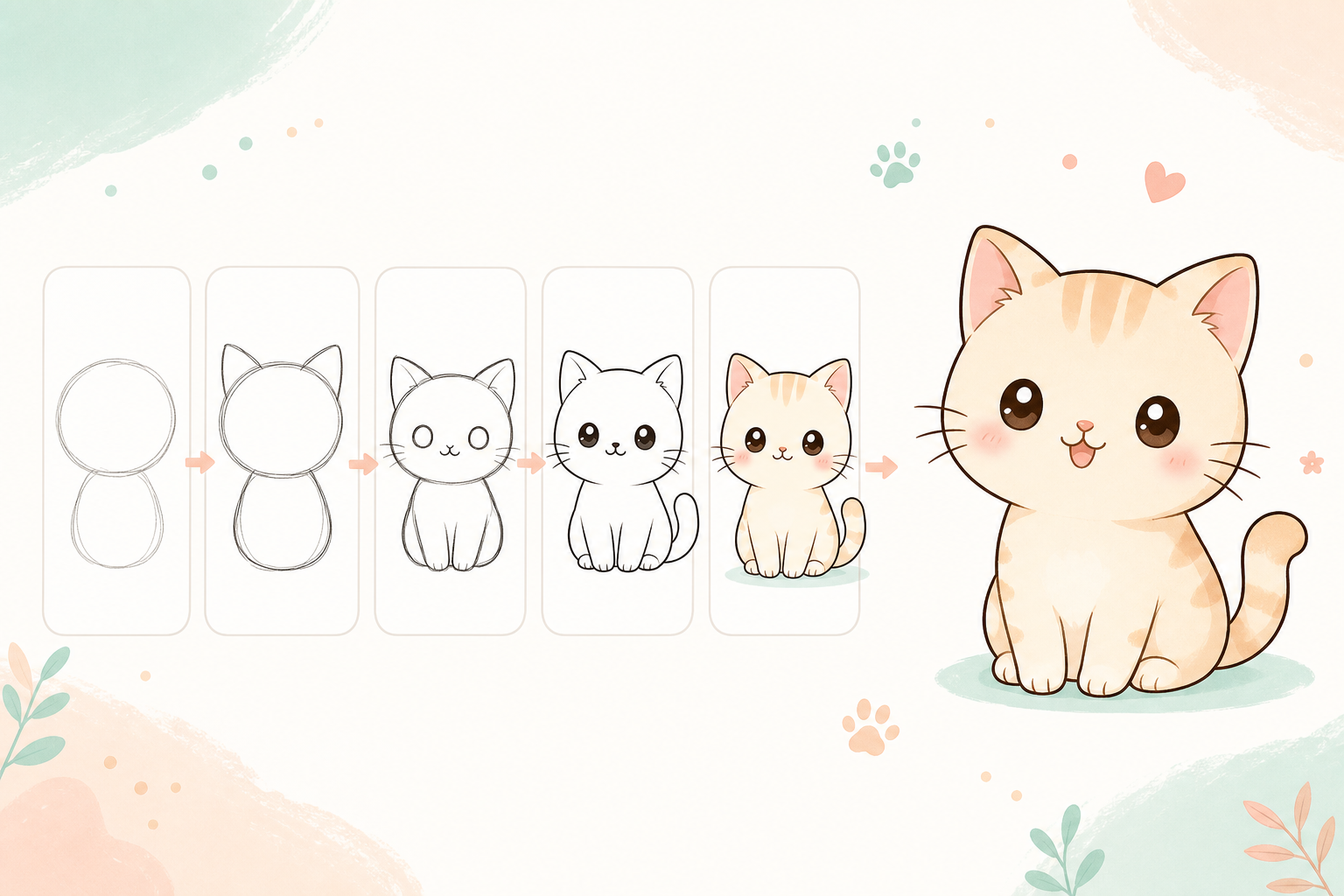
Procreate Beginner Practice Plan: Week One
A simple 7-day Procreate practice plan for beginners learning shapes, line art, color, and shading.