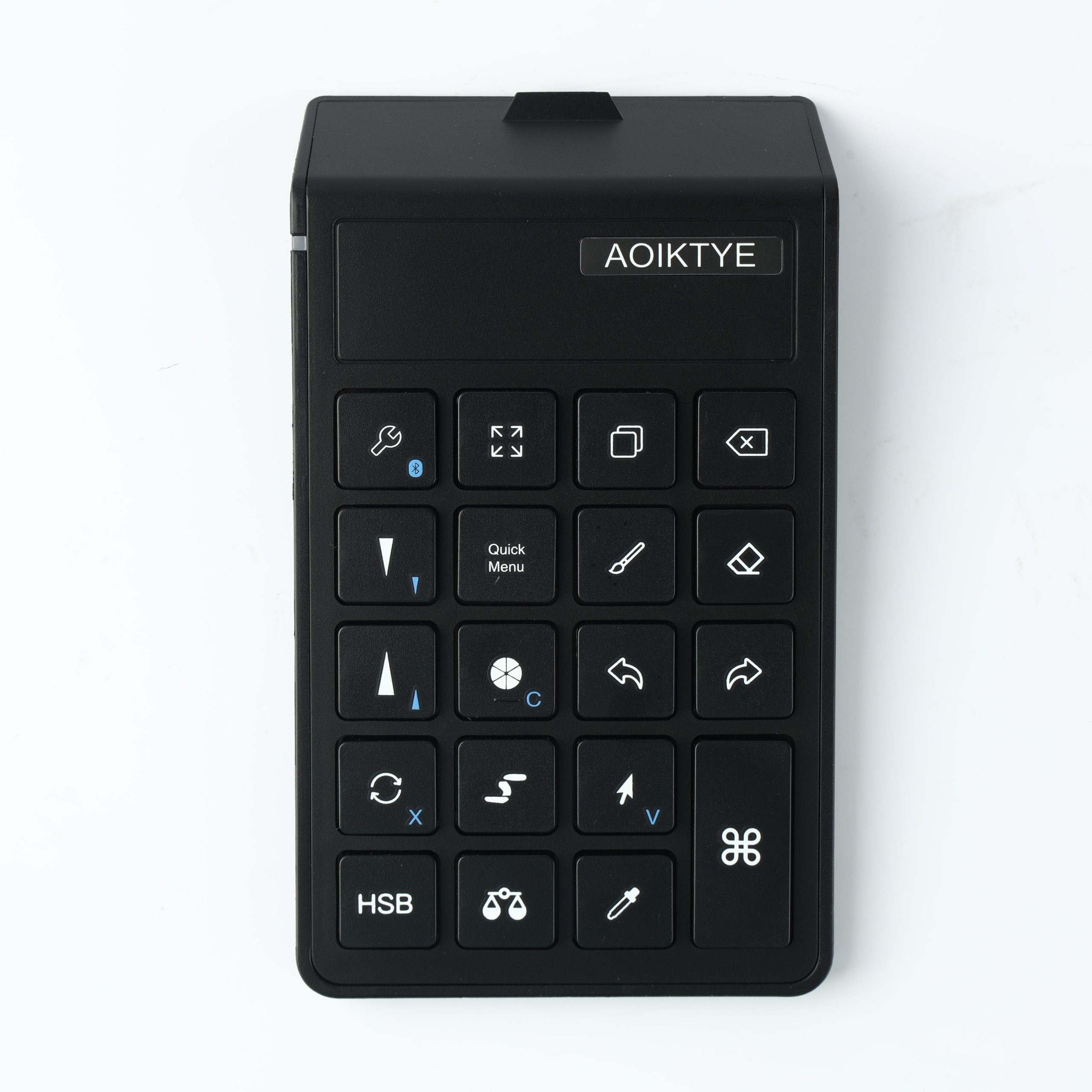
A good iPad drawing setup is not about buying every accessory you see. It is about choosing the few tools that make Procreate feel faster, more comfortable and easier to use every day.
Why Procreate Artists Use Shortcut Keyboards
A Procreate shortcut keyboard is not only for professional illustrators. It is useful for anyone who repeats the same drawing actions again and again.
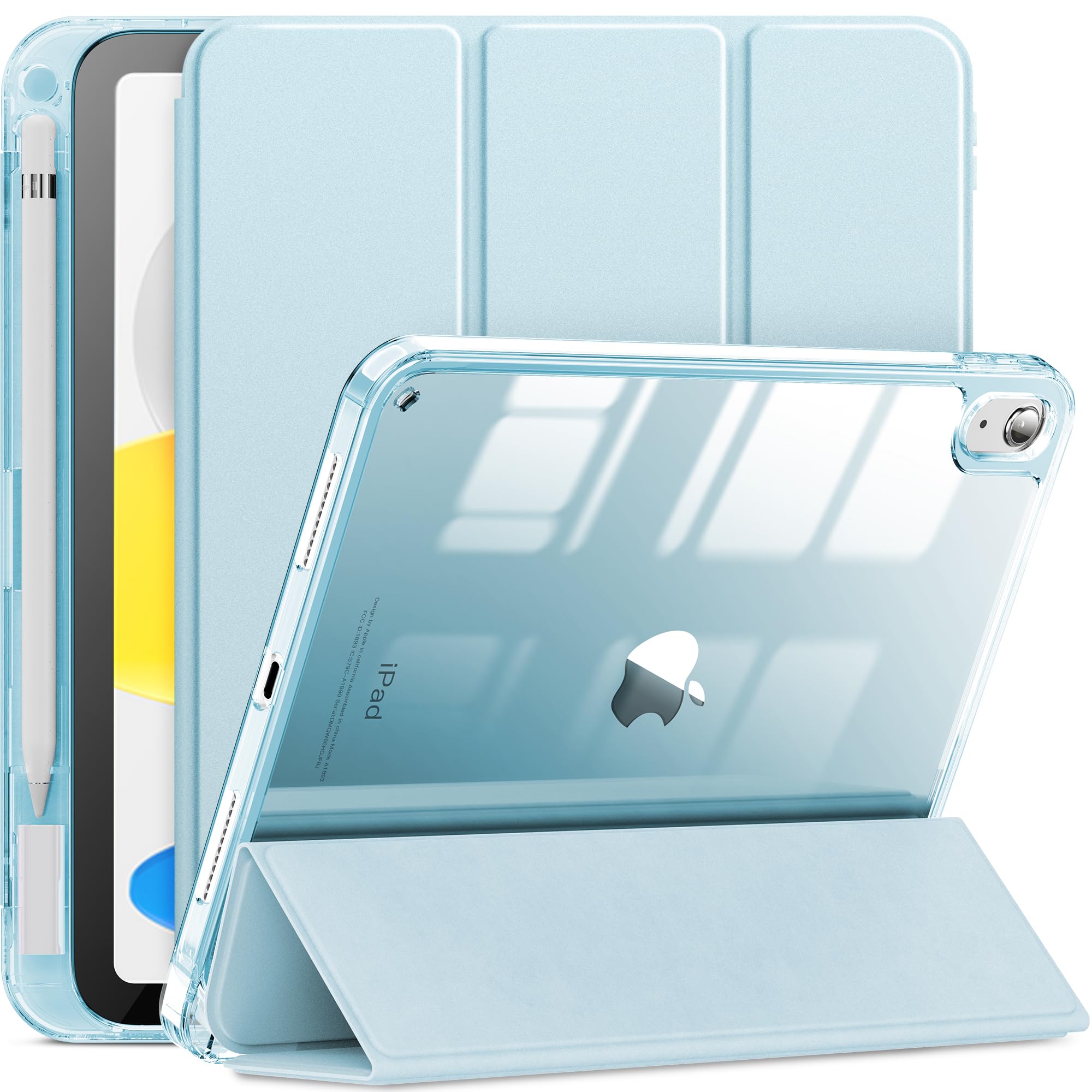
How to Choose an iPad Case for Artists
The best iPad case for artists is different from a normal protective case. Artists need protection, Apple Pencil storage and angles that work for drawing.
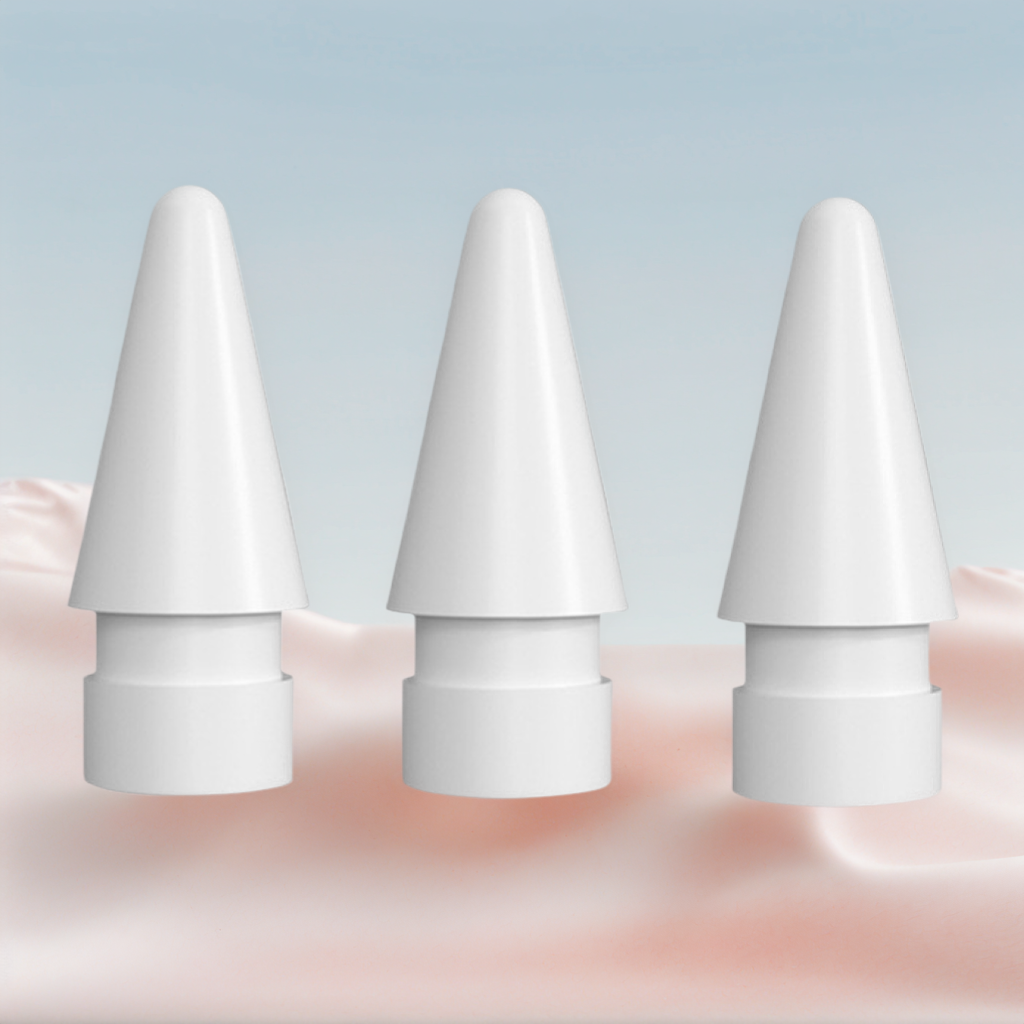
Apple Pencil Tips: When Should You Replace Them?
Apple Pencil tips are small, but they affect how your lines feel. If your strokes feel slippery, scratchy or inconsistent, the tip may be part of the problem.
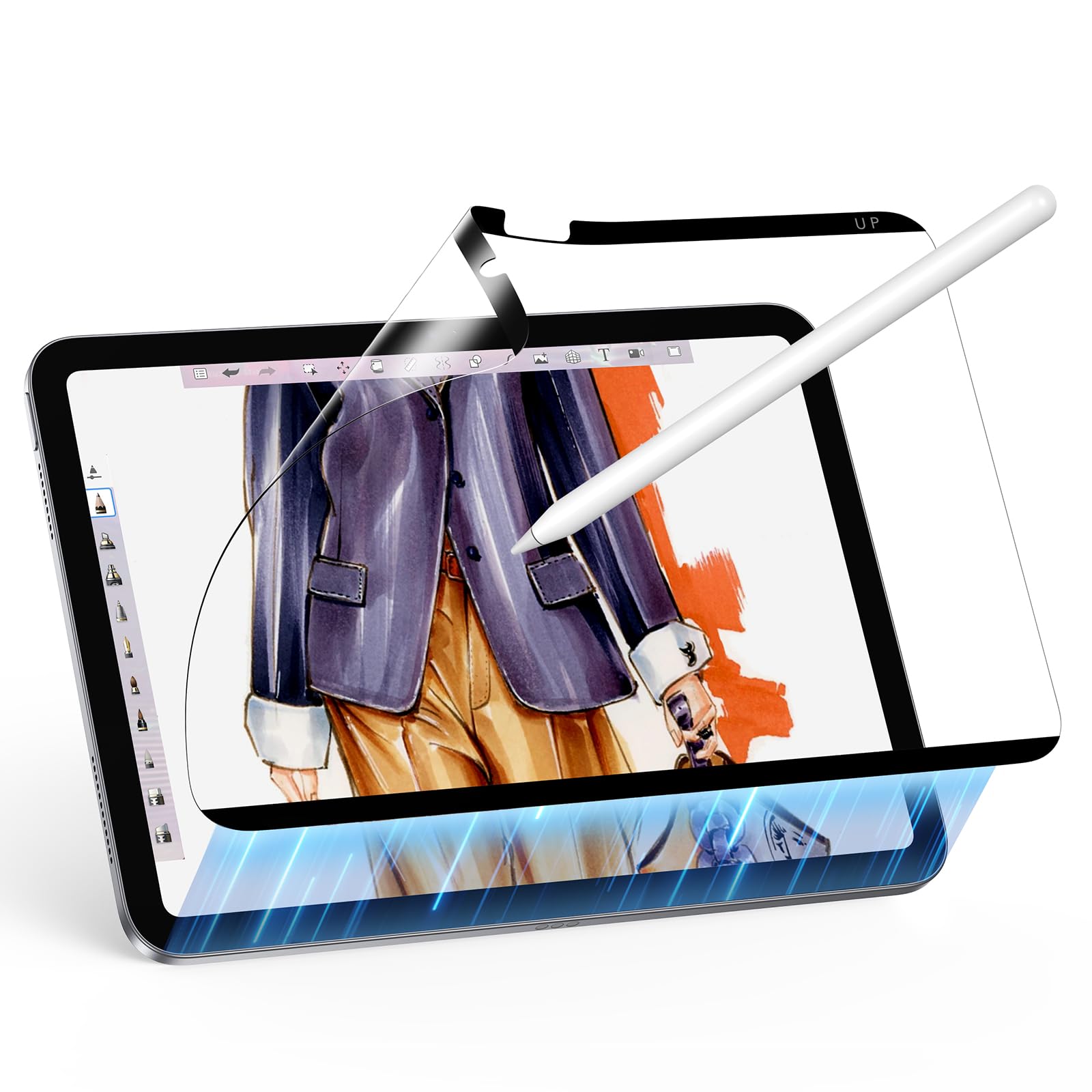
Paper-Feel Screen Protectors for iPad Drawing: Are They Worth It?
A paper-feel screen protector changes the way Apple Pencil moves across glass. For many artists, that texture makes the iPad feel closer to a sketchbook.
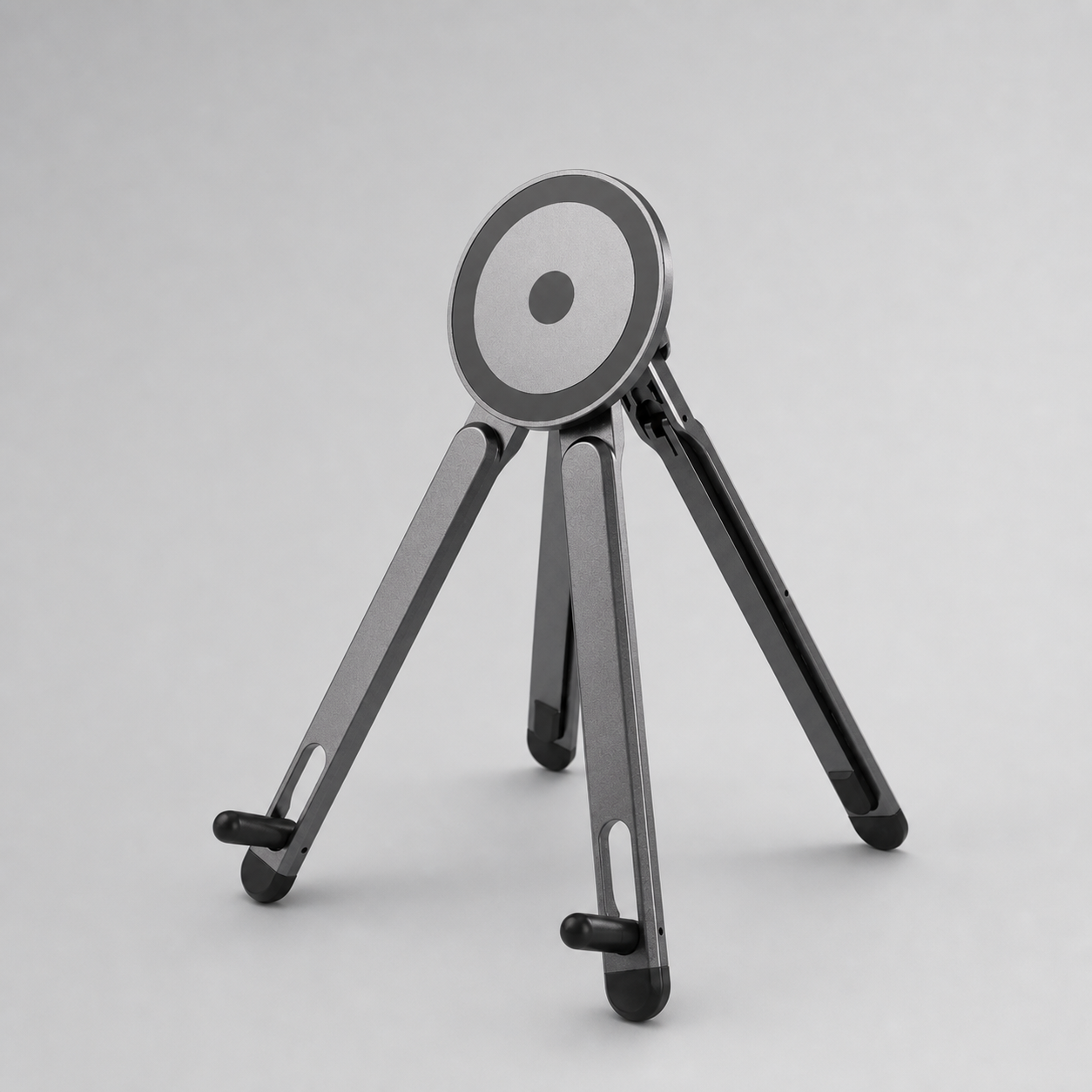
Best iPad Stand Angle for Drawing, Studying and Tutorials
The right iPad stand angle depends on what you are doing: sketching, coloring, typing, watching tutorials or using a second screen.
Cute iPad Setup Ideas for Digital Artists
A cute iPad setup can still be practical. The best setups combine visual style with tools that make drawing, studying and planning easier.
Procreate Keyboard Shortcuts: A Beginner-Friendly Setup
Keyboard shortcuts can make Procreate feel faster, especially when you only learn the commands you use every day.
Gift Ideas for Digital Artists Who Use iPad
Buying a gift for an iPad artist is easier when you think about comfort, protection and workflow instead of only choosing something cute.
iPad Drawing Setup for Students: What to Buy First
Students need an iPad setup that works for drawing, notes, class, travel and small desks. The best first purchases are practical, portable and easy to use.