Procreate Tutorials for iPad Artists
Beginner-friendly drawing tutorials, shortcut keyboard workflow tips, fruit painting practice, Apple Pencil tips, and Procreate ideas for digital artists.
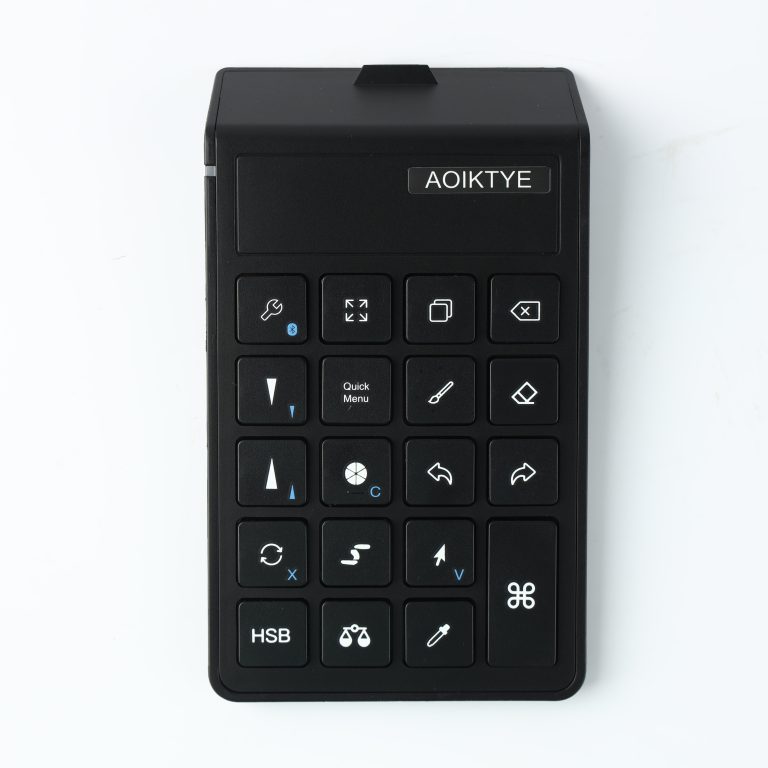 Procreate Workflow: Before and After Using a Shortcut KeyboardSee how a shortcut keyboard changes the Procreate workflow for sketching, cleaning line art, and coloring.
- Is a Shortcut Keyboard Worth It for Procreate?A practical answer for iPad artists deciding whether a Procreate shortcut keyboard is worth buying.
- iPad Drawing Setup With a Shortcut KeyboardBuild a cleaner iPad drawing setup with a shortcut keyboard, Apple Pencil, stand, and simple desk layout.
- Procreate Keyboard Shortcuts That Save Time While DrawingThe Procreate shortcut actions that matter most for faster sketching, line art, coloring, and editing.
- Procreate Shortcut Keyboard for Beginners: What It Actually Helps WithA beginner-friendly guide to using a Procreate shortcut keyboard for undo, redo, brush size, eraser switching, and faster drawing.
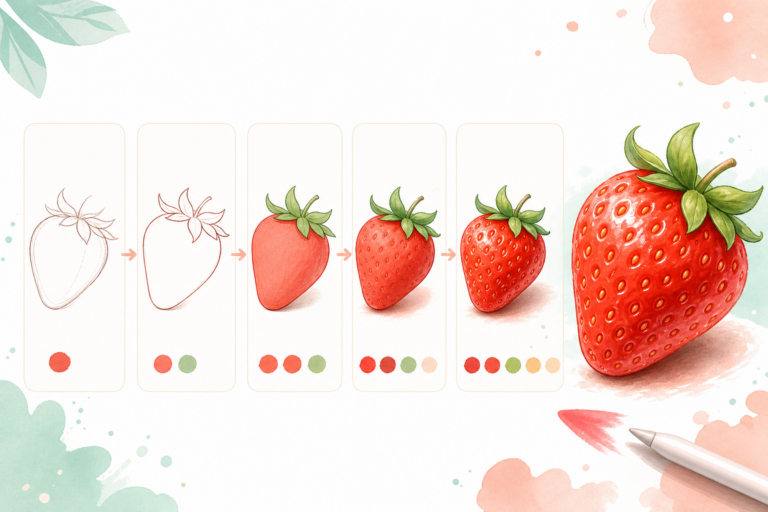 5 Easy Procreate Drawing Ideas for BeginnersSimple Procreate drawing ideas for beginners who want quick iPad practice projects.
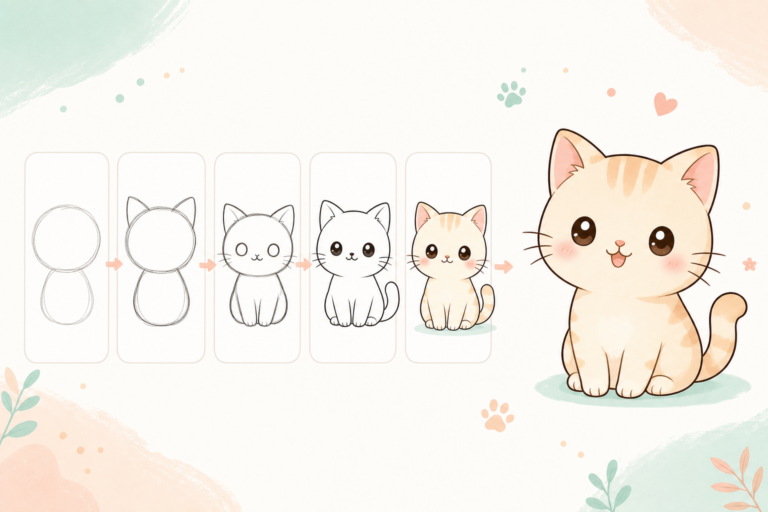 Procreate Beginner Practice Plan: Week OneA simple 7-day Procreate practice plan for beginners learning shapes, line art, color, and shading.
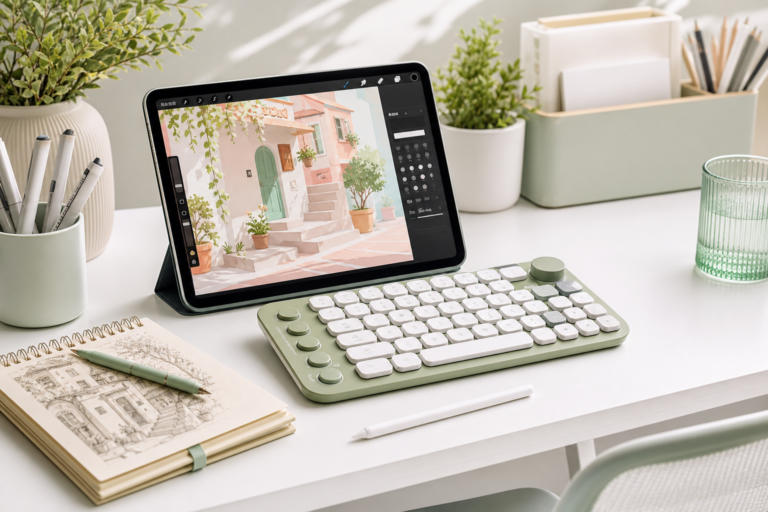 Simple iPad Drawing Setup for Procreate BeginnersA practical beginner iPad drawing setup with Apple Pencil, stand, keyboard shortcuts, and a cleaner workspace.
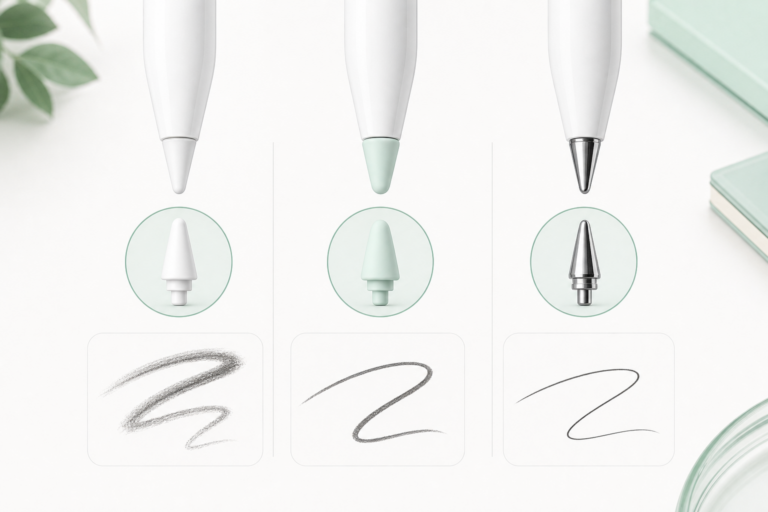 Apple Pencil Tips for Sketching, Line Art, and ColoringChoose the right Apple Pencil tip feel for sketching, clean line art, coloring, and detailed drawing.
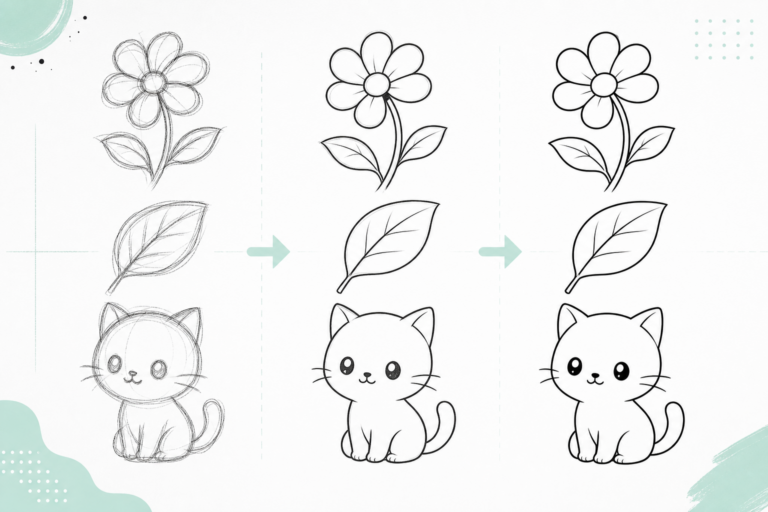 How to Practice Clean Line Art for 10 Minutes a DayA short daily Procreate line art routine for improving smoother strokes and cleaner outlines.
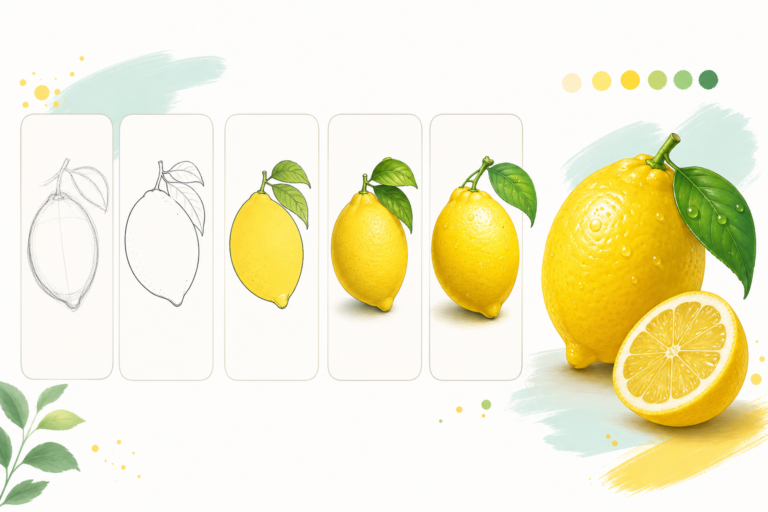 How to Draw a Lemon in ProcreateA bright Procreate fruit tutorial for drawing a lemon with oval construction, peel texture, leaf, slice, and highlights.
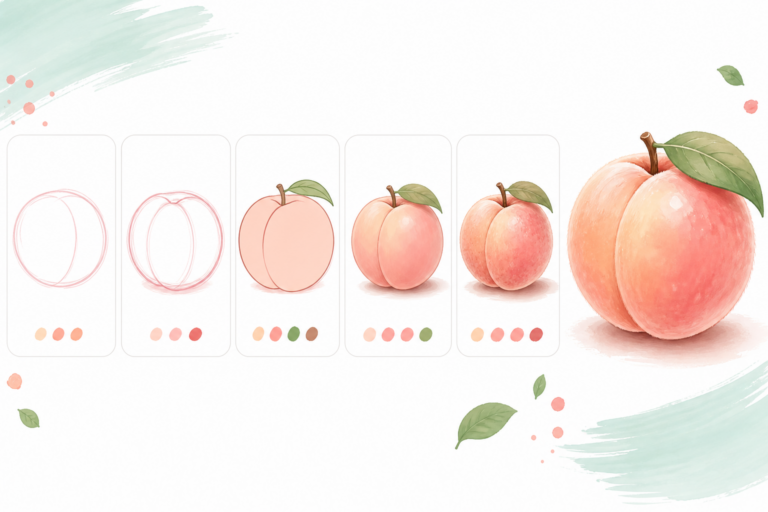 How to Draw a Peach in ProcreateLearn how to draw a soft peach in Procreate using round shapes, warm blush gradients, fuzzy texture, and a leaf detail.
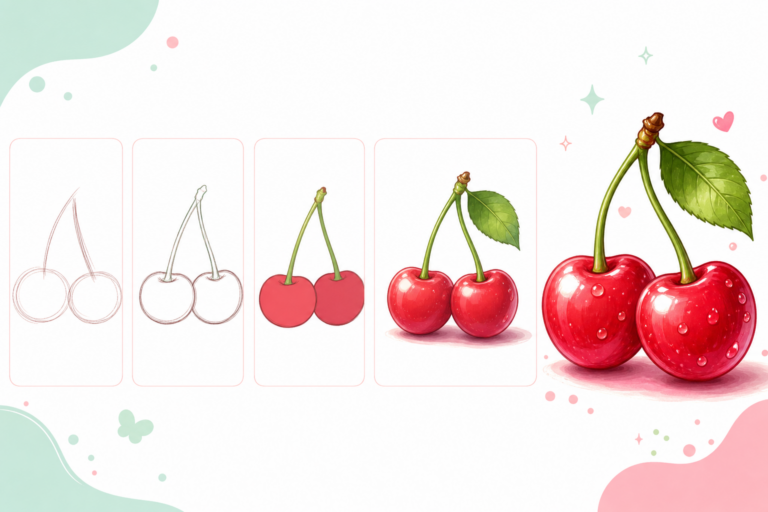 How to Draw Cherries in ProcreateDraw glossy cherries in Procreate with simple circles, curved stems, rich red shadows, and bright highlights.
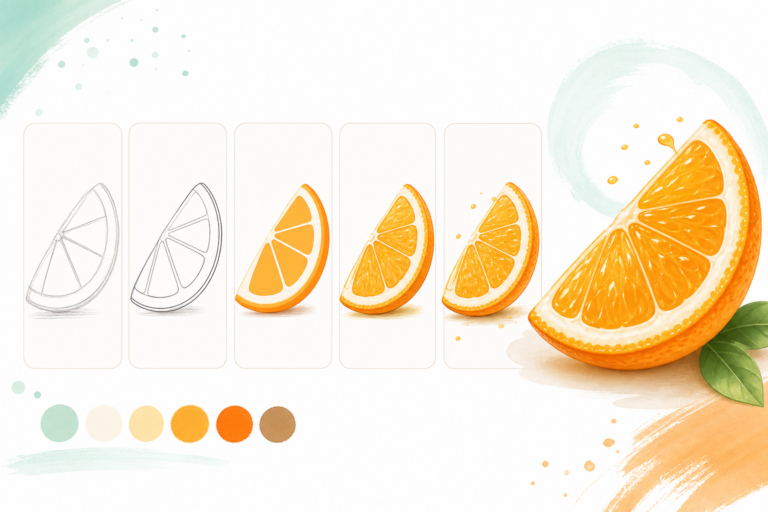 How to Draw an Orange Slice in ProcreateA beginner Procreate tutorial for drawing a juicy orange slice with rind, pulp segments, texture, and soft highlights.
- How to Draw a Strawberry in ProcreateLearn how to draw a glossy strawberry in Procreate with a simple sketch, red gradients, seeds, leaves, and highlights.
- Do You Need a Shortcut Keyboard for Procreate?Learn how a shortcut keyboard can speed up Procreate workflows for undo, brush size, eraser switching, layers, and coloring.
- Apple Pencil Tips for Drawing: Original, Soft, and Metal Tips ComparedCompare Apple Pencil tip styles for Procreate sketching, clean line art, note-taking, and detailed drawing.
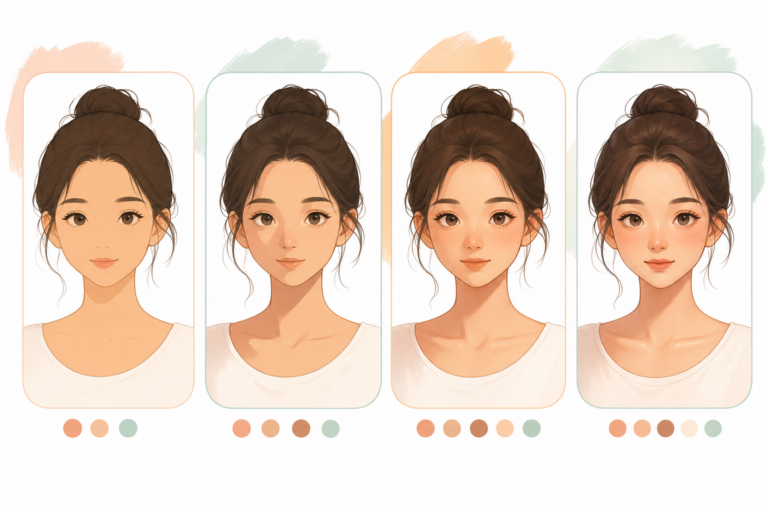 Easy Face Shading in Procreate for BeginnersA simple Procreate face shading workflow using Multiply layers, soft shadows, and subtle highlights.
- How to Get Clean Line Art in Procreate: 7 Beginner TipsMake your Procreate line art cleaner with better layers, sketch opacity, brush stabilization, and confident strokes.
- How to Draw a Cute Cat in Procreate: Easy Beginner TutorialLearn how to draw a cute cat in Procreate using simple shapes, clean line art, soft colors, and beginner-friendly layers.